
015
Self-hosted temporary file and text sharing with one-time links, expiry, password protection, and pickup codes.
Open source alternative to:

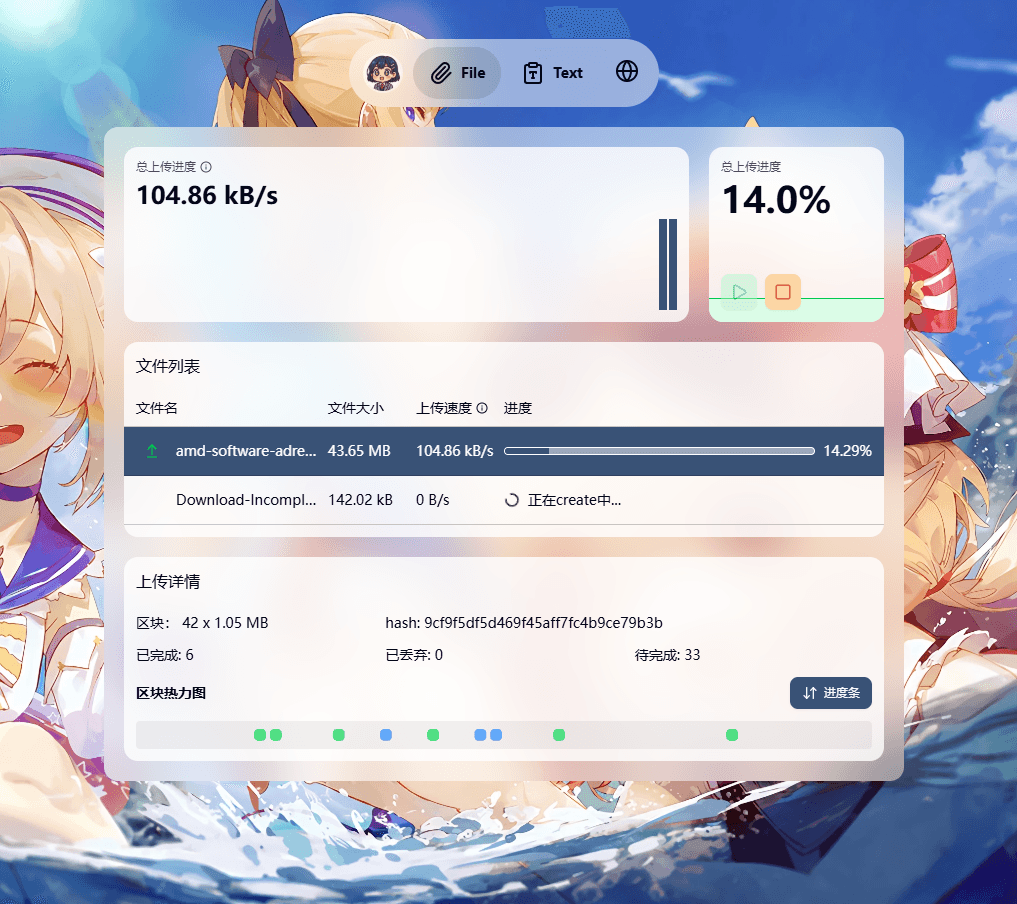
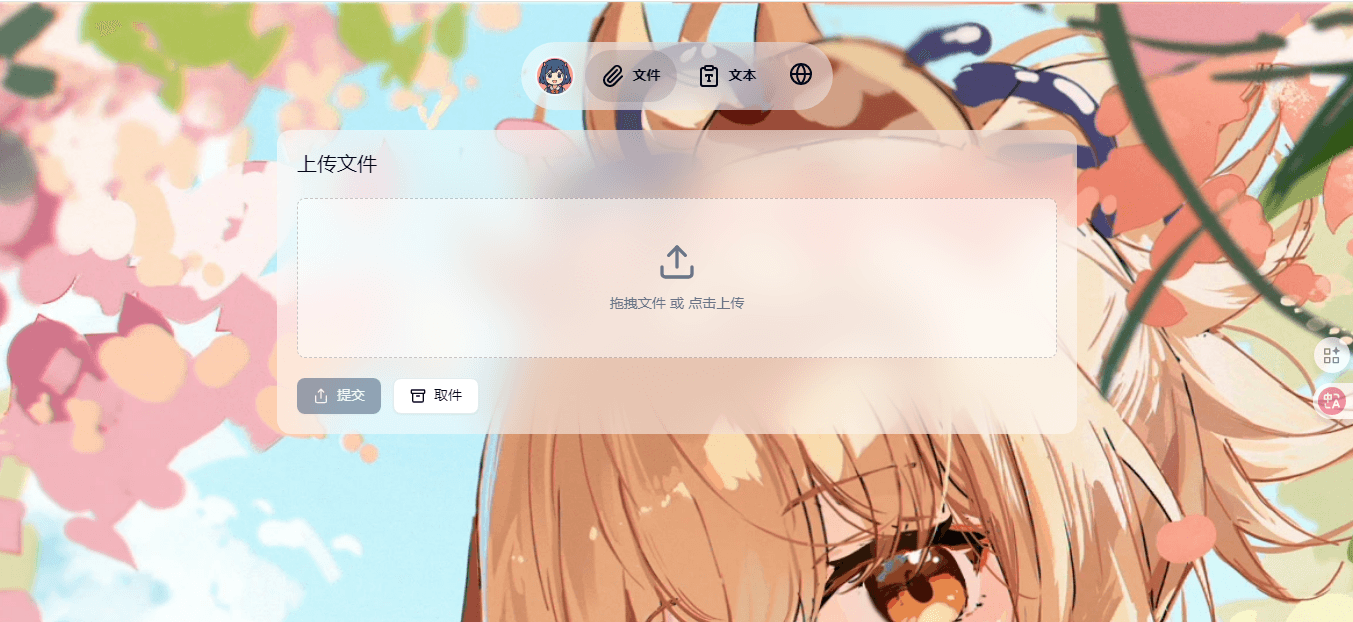
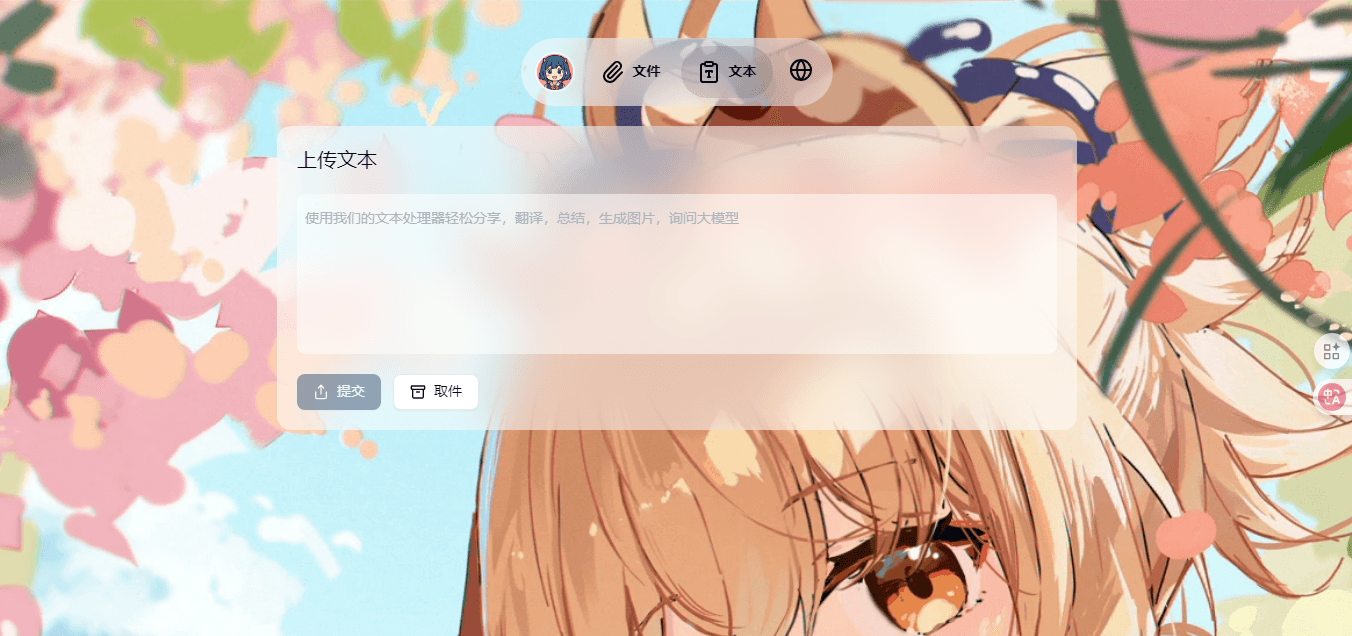
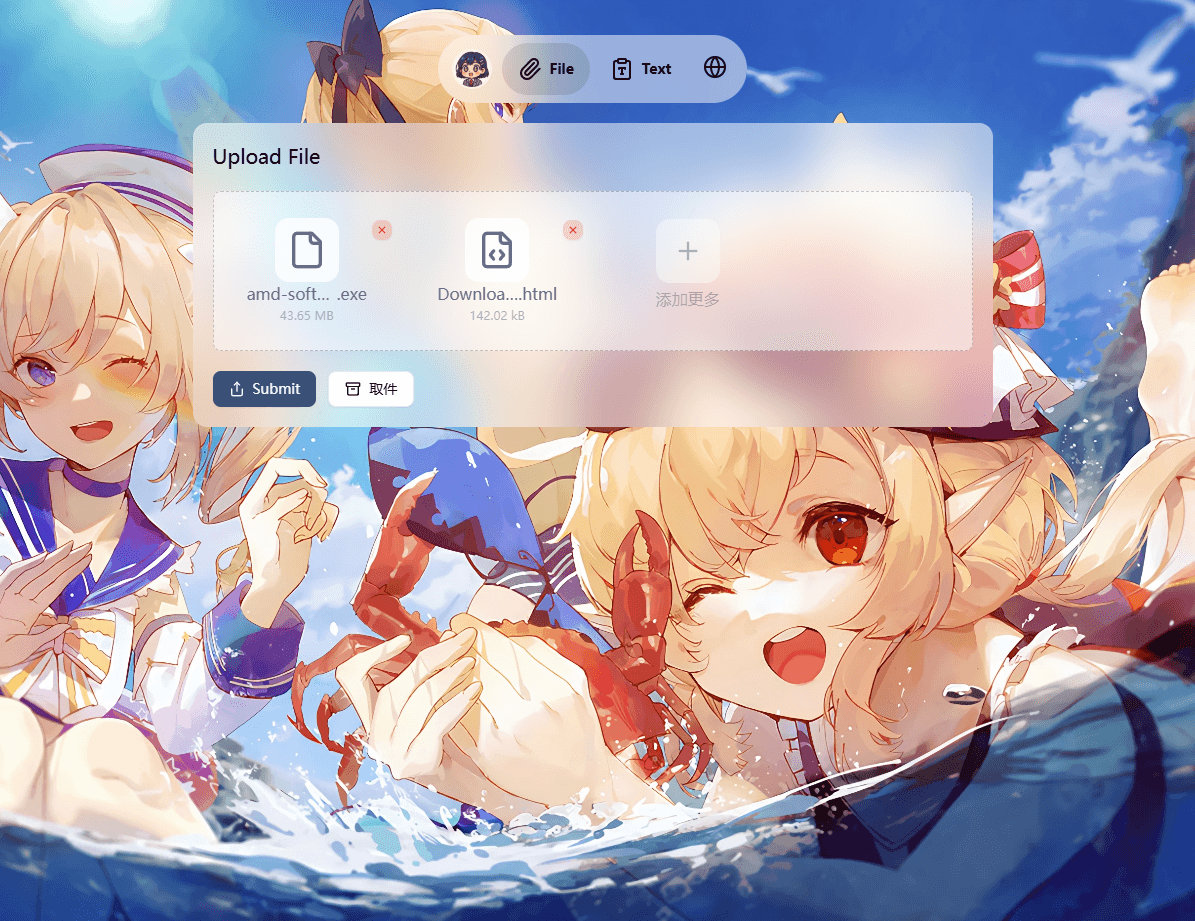
015 is a self-hosted temporary file sharing platform built around one-time links. You upload files or paste text, and 015 returns a share link that can be protected with a password, limited by download count, or set to expire. Short pickup codes make a share easy to pass on verbally or in a chat.
Uploads are chunked and resumable, and the front end hashes files before sending so the server can skip duplicate data when an identical file already exists. A background worker compresses and converts images, while the interface previews images and video inline and shows type and size for everything else. The stack is a Nuxt 4 front end, a Go/Echo API, a Go worker running on Asynq, and Redis for caching and queues, all shipped with a Docker Compose setup.
Compared with WeTransfer or Dropbox links, 015 keeps transfers on your own hardware, has no per-transfer price tiers, and supports share limits and expiry natively. It suits individuals and small teams who want a Send-style drop for temporary transfers rather than long-term cloud storage.
Categories:





Frequently Asked Questions
What share controls can I set on an upload in 015?
Each share can be password protected, capped by a maximum number of downloads, and given an expiry time. 015 also generates short pickup codes so a recipient can retrieve a share without copying a long URL. Share metadata and file information are cached in Redis, which is why it is a required part of the deployment.
Does 015 support large and resumable uploads?
Yes. 015 uploads files in chunks, and if a transfer is interrupted the client asks the backend which chunks are already stored and continues from there. Files are hashed in a Web Worker before upload, so when an identical file already exists on the server 015 can skip the transfer entirely. Administrators can set maximum upload limits in the configuration file.
What do I need to self-host 015?
A Docker host with Docker Compose is enough. You copy config.example.yaml to config.yaml, adjust the settings, and run docker compose up -d; the app is served on port 8080 by default. The deployment needs a Redis instance for sessions, caching, and the task queue, plus disk space for stored files, which are kept on the local filesystem.
Which languages is the 015 interface available in?
The interface ships with Simplified Chinese, Traditional Chinese, English, Japanese, Korean, French, and German translations. Localization covers both the Nuxt front end and backend messages, so error and email text follows the selected language.
How does 015 process images after upload?
An asynchronous worker picks up image jobs from the queue and compresses or converts the uploaded file, so the upload request finishes without waiting for processing. Images and videos are previewed in the browser, while other file types show their format and basic information.
OpenAltFinder Score
Project Details
Repository details
Updated 11/18/2026, 4:01:00 AM
View RepositoryGet the latest open source alternatives delivered weekly.
Discover tools that give you freedom from proprietary software.
Compare 015 with
Similar open source alternatives

Cloudreve
Self-hosted file management and sharing platform that unifies local disk and multiple cloud storage providers behind one web interface.
 Dropbox
syncspirit
Continuous peer-to-peer file synchronization that speaks the Syncthing BEP protocol and needs no cloud account.
Dropbox
Paperless-ngx
Self-hosted document management system with OCR, full-text search, and automatic tagging for your paper documents.
 Google Drive

SafeBucket
Self-hosted file sharing platform with direct S3 uploads, SSO, and role-based access control.
Dropbox
Syncthing
Continuous file synchronization program that syncs files directly between your devices — no cloud required.
Dropbox
OpenCloud
OpenCloud is an open-source platform for file management, sharing, and team collaboration. It's easy to deploy, fully self-hostable, and built for modern, privacy-first workflows.
Google Drive