CADCraft
Open-source AutoCAD-style 2D CAD in Rust — command line, DXF/DWG, layers, dimensions and plotting.
Open source alternative to:




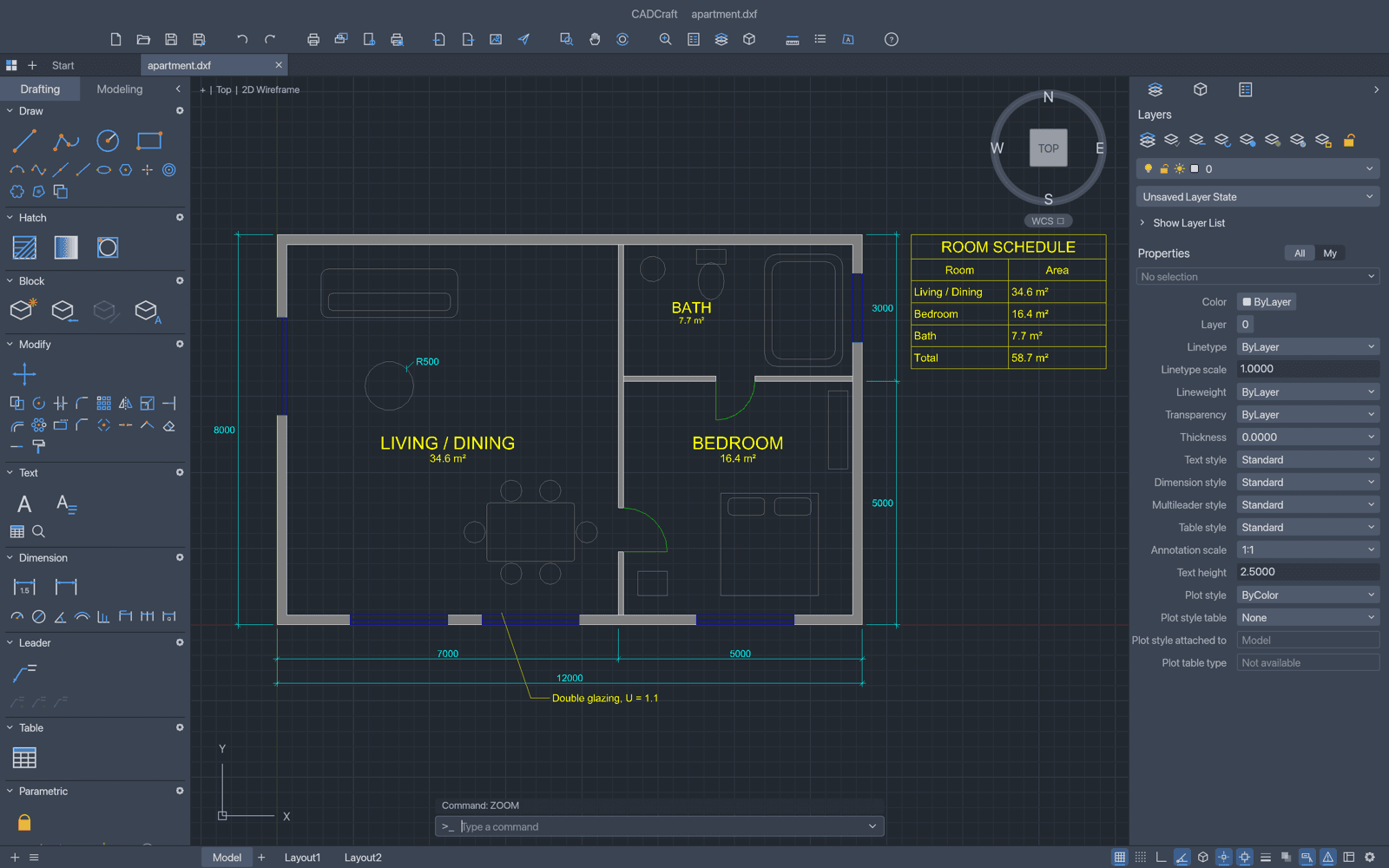
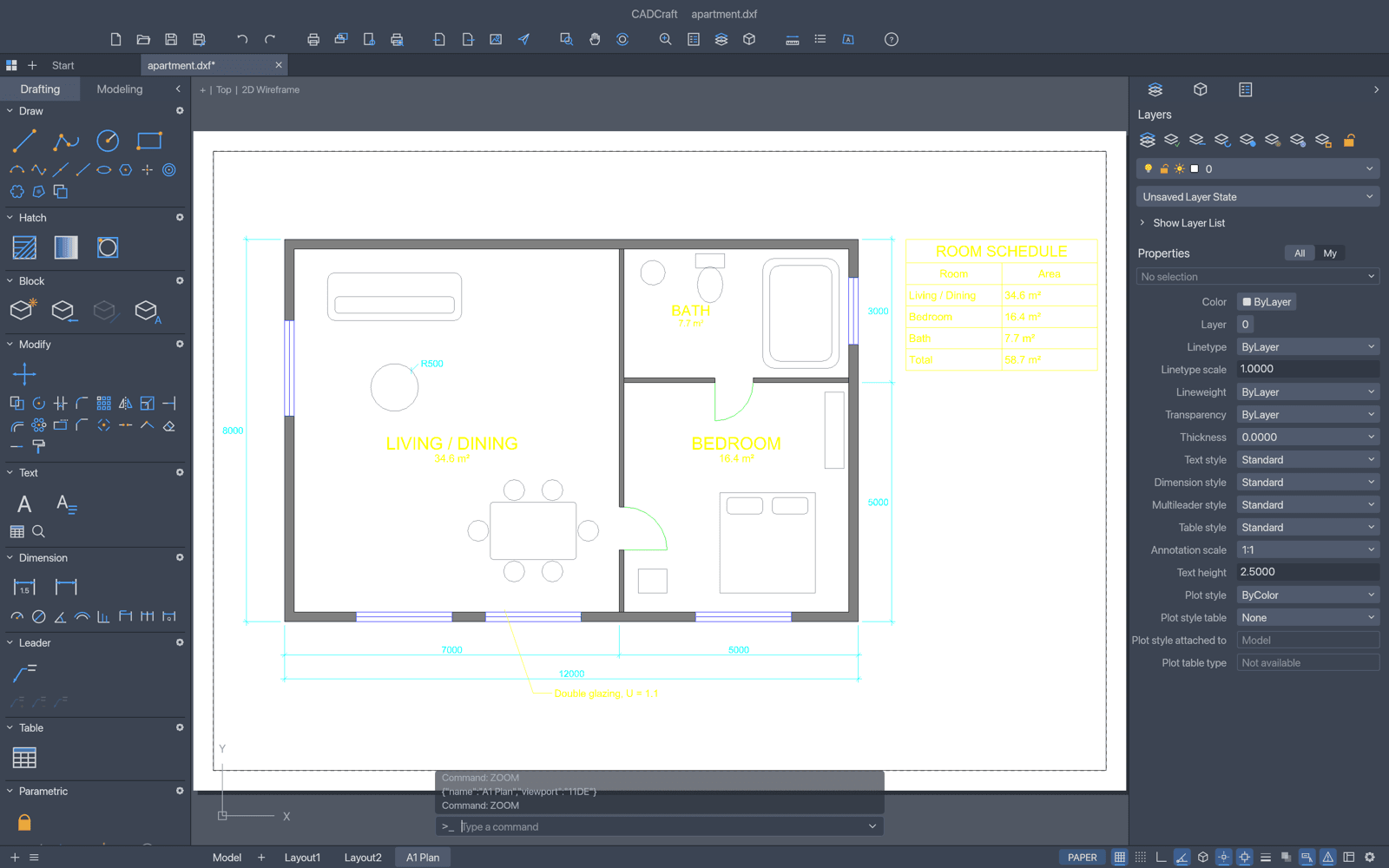
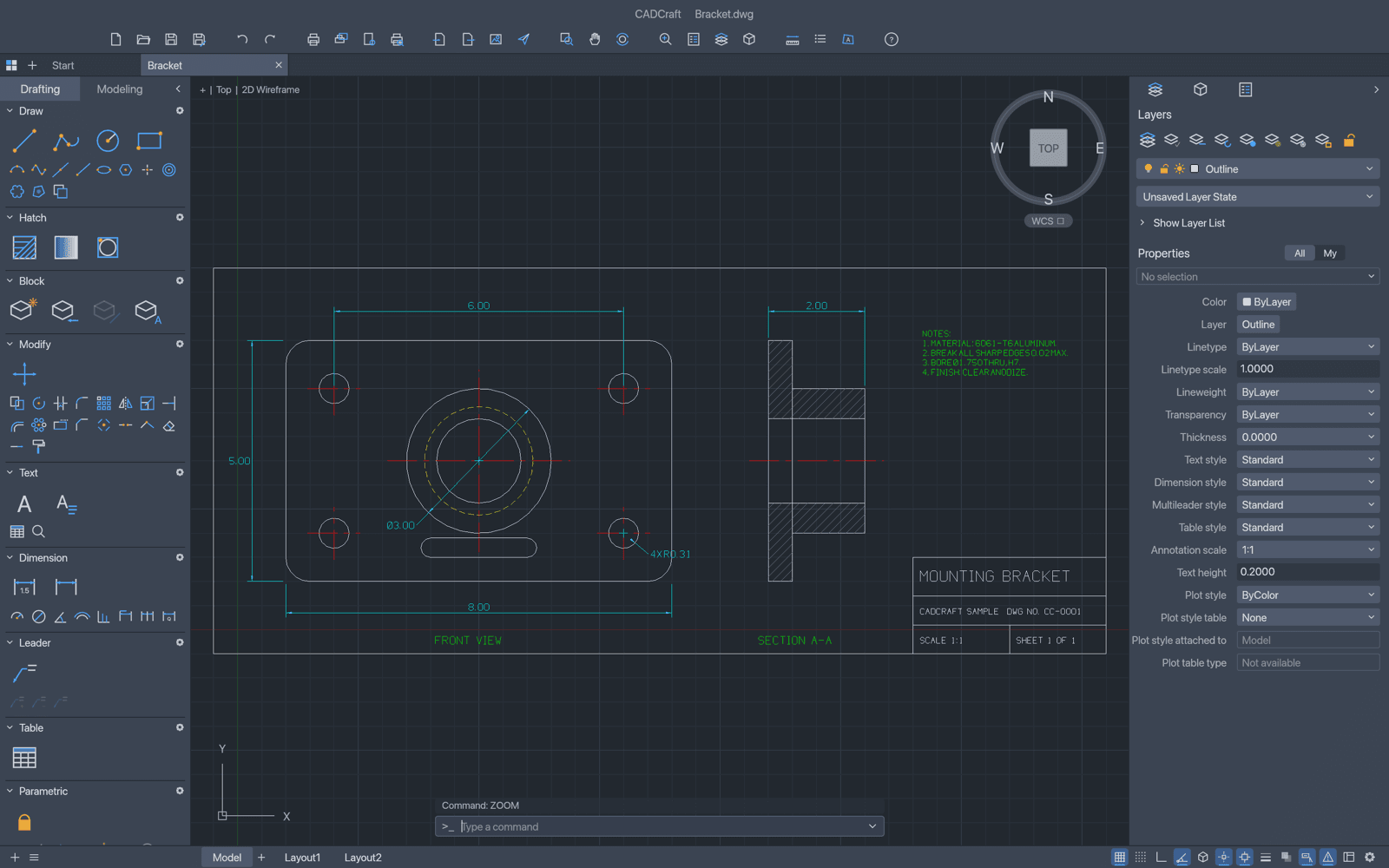
CADCraft is a free, open-source rebuild of the Autodesk AutoCAD workflow in pure Rust: the command line with clickable [Keywords], AutoComplete and aliases, object snaps, polar tracking, ortho, grips and right-click-to-repeat, all behaving the way decades of drafting habit expect. Type L, click two points, type @5<45 — it runs natively on macOS, Windows, Linux and FreeBSD and in the browser via WebAssembly, with no account and no subscription.
It opens and saves real drawings: DXF (R12–2018, ASCII and binary) is read and written natively, and DWG files (R13–2018) open and save through the open-source acadrust library. The command set covers draw, modify and precision tools (LINE, PLINE, TRIM, FILLET, OFFSET, ARRAY, OVERKILL and the rest), a Layers palette with its Layer Properties Manager, associative dimensions with every arrowhead and full DIMSTYLE variables, MLEADER, TABLE, MTEXT formatting codes, pick-point hatching with islands, and BLOCK/INSERT with attributes and nested blocks. Paper-space layouts with viewports and page setups plot to PDF, and SVG and PNG export is built in. Parametric geometric and dimensional constraints re-solve after every edit, including AUTOCONSTRAIN and ground expressions in PARAMETERS.
CADCraft is built for agents as much as people: every menu item and tool is a command, and agents can type at the prompt, call commands with JSON, inspect the drawing to verify their work and render it — over an MCP server (cadcraft-cli mcp), a JSON control channel or the cadcraft-cli tools (info, convert, run). It is in early development and says so loudly, publishing measured parity numbers in its ROADMAP, but for drafting you'd otherwise pay AutoCAD or BricsCAD subscriptions for, it is fast, native and free.
Categories:
Build with:

Frequently Asked Questions
Which platforms does CADCraft run on?
CADCraft runs natively on macOS, Windows, Linux and FreeBSD, and in the browser through a WebAssembly build. There are code-signed Windows installers for x64, x86 and Arm CPUs, a signed and notarized universal macOS app, Linux packages and a static web build.
Which file formats can CADCraft open and save?
DXF (R12 through 2018, ASCII and binary) is read and written natively, including dimension styles, associativity, tables and constraints. DWG files (R13 through 2018) open and save through the open-source acadrust library. It plots to PDF and exports SVG and PNG. Entities CADCraft does not model yet are not kept on save.
How does CADCraft handle AutoCAD fonts and SHX files?
It uses the TrueType, OpenType and TTC fonts installed on your system, and any TTF/OTF/TTC font you add works in text styles. SHX fonts are not read yet: text in an SHX style is drawn with CADCraft's own single-stroke drafting font, and characters the font lacks fall back to installed fonts via the FONTALT and FONTFALLBACK settings.
Can scripts or AI agents use CADCraft?
Yes — that is a design goal. Every command is JSON-callable over an MCP server, a JSON control channel or the cadcraft-cli tool (info, convert, run, commands). MCP tools include command_line, execute, inspect_drawing, query_entities and render, so an agent can draw, inspect and render exactly as a person would.
Which interface languages does CADCraft support?
Eight: English, Ukrainian, Brazilian Portuguese, German, Spanish, Czech, Russian and French. You can switch live in the interface, and the app remembers either an auto system-language choice or your pick.
OpenAltFinder Score
Project Details
Repository details
Updated 10/12/2026, 4:00:17 AM
View Repository CADCraft vs Open CAD Studio