
Dashloom
Self-hosted product intelligence workspace that unifies traffic, revenue, and infrastructure metrics with BYOK AI agents and reports.
Open source alternative to:



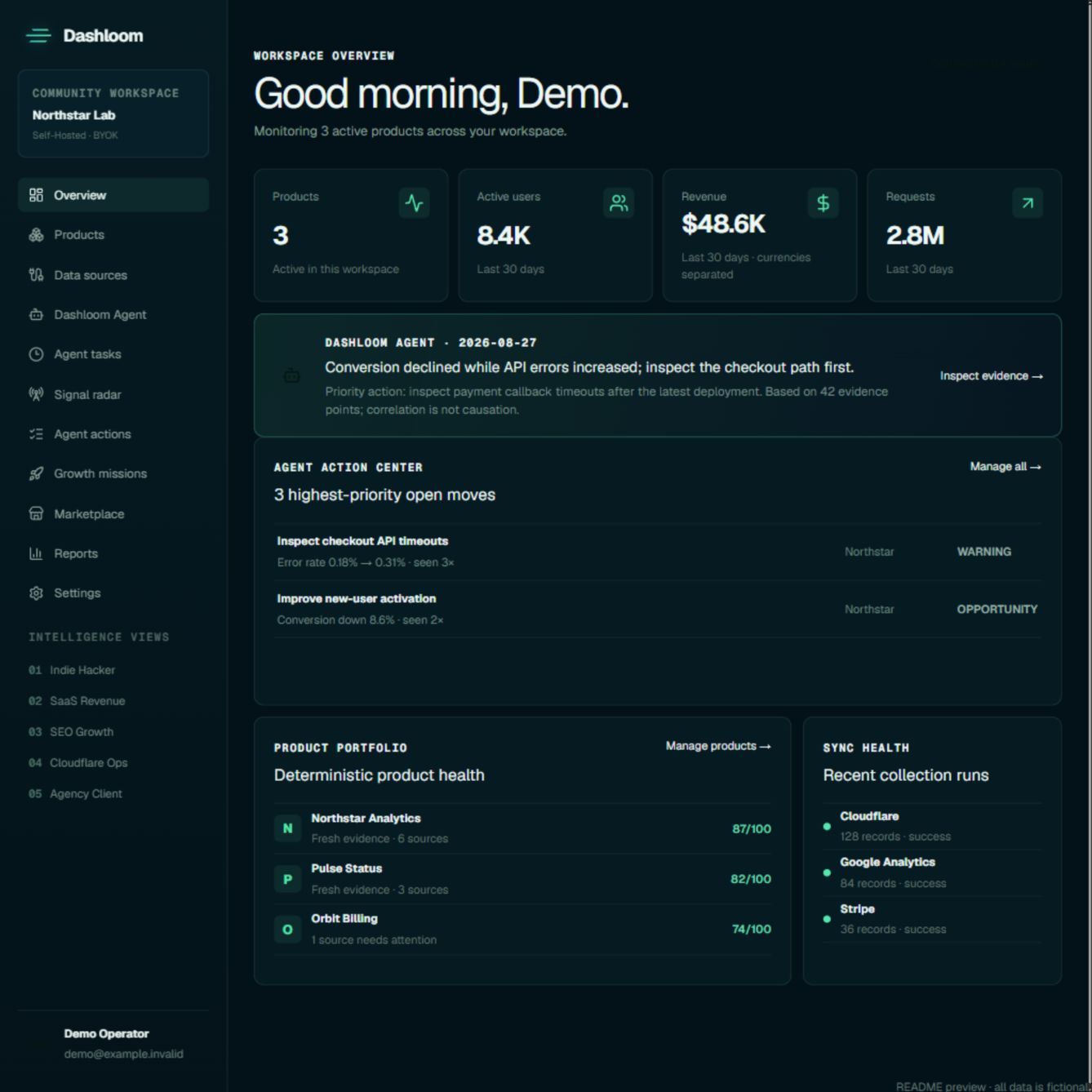
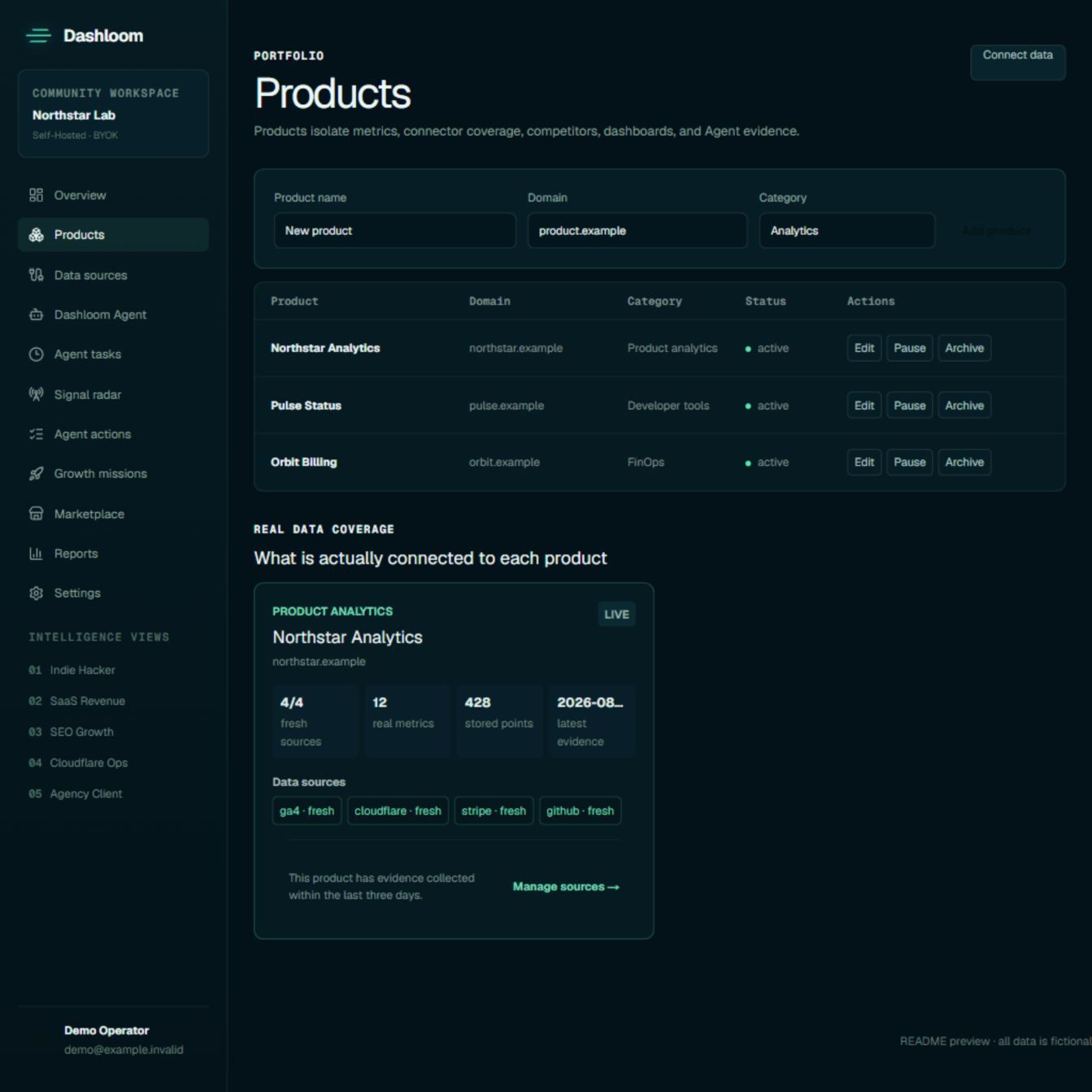
Dashloom is a self-hosted product intelligence workspace for people who operate one digital product or a portfolio of them. It pulls traffic, revenue, search, and infrastructure metrics into a single place: Google Analytics and Search Console, Bing Webmaster, Stripe, Lemon Squeezy, Creem, Polar, Paddle, Cloudflare Workers, R2, Pages and Queues, GitHub, Vercel, guided Cloudflare D1 aggregates, custom REST endpoints, and a metric ingestion API. Each product keeps its own connectors, goals, competitors, dashboards, agent analyses, actions, and schedules.
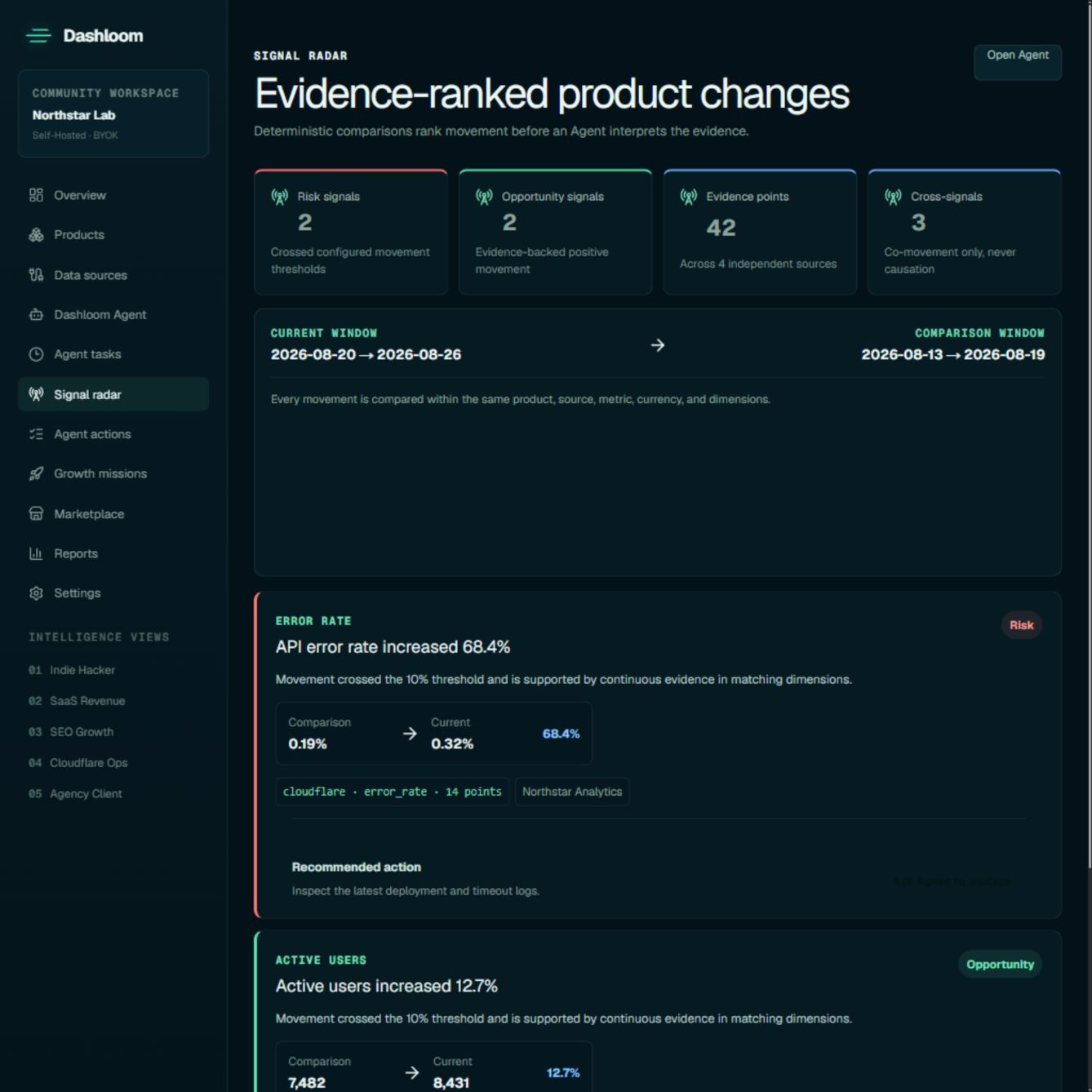
On top of that data, Dashloom calculates comparable metrics first and then asks a specialist agent to explain the movement, with every conclusion linked back to the evidence it used. Five specialists cover indie hacker portfolios, SaaS revenue, SEO growth, infrastructure operations, and agency client reporting. Findings can become tracked actions or Growth Missions with a frozen baseline, target, owner, and deadline. Signal Radar surfaces period-over-period changes, successful analyses can be turned into saved dashboards, and dashboards can be scheduled as reports or shared through read-only links.
Compared with Databox, Geckoboard, or Klipfolio, the difference is ownership: Dashloom is MIT-licensed and runs on infrastructure you control, either on Cloudflare Workers with D1 or as Next.js on Vercel or AWS backed by Cloudflare Remote D1 or Supabase PostgreSQL. The AI layer is BYOK — you connect an OpenAI-compatible model and credentials are encrypted server-side, so there is no managed model allowance to buy. In exchange you handle deployment, upgrades, backups, email delivery, and scheduled jobs, and there is no official Docker image.
Categories:






Frequently Asked Questions
Which data sources can Dashloom connect to?
Dashloom ships connectors for Google Analytics and Search Console, Bing Webmaster Tools, Stripe, Lemon Squeezy, Creem, Polar, and Paddle on the revenue side, and for Cloudflare Workers, R2, Pages, and Queues, GitHub, and Vercel under Infrastructure and delivery. You can also pull guided read-only aggregate queries from a Cloudflare D1 database, import normalized metric rows manually, connect a custom REST endpoint, or push data through the ingestion API.
Which AI models does the Dashloom Agent work with?
The community edition is BYOK only: you add an OpenAI-compatible provider in Settings and pick the model to use. Dashloom encrypts the provider credential with CREDENTIALS_ENCRYPTION_KEY before storing it in your application database, and model keys are never included in portable exports. No Dashloom subscription or managed model allowance is required to run agents.
Can I share a dashboard without giving someone an account?
Yes. Any saved dashboard view can be published as a read-only link, and the viewer does not need a Dashloom account. The link exposes only the metrics frozen in that view, the current and previous seven-day periods, and workspace branding. Tokens are stored as SHA-256 hashes, links expire after 30 days by default with a 90-day maximum, and owners or administrators can revoke them at any time. For recurring client work, agency client portals add a named client boundary instead.
Does Dashloom have an API for sending custom metrics?
Yes. The HTTP ingestion endpoint accepts normalized metric rows, between 1 and 1000 per request, authenticated with a product-scoped or workspace-scoped key. Only the SHA-256 hash of each key is stored, so the plaintext cannot be recovered after creation. There is also a TypeScript SDK and a Connector Worker example for custom sources; if your service is easier to poll than to push from, a Custom REST metric connector writes to the same evidence layer.
What does it take to self-host Dashloom?
You need Node.js 22.13 or newer and npm 10 or newer, plus either a Cloudflare account for the Workers and D1 path or a Node.js host with Supabase PostgreSQL on the Vercel or AWS path. Local setup copies .dev.vars.example, requires two generated secrets for authentication and credential encryption, then applies Drizzle migrations to a local D1 database and runs npm run dev. Production adds remote D1 migrations through Wrangler, or a Supabase project and pooled PostgreSQL connection.
OpenAltFinder Score
Project Details
Get the latest open source alternatives delivered weekly.
Discover tools that give you freedom from proprietary software.