
Unleash
Open-source feature management platform for feature flags, gradual rollouts, kill switches, and A/B testing on your own infrastructure.
Open source alternative to:





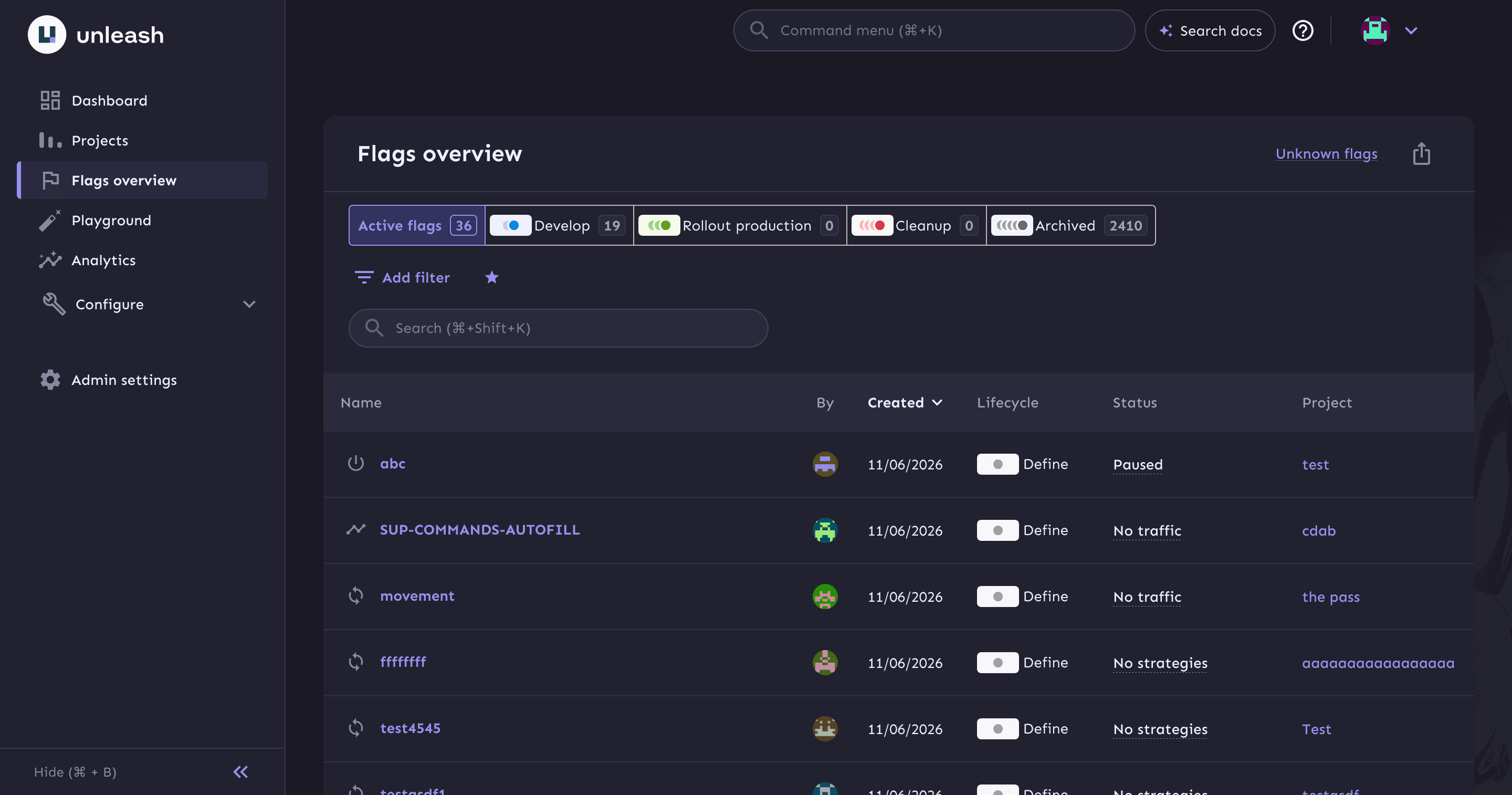
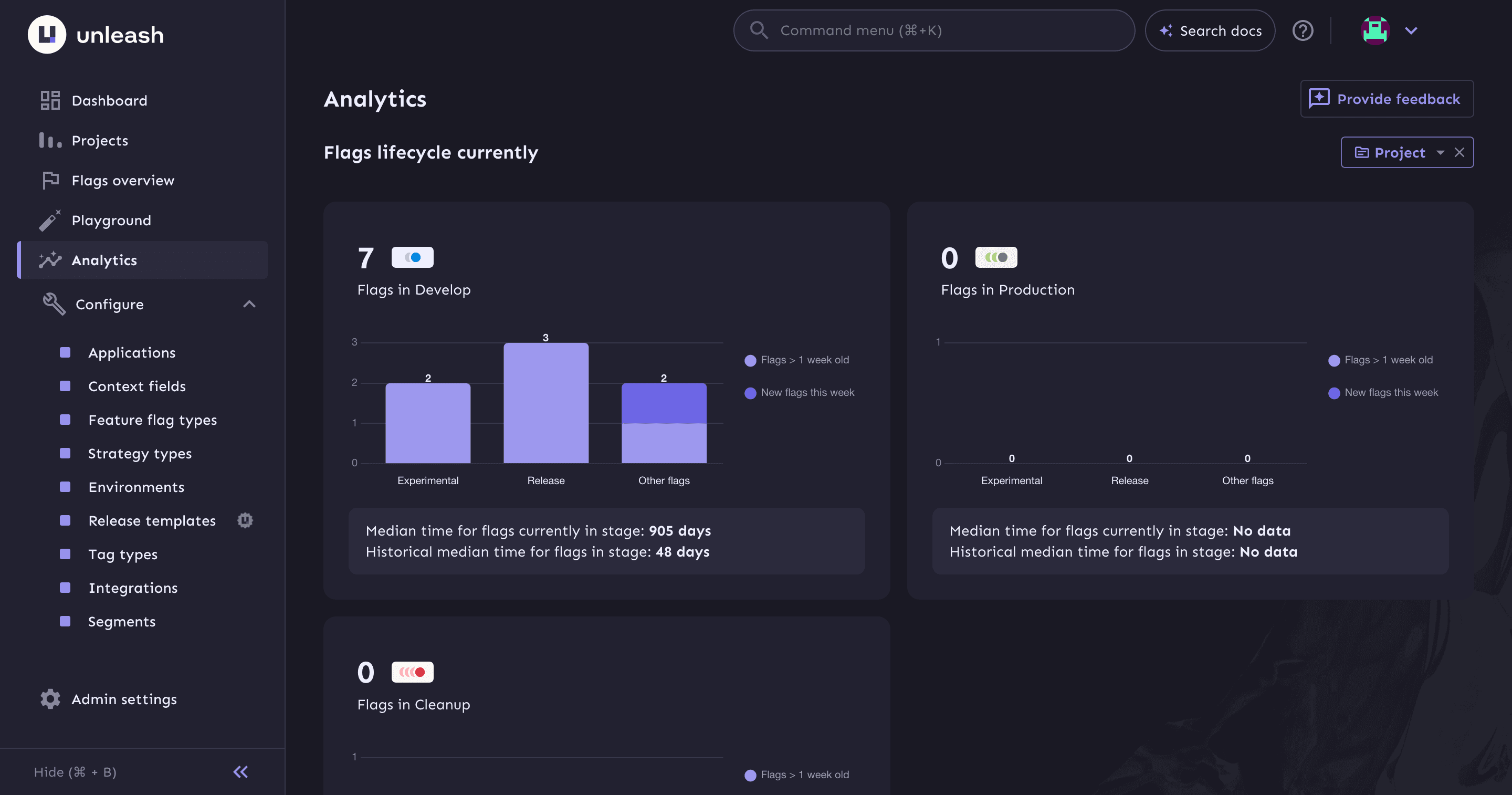
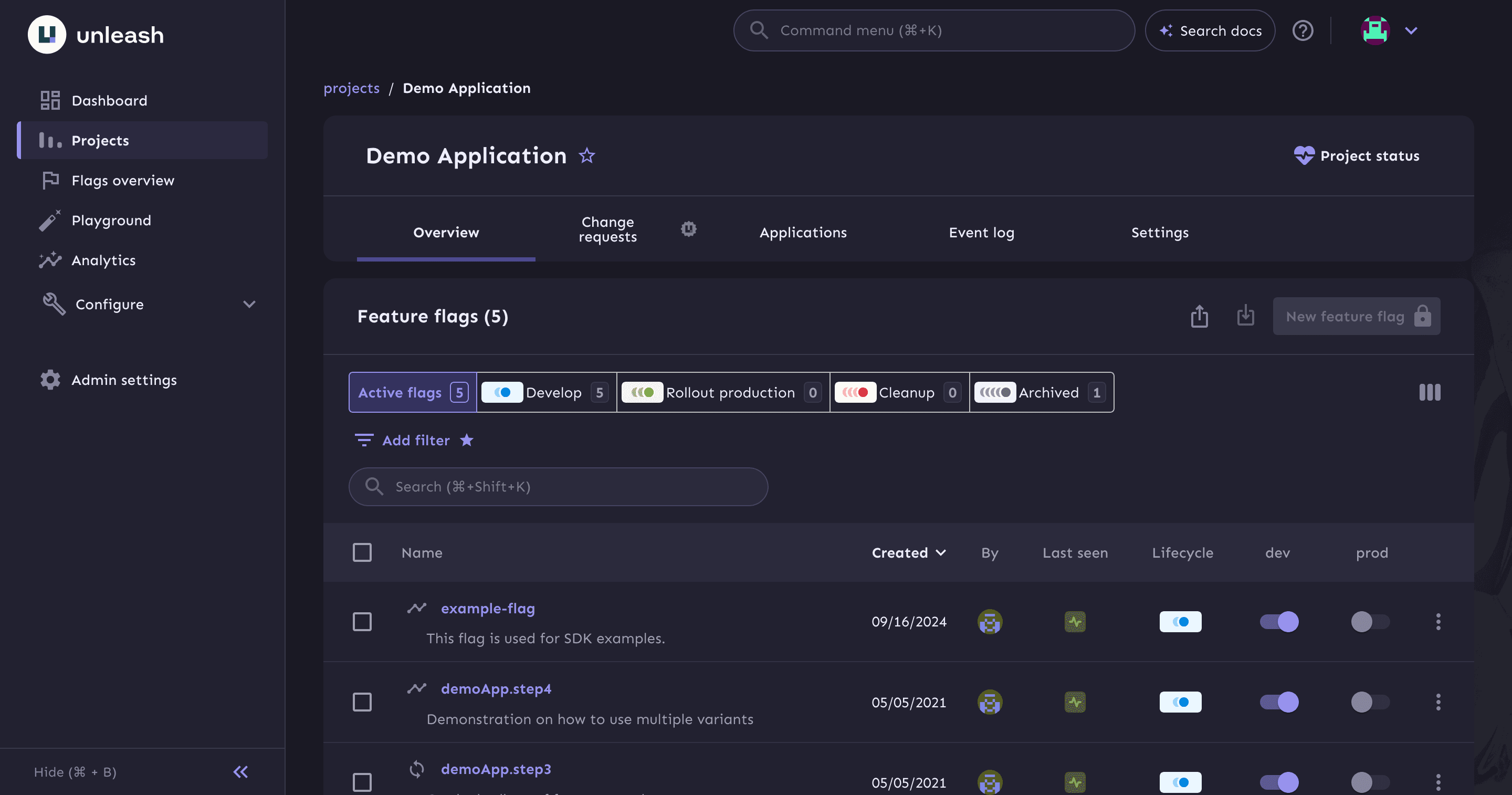
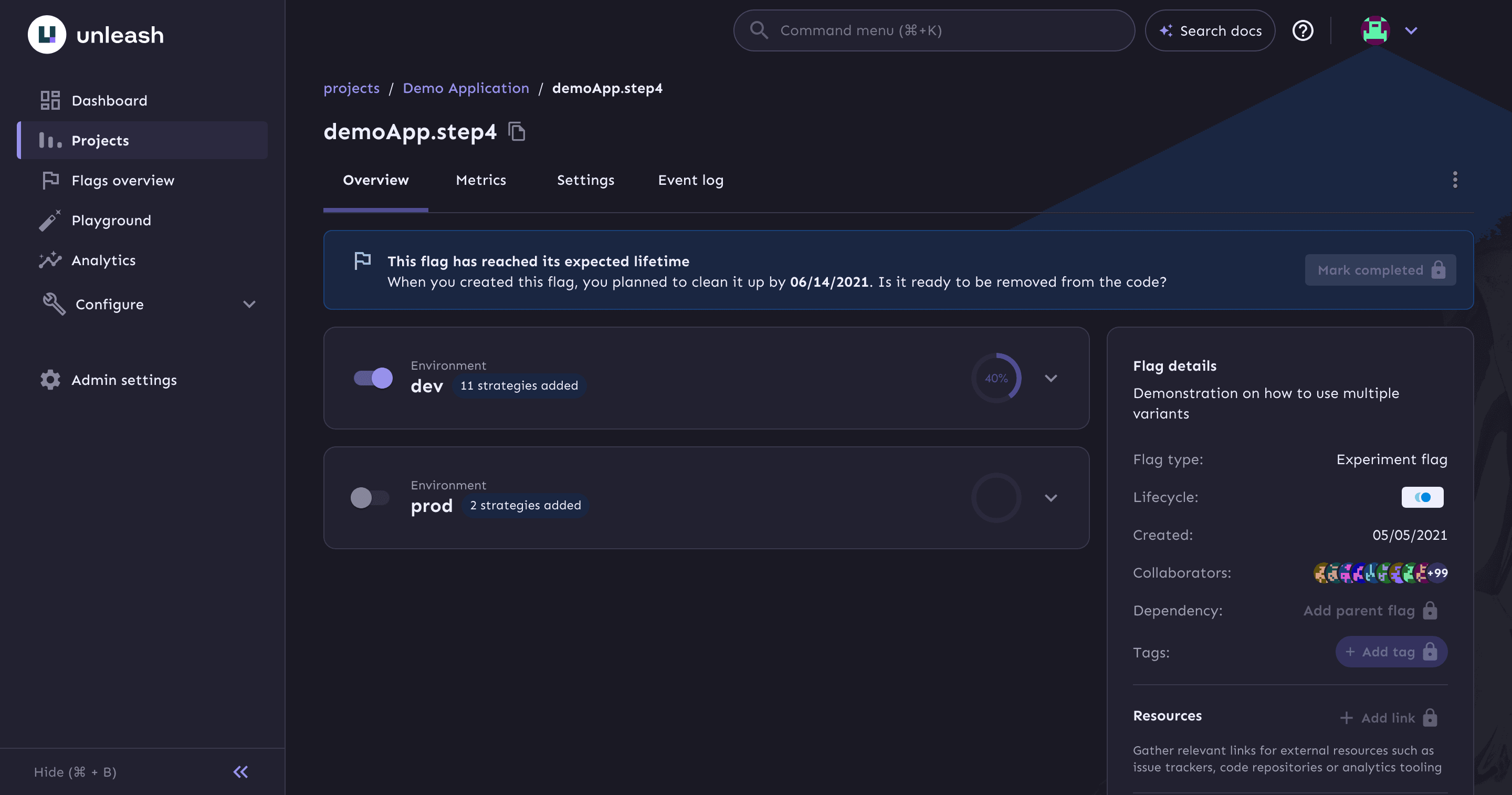
Unleash is an open-source feature management platform that lets teams deploy code and release features independently. Flags can be toggled per environment, rolled out gradually by percentage, and targeted with activation strategies that match on user ID, email, IP range, custom context fields, or reusable segments. Strategy variants support A/B tests and multivariate experiments, while a kill switch can turn a misbehaving feature off without a redeploy. A built-in Playground lets you test how strategies and constraints evaluate against a sample context before shipping.
Unleash runs as a server that you host yourself, either with the official Docker image and a PostgreSQL 15+ database or directly as a Node.js application. The admin UI is web-based, and client applications connect through official SDKs for Go, Java, Node.js, Python, PHP, Ruby, Rust, .NET, Swift, Kotlin/Android, and JavaScript/React, plus community-contributed SDKs. Everything in the UI is also available through the Admin API and Frontend API, and integrations cover Slack, Microsoft Teams, Datadog, Jira Cloud, ServiceNow, and generic webhooks. Unleash Edge can be deployed in front of the server to serve large frontend client populations without overloading the main instance.
The open-source edition (AGPL-3.0) covers feature flags, activation strategies, two environments, projects, tags, audit logs, and API-first automation. Governance features such as role-based access control, SAML 2.0 and OpenID Connect single sign-on, SCIM provisioning, change requests, advanced segmentation, and additional environments are part of the paid Pro and Enterprise plans, which are also available as a hosted cloud service. Compared with LaunchDarkly, Optimizely, Split, ConfigCat, Statsig, and Firebase Remote Config, Unleash gives teams a self-hostable core with no per-seat flag evaluation bill, and an upgrade path to enterprise controls when they need them.
Categories:



Frequently Asked Questions
Which platforms does Unleash support?
Unleash itself is a self-hosted server with a web-based admin UI, so it runs wherever you can run Docker or Node.js. Your applications connect through official SDKs for Go, Java, Node.js, Python, PHP, Ruby, Rust, .NET, Swift, Kotlin/Android, and JavaScript/React, plus community SDKs for other languages. There are no native desktop or mobile admin apps.
What are the system requirements to self-host Unleash?
You need a PostgreSQL database version 15 or newer and either the official unleashorg/unleash-server Docker image or a Node.js runtime to run the server directly. The server listens on port 4242 by default, and production deployments typically put a reverse proxy in front of it to terminate HTTPS. Memory and CPU needs depend on traffic, but the server is stateless and scales horizontally behind a load balancer.
What authentication options does Unleash support?
The open-source edition supports local username and password accounts. SAML 2.0 and OpenID Connect single sign-on, SCIM automatic provisioning, and role-based access control are part of the paid Pro and Enterprise plans. API access uses scoped backend tokens, frontend tokens, personal access tokens, or service account tokens, and each token is limited to specific projects and one environment.
Does Unleash have an API, webhooks, and integrations?
Yes. The Admin API and Frontend API expose the same operations as the UI, and the project is designed to be automated end to end. Native integrations include Slack, Microsoft Teams, Datadog, Jira Cloud, and ServiceNow, and generic webhooks can notify any other system. Official SDKs consume flag configuration through backend and frontend tokens.
Can I import or export feature flags from Unleash?
Yes. You can export all flags from a project, or select specific environments, and import them into another environment or another Unleash instance, including when moving from self-hosted to cloud or from Open Source to Enterprise. The export covers flags, tags, flag dependencies, activation strategies, strategy variants, and enabled/disabled status. Segments and custom strategies are only referenced, so they must already exist in the target instance before importing.
OpenAltFinder Score
Project Details
Repository details
Updated 11/6/2026, 3:01:18 PM
View RepositorySponsor Unleash
Get the latest open source alternatives delivered weekly.
Discover tools that give you freedom from proprietary software.
 Unleash vs flagd