ByteStash
Self-hosted code snippet manager with language filters, API keys, and an MCP endpoint for AI assistants.
Open source alternative to:

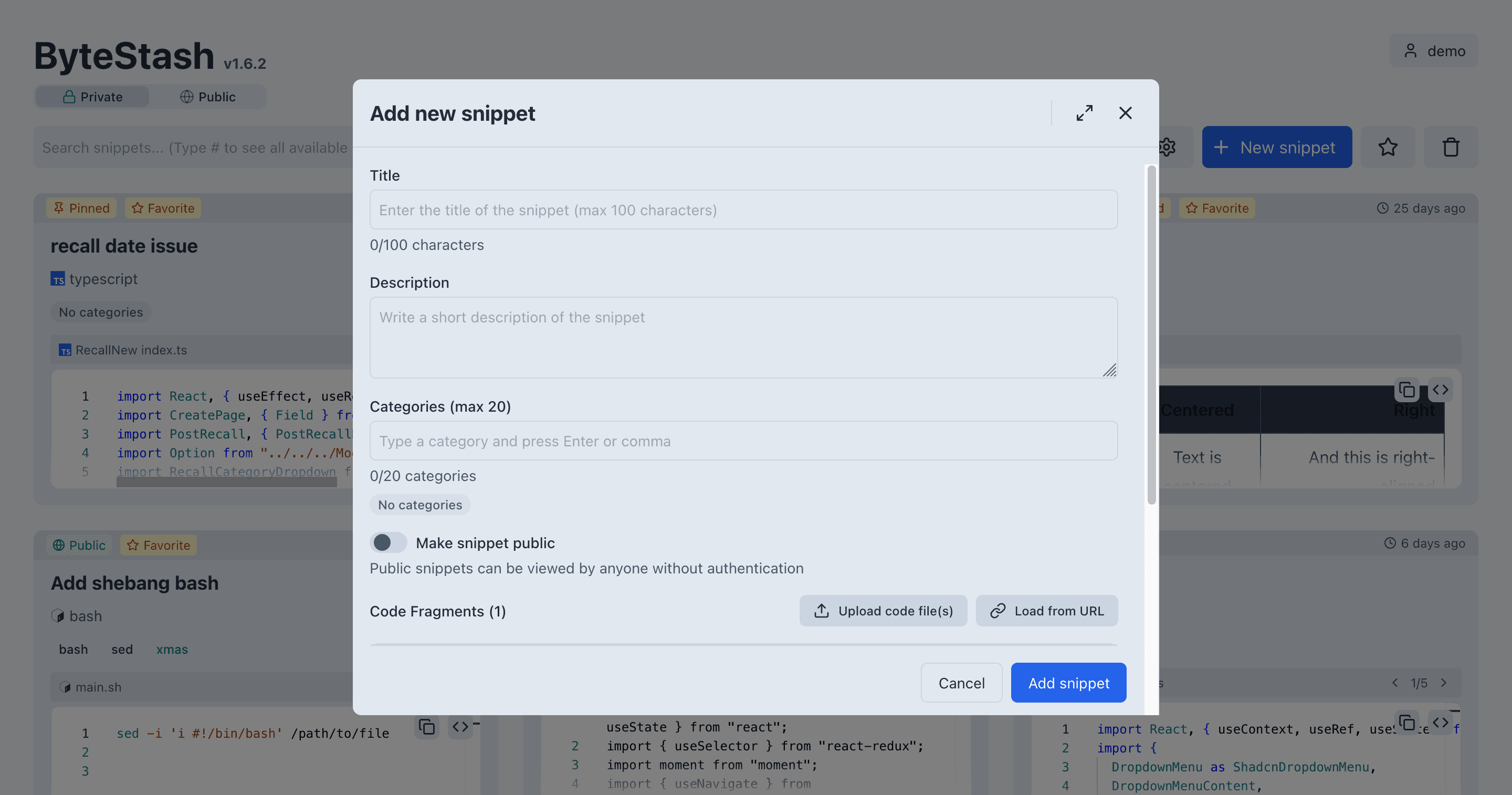
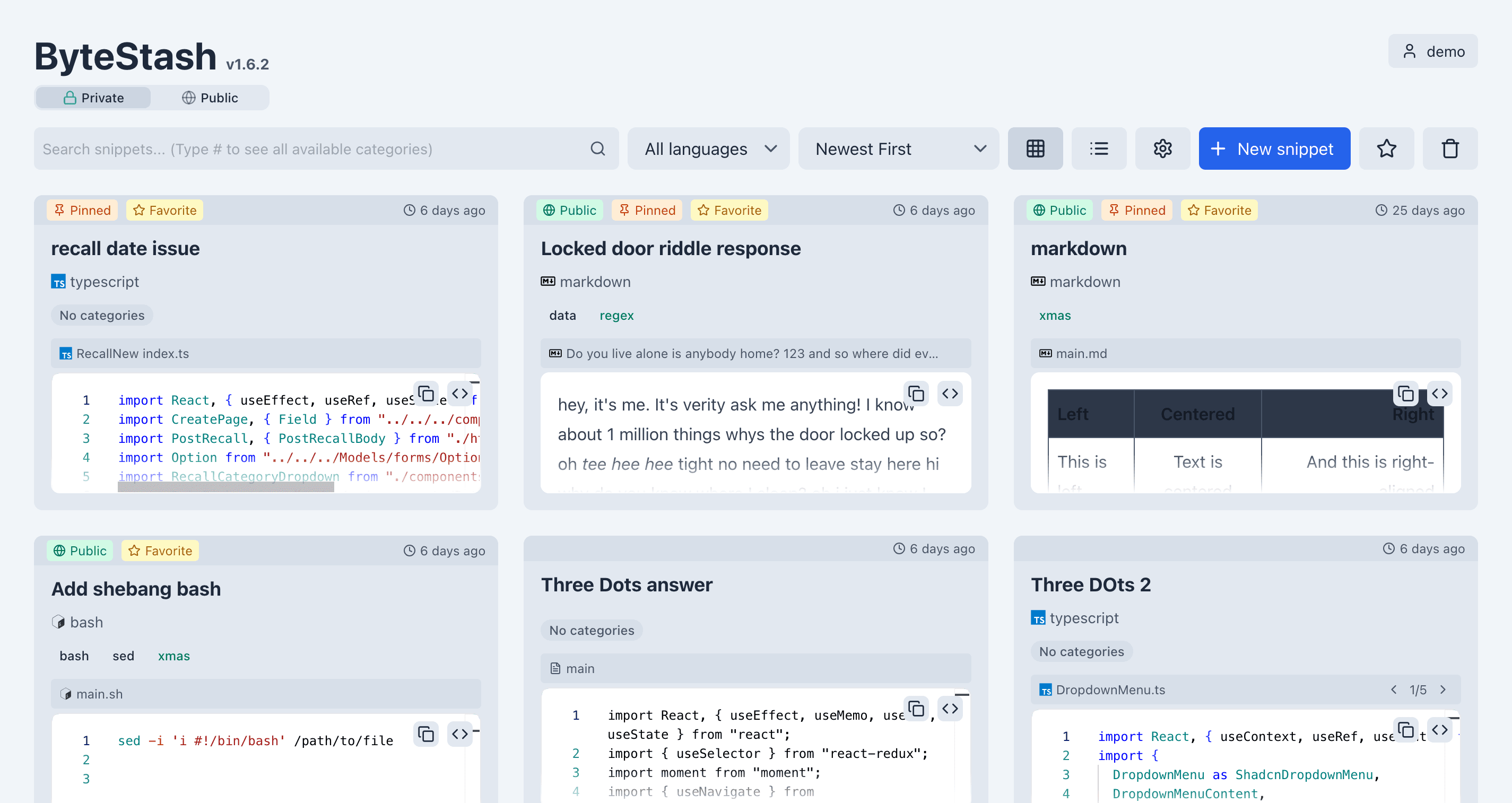
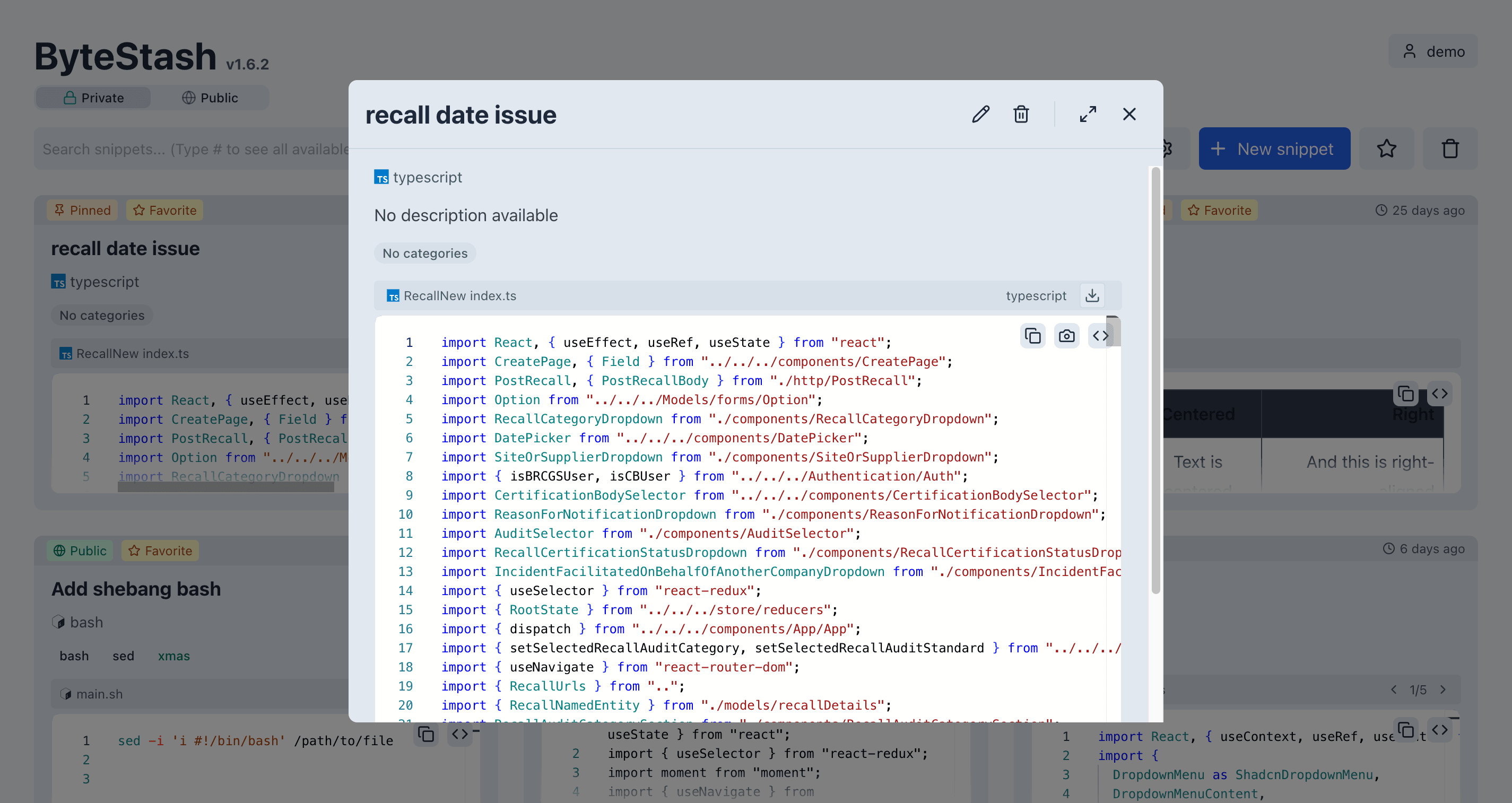
ByteStash is a self-hosted web app for keeping code snippets in one place. Snippets are stored with a title and language, filtered by language, and searched by content. A Monaco editor handles editing and syntax highlighting, and snippets are organised with descriptions and custom metadata so a large collection stays navigable.
Everything lives in a SQLite database by default, or PostgreSQL if you prefer. The app runs as a single Docker image alongside a React front end and an Express API, with local accounts, optional OpenID Connect single sign-on, admin roles, API keys, and Swagger-documented REST endpoints. A built-in Model Context Protocol endpoint lets Claude, ChatGPT, Perplexity, and other MCP clients list, read, create, update, and delete snippets using the same API keys.
Where GitHub Gist or Pastebin keep your code on someone else's infrastructure, ByteStash runs on your own server with your own accounts and database, and adds organisation features those services lack, such as language filtering, metadata search, and bulk export. It suits developers who accumulate small reusable pieces and want them reachable from a browser, a script, or an AI assistant.
Categories:




Frequently Asked Questions
Does ByteStash have an API?
Yes. ByteStash exposes a REST API documented with Swagger UI at the /api-docs path of your instance. Requests authenticate with an API key created under Settings, API Keys, by sending it as a Bearer token. The same keys also authorise the MCP endpoint.
Which AI assistants can connect to ByteStash?
Any client that speaks the Model Context Protocol over streamable HTTP. The README documents setup for Claude Desktop and Claude web connectors, the OpenAI Responses API, and Perplexity, all pointed at https://your-host/mcp with an API key header. The exposed tools are list_snippets, get_snippet, create_snippet, update_snippet, delete_snippet, and list_metadata, and they only touch snippets owned by that key.
What authentication options does ByteStash support?
ByteStash has local username and password accounts, optional OpenID Connect single sign-on with providers such as Authentik, Authelia, Keycloak, or Pocket ID, and API keys for scripts and MCP clients. Browser sessions use JWT cookies with a configurable expiry. Registration can be closed with ALLOW_NEW_ACCOUNTS, and new accounts are never admins by default.
Can I use PostgreSQL instead of SQLite?
Yes. Set DATABASE_URL, or the individual POSTGRES_HOST, POSTGRES_PORT, POSTGRES_USER, POSTGRES_PASSWORD, and POSTGRES_DB variables, and ByteStash creates its tables on first start. To move existing data, set MIGRATE_SQLITE_TO_POSTGRES to true; users, snippets, shares, API keys, and settings are copied with their IDs intact, so existing share links and keys keep working.
How do I create the first admin account?
Sign up or sign in with single sign-on as usual, then run node src/scripts/admin.js grant your-username inside the container, for example docker compose exec bytestash node src/scripts/admin.js grant admin. The change applies immediately without a restart. After that, admins can be granted or revoked from Admin, Users in the web interface or with the same script.
What are the system requirements to self-host ByteStash?
A single container from ghcr.io/jordan-dalby/bytestash, a published port (5000 by default), and a persistent volume mounted at /data/snippets. That volume holds the SQLite database and the generated JWT secret, so keep it even when you run on PostgreSQL. Reverse proxy TLS is expected for the MCP endpoint and can also provide the public URL used for OIDC redirects.
OpenAltFinder Score
Project Details
Repository details
Updated 11/18/2026, 4:00:59 AM
View RepositoryGet the latest open source alternatives delivered weekly.
Discover tools that give you freedom from proprietary software.