Quillpad
A free, open-source Android app for markdown notes and task lists with reminders, file attachments, and optional Nextcloud sync.
Open source alternative to:

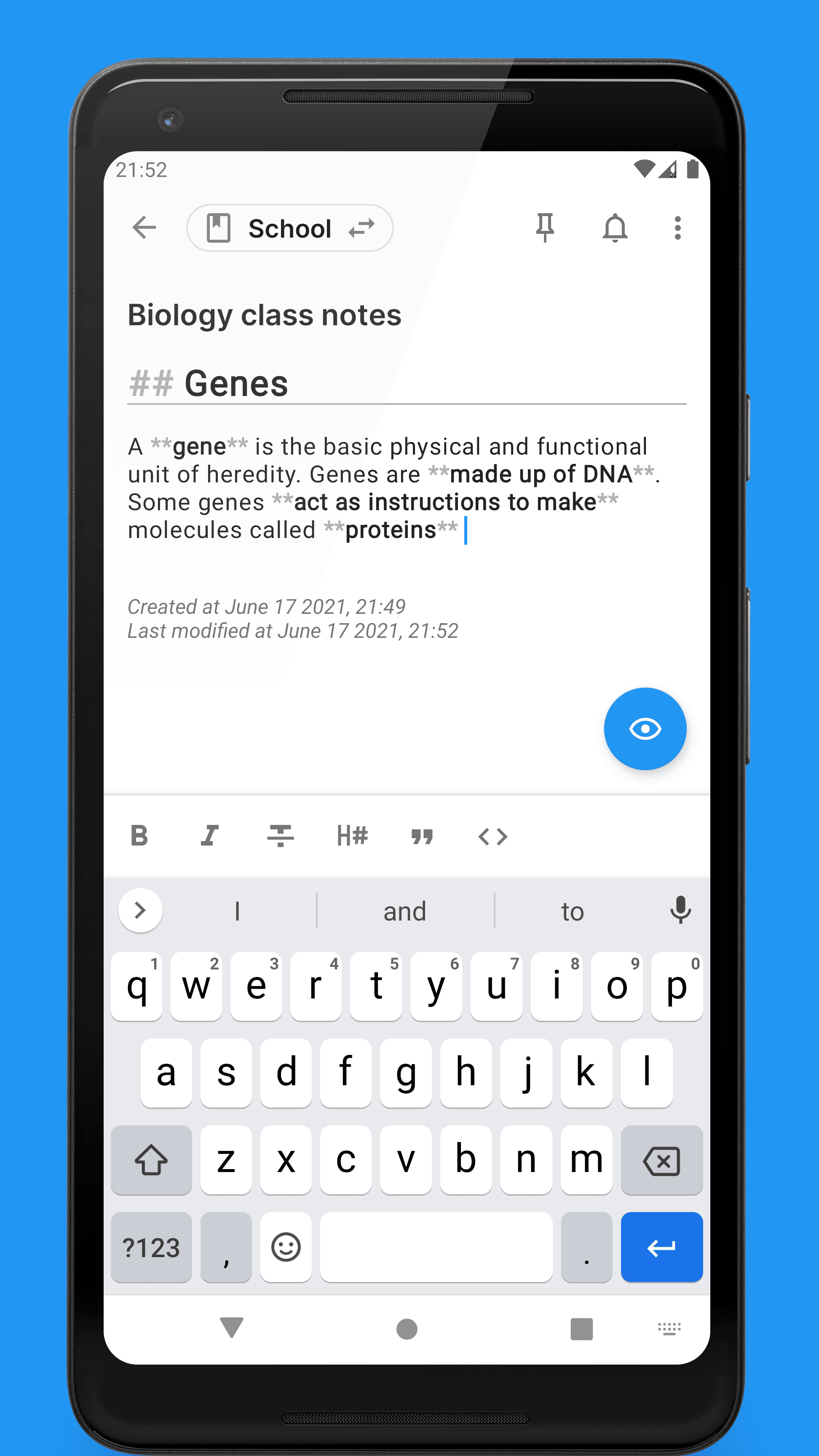
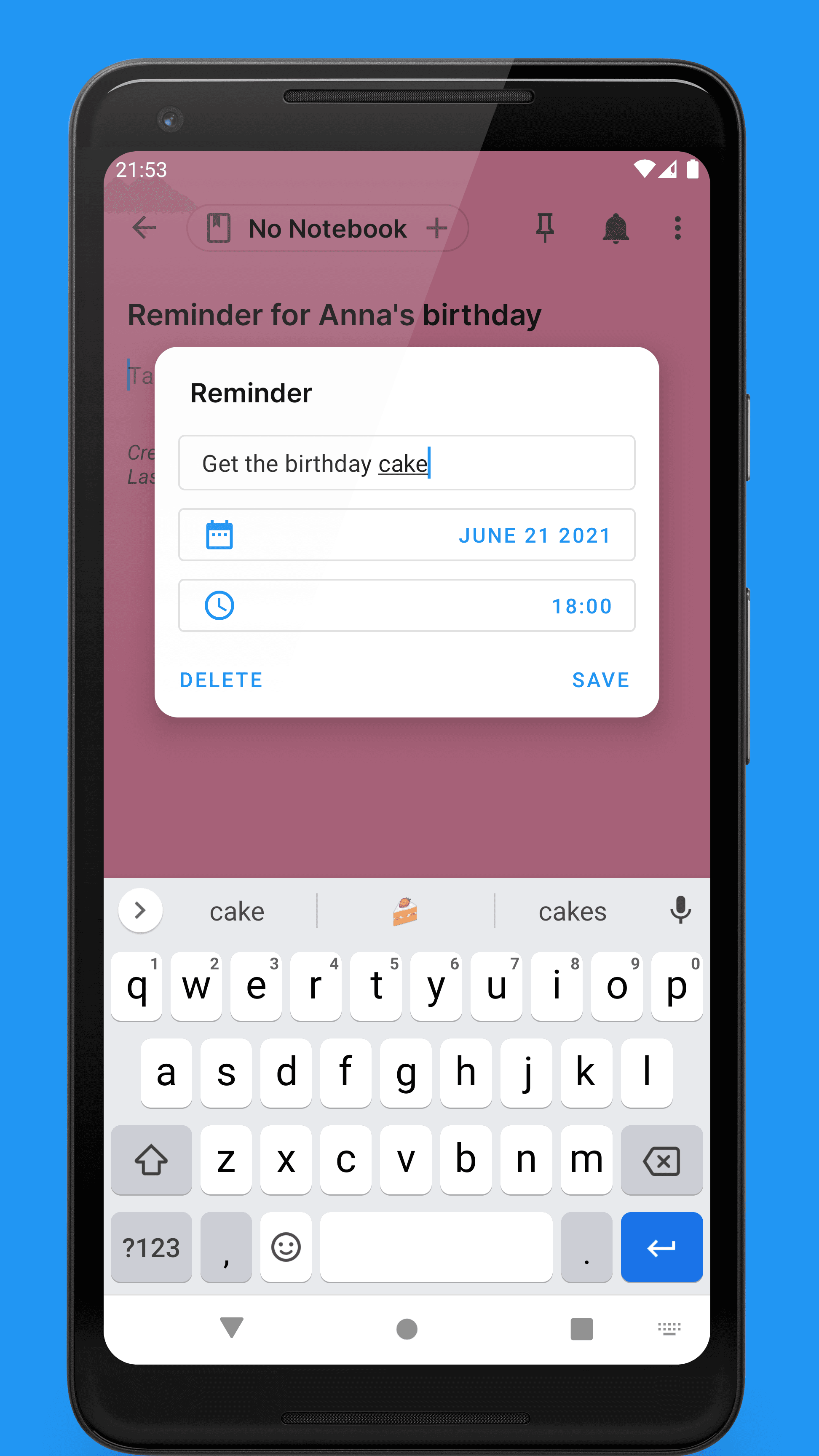
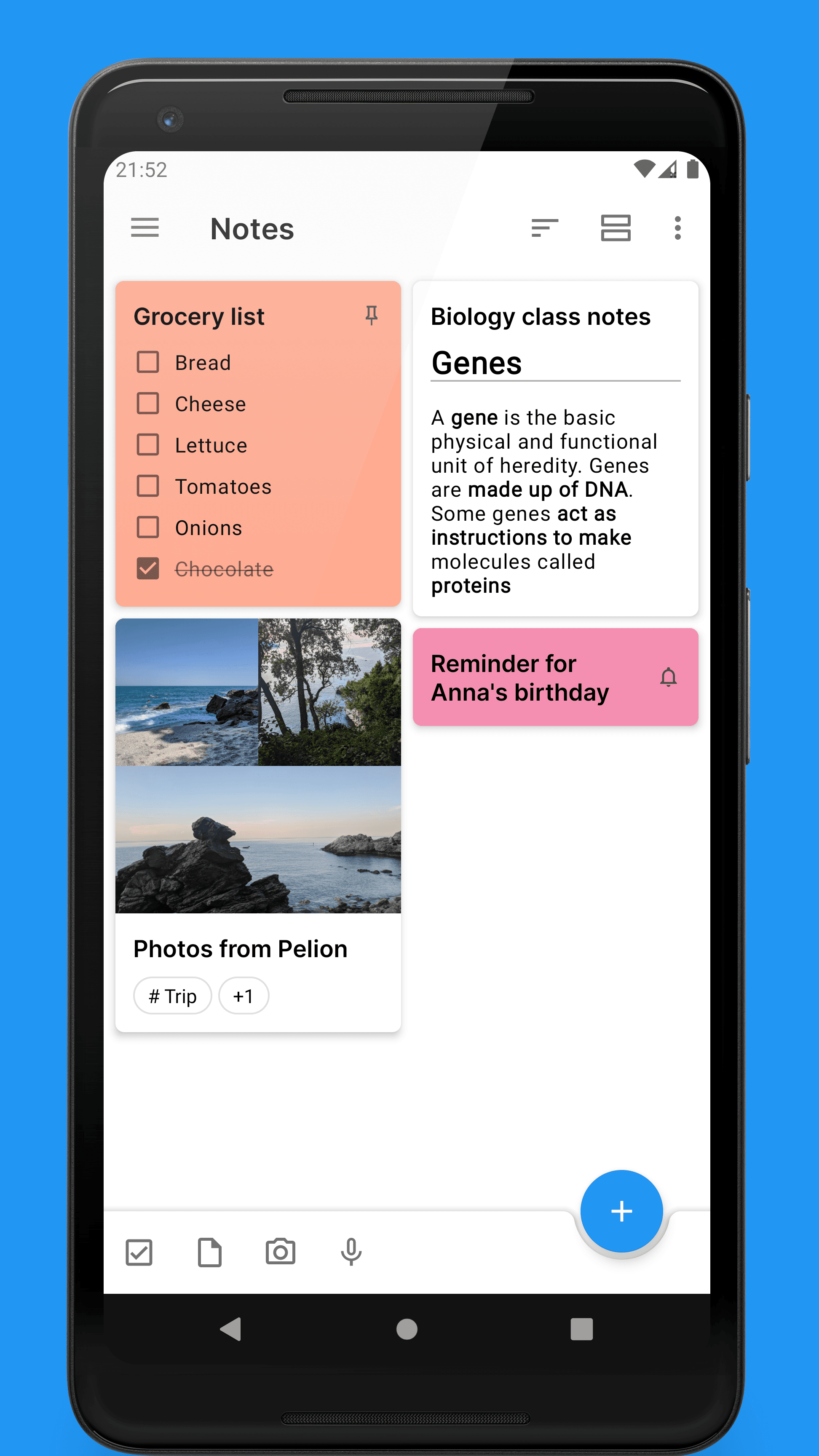
Quillpad is a fully free and open-source note-taking app for Android. It takes a privacy-first approach: no ads, no unnecessary permissions, and no uploading of your notes anywhere without your knowledge. Notes are written in markdown, organized into notebooks and tags, and stay on your device unless you choose to sync them.
Beyond plain notes, Quillpad handles task lists with reminders, pinned favorites, hidden notes for anything private, voice recordings and file attachments, and full-text search. You can archive what you no longer need, switch between light and dark mode, and pick from multiple color schemes. For keeping notes portable, it can sync plain markdown files to a local or cloud folder, or sync with Nextcloud (experimental) via the Nextcloud Notes app.
Compared to Google Keep, Quillpad trades live collaboration and tight Google account integration for local ownership of your data, markdown portability, and freedom from vendor lock-in. Compared to Evernote, it is far lighter and entirely free, without usage quotas or a subscription tier. It is a community continuation of the abandoned Quillnote app, available on F-Droid and Google Play.
Categories:
Build with:
Frequently Asked Questions
Which platforms does Quillpad support?
Quillpad is an Android app. It is distributed through F-Droid and Google Play, with builds produced by the project CI. There is no iOS, desktop, or web version.
Can I import my notes from Google Keep?
Yes. The community tool gk2qp converts Google Keep exports into Quillpad-compatible backups, which you then restore inside the app. Backups from the Notally app can also be converted with a provided Python script.
How does syncing work in Quillpad?
There are two sync options. File system sync stores your notes as plain markdown files in a local or cloud folder of your choosing. Nextcloud sync (experimental) connects to a Nextcloud server that has the Nextcloud Notes app installed.
How do I back up or move my notes to a new phone?
Quillpad can export all your notes to a zip archive and restore it later on any device. Because sync mode can also store notes as plain markdown files, that path doubles as a portable format for migrating or archiving.
Does Quillpad need an account or send my notes to a server?
No account is needed, and the app states plainly that it will never show ads, request unnecessary permissions, or upload your notes anywhere without your knowledge. Notes live on your device; only the sync options you explicitly configure move data anywhere.
OpenAltFinder Score
Project Details
Repository details
Updated 10/12/2026, 1:00:18 PM
View RepositoryRepository activity
Sponsor Quillpad
Compare Quillpad with
Similar open source alternatives
HelixNotes
A fast, privacy-first local markdown note-taking app built with Tauri and SvelteKit. Your notes stay as plain .md files on your device.
 Obsidian
Jotty
Lightweight self-hosted app for managing personal file-based notes and checklists.
 Notion
memos
Privacy-first, self-hosted note-taking platform with markdown support, tagging, and built-in AI — a lightweight alternative to Notion and Obsidian.
Obsidian
AFFiNE
Open-source knowledge base combining note-taking, whiteboard, and project planning in one workspace.
Notion
SilverBullet
Self-hosted, programmable knowledge base: plain Markdown notes with live queries, backlinks, and an embedded Lua scripting runtime.
Notion
Anchor
Offline-first, self-hostable note-taking app with rich text, tags, attachments, and cross-device sync via Docker.
 Google Keep