
Verde
Native, local-first desktop workspace for running Claude Code, Codex, Cursor and other AI agents side by side in tiled panes.



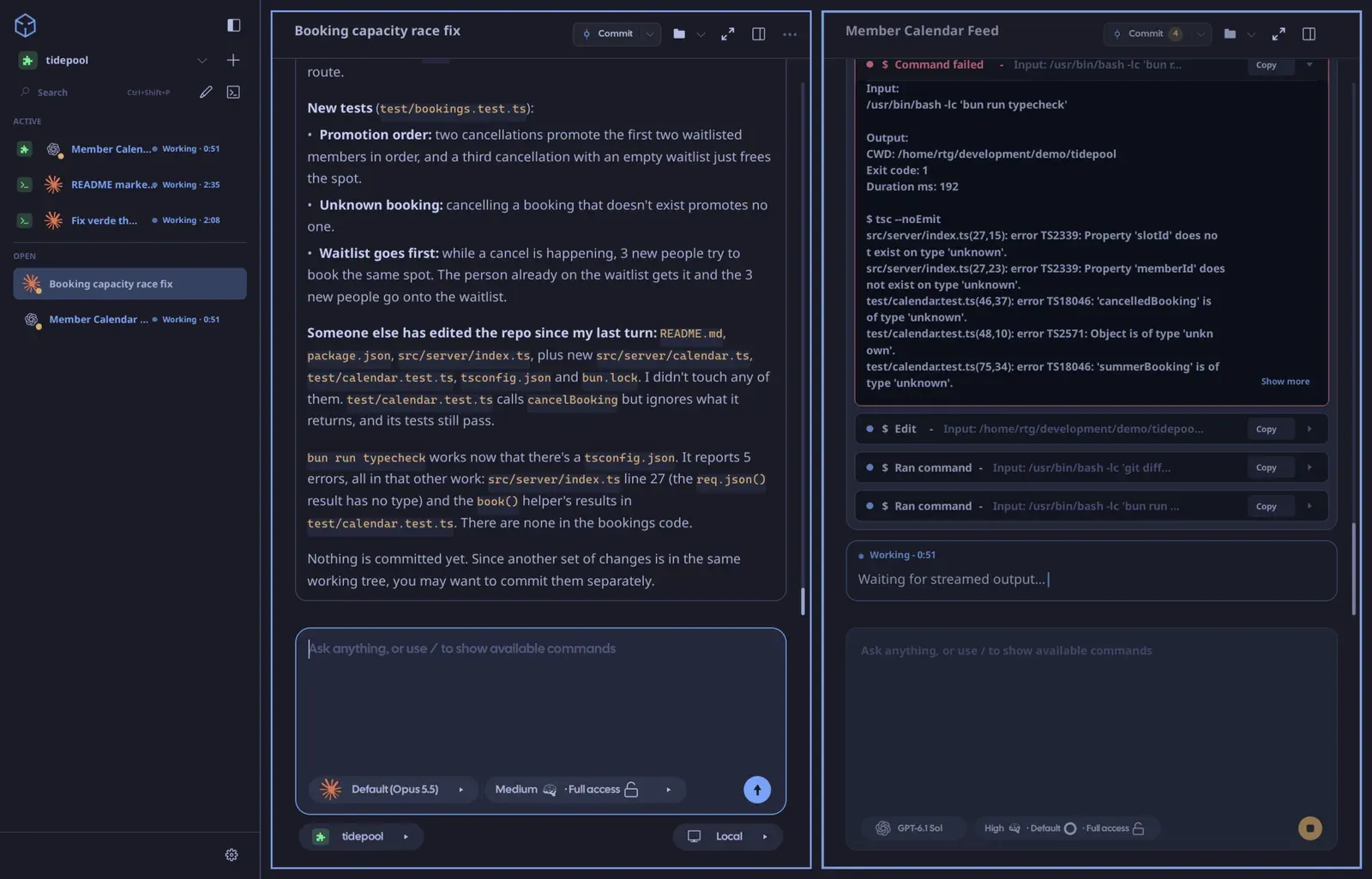
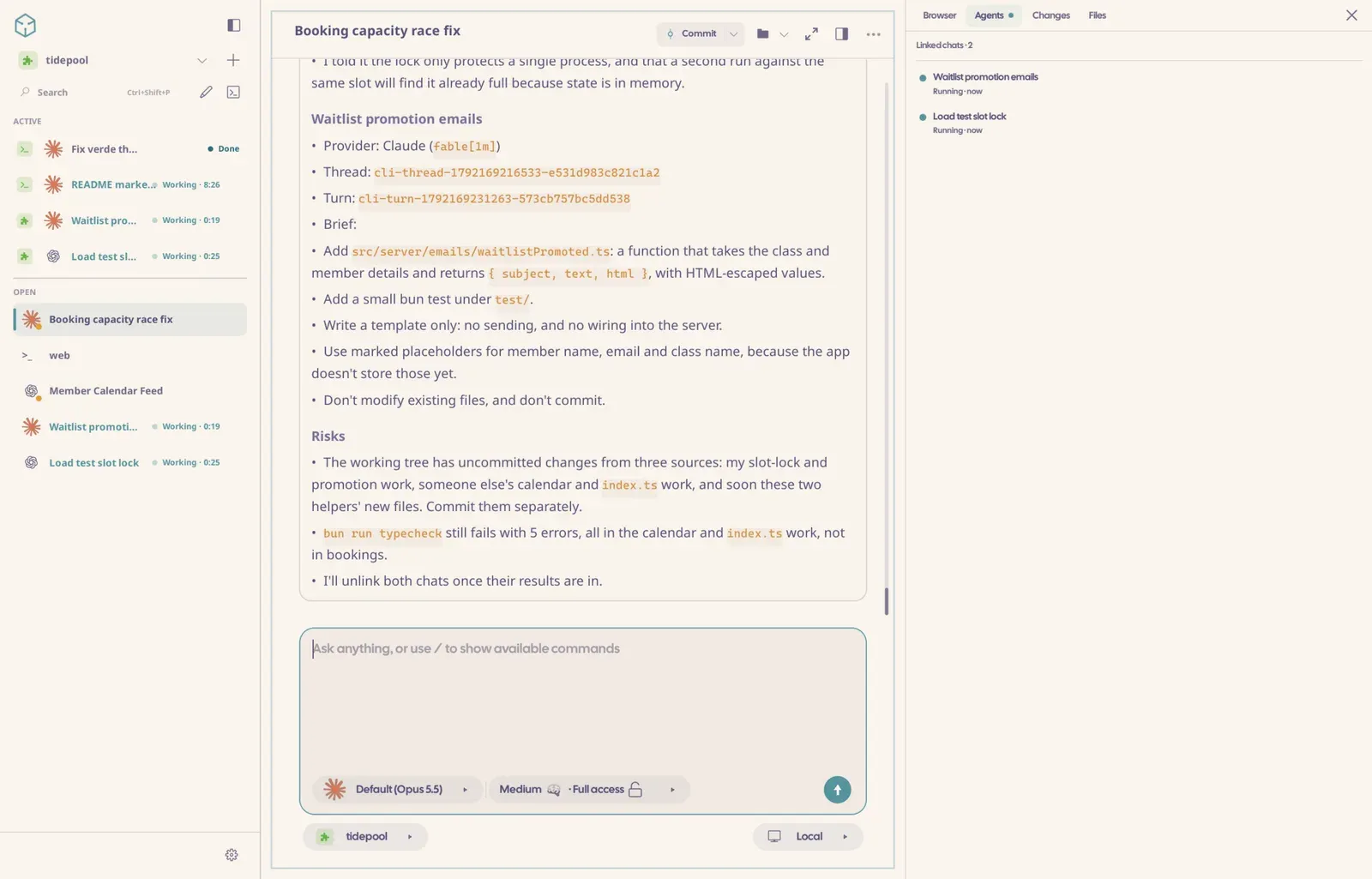
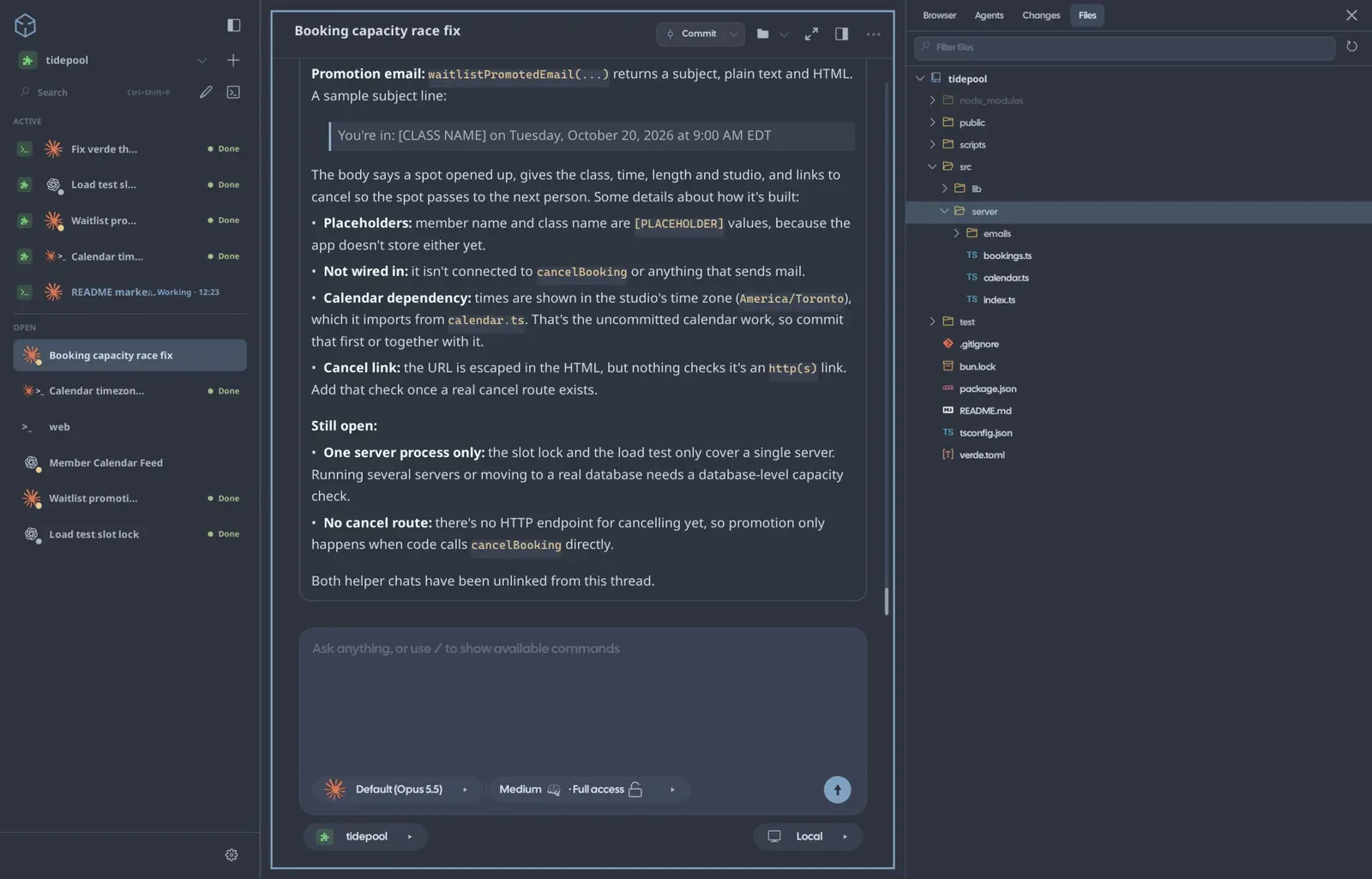
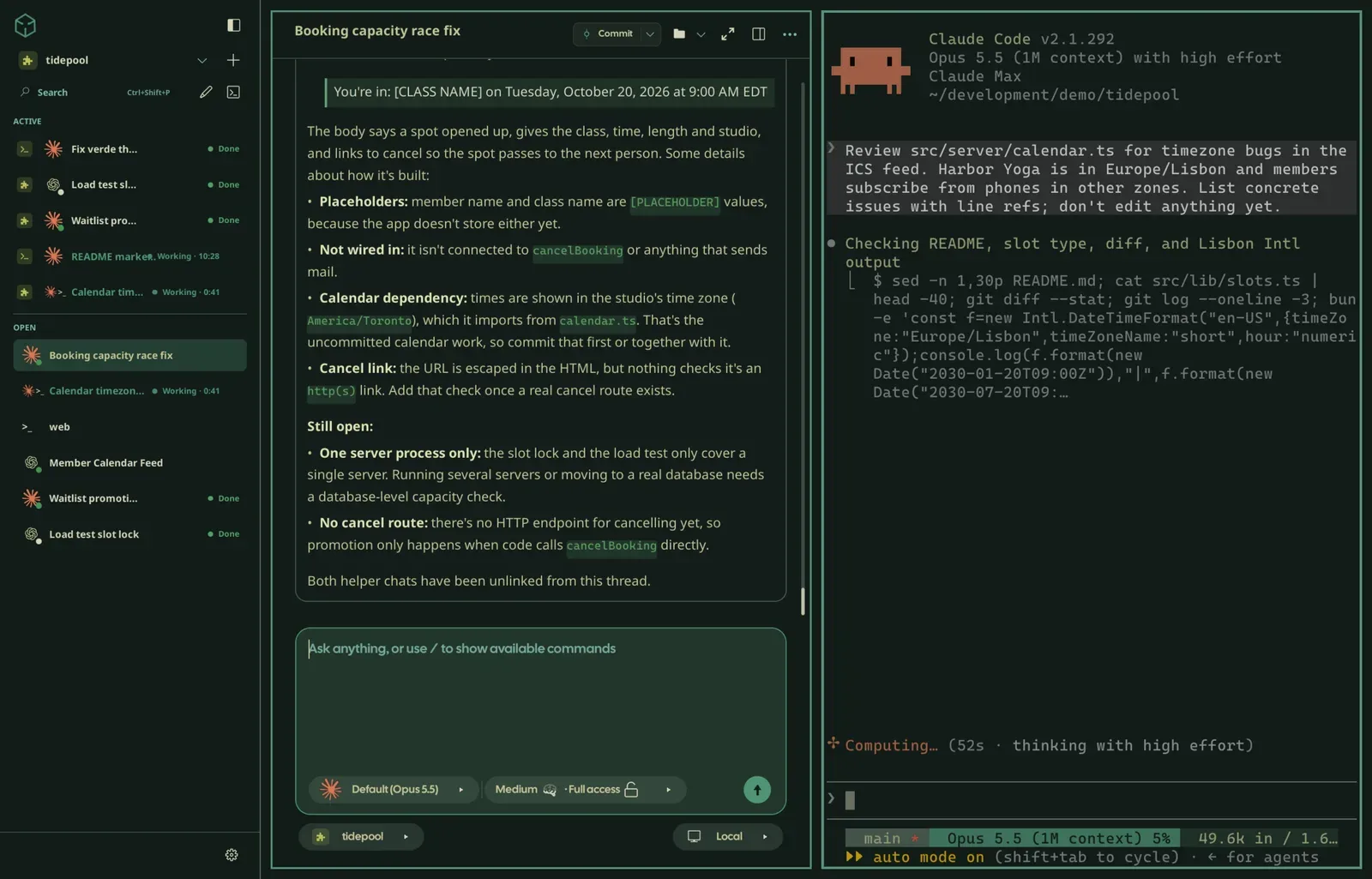
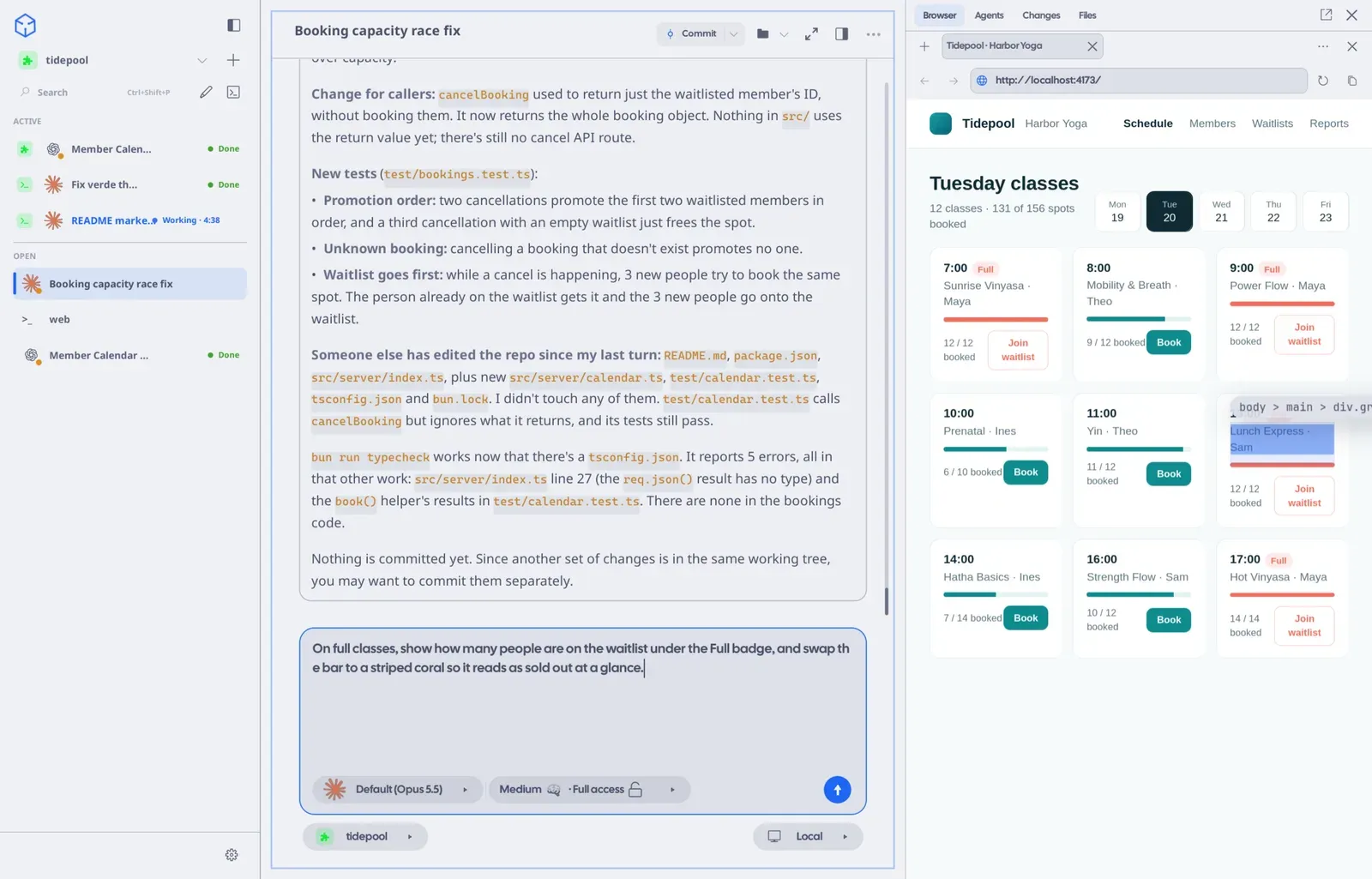
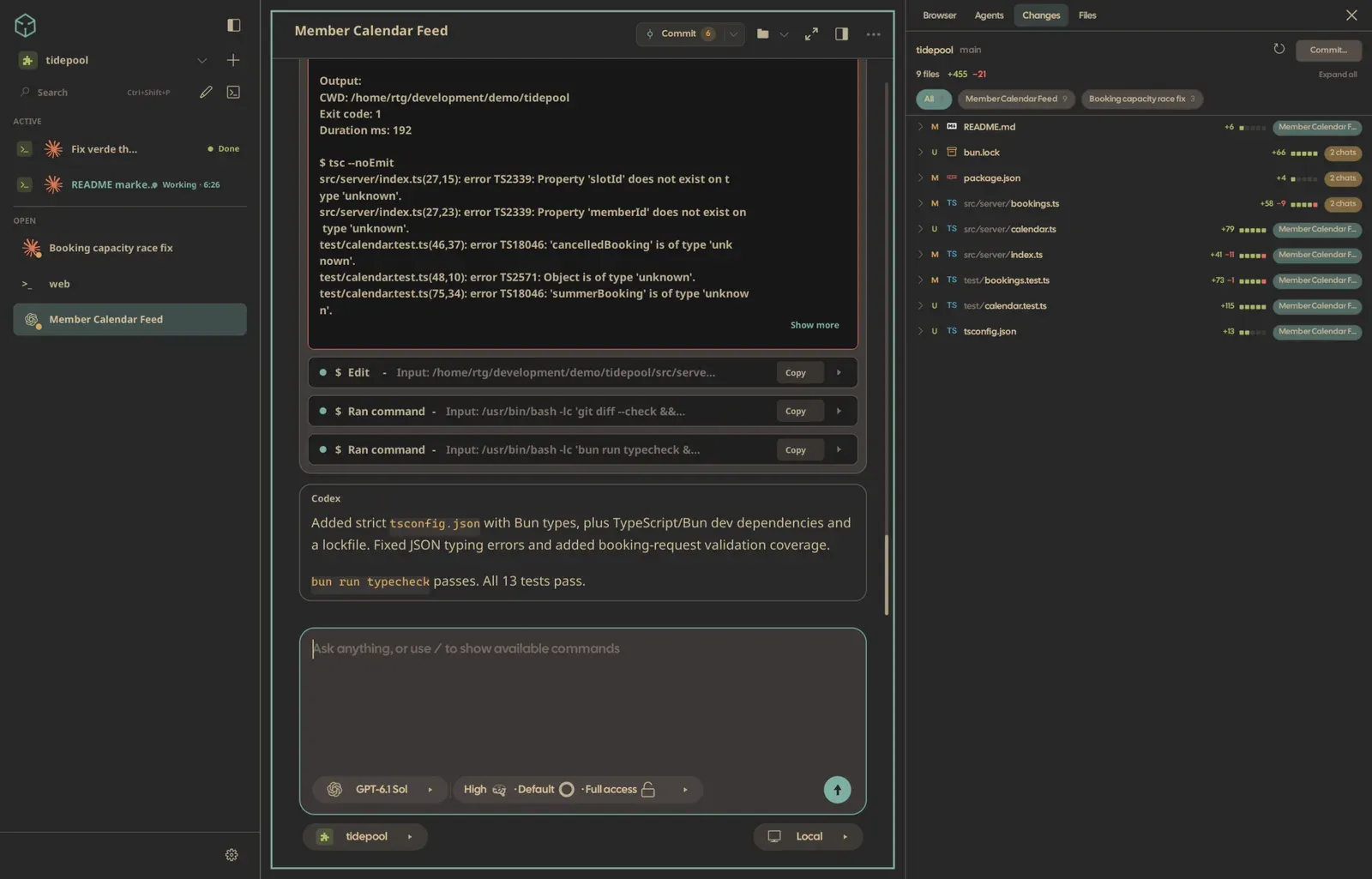
Verde is a native desktop workspace for AI coding agents. Instead of bundling its own model, it drives the agent CLIs already installed on your machine — Claude Code, Codex, Cursor, OpenCode, Pi, FX and Grok Build — and Amp as a terminal TUI. Each agent can run as a GUI chat or in a real terminal pane, and chats, terminals and a browser tile together in one window. Layouts, per-terminal zoom and drafts persist across launches.
The workspace is built in Zig on a custom GPU UI framework, so it is a native executable rather than an Electron shell. A headless session daemon owns every chat turn and terminal, which means agents keep working when the window is closed and survive restarts and upgrades. iOS and Android companion apps (in beta) and a browser client attach to the same daemon, so you can approve edits, steer a running turn and review diffs from another device. The built-in browser includes Design Mode: click an element or draw a region and send the visual context to an agent.
Verde is local-first and MIT licensed. It does not host models or proxy prompts, and there is no hosted relay or telemetry sink — it uses the plans you already have with Claude, ChatGPT or Cursor. It competes most directly with Cursor, Windsurf, Kiro and Conductor, but it is not an editor with a bundled subscription: it is a cross-platform tiling workspace around the agents you already pay for. It can be scripted through the verde live CLI and the MCP bridge, and providers, layout, themes and managed processes are configured through verde.json and verde.toml.
Categories:
Tags:
Build with:




Frequently Asked Questions
Which platforms does Verde run on?
Verde ships native desktop builds for Linux x86_64, macOS, and Windows x64, plus an Arch Linux package in the AUR. The iOS and Android companion apps are in beta, and a browser-based web client is also available. All of them connect to the same session daemon, so you can start a task at your desk and continue on a phone or another machine.
Does Verde include its own AI model or subscription?
No. Verde does not host models or proxy prompts, and it has no bundled subscription. You install and sign in to a provider CLI first, such as Codex, Claude Code, Cursor, OpenCode, Pi, FX, or Grok Build, and Verde drives those CLIs using the plan you already have.
Can I script or automate Verde?
Yes. Every running instance exposes local IPC through the verde live command, which can inspect panes, open chats, send prompts, steer a running turn, write to terminals and open the browser. Agents can reach the same surface over the verde mcp MCP bridge. Configuration lives in verde.json, and project processes and agents can be declared in a verde.toml file.
What happens to running agents when I close the window?
Chat turns and terminal sessions run in a headless session daemon rather than in the window, so they keep running when you close Verde. The desktop app, CLI, MCP bridge, web client and mobile apps all attach to that daemon, and it upgrades itself when a new version starts. Transcripts, drafts and image attachments persist across restarts.
What are the system requirements to run Verde?
On Linux the browser pane needs the system's WPE WebKit packages, and on Windows it needs the WebView2 Evergreen Runtime; macOS uses WKWebView. Prebuilt packages are available for Linux x86_64, macOS, and Windows x64. Building from source uses Zig 0.16 through mise, and local state is stored in SQLite.
OpenAltFinder Score
Project Details
Get the latest open source alternatives delivered weekly.
Discover tools that give you freedom from proprietary software.
Similar open source alternatives

Modo
Open-source AI IDE that plans before it codes, using spec-driven development with requirements, design, and task steps.
 Cursor

Juggler
A self-hostable, GUI-first AI coding agent with editable conversation trees, plugin-based tools, and multi-client sessions.
Cursor
MiMoCode
An open-source terminal-native AI coding agent with cross-session memory, multiple agents, and support for any LLM provider.
 Claude Code

Oh My Pi
Open-source terminal coding agent with IDE intelligence — LSP renames, live debugging, and 60+ AI providers under an MIT license.
Claude Code
Rune
A fast, keyboard-driven, GPU-rendered IDE for macOS and Linux with terminals, LSP intelligence, debugging, and a built-in AI coding agent.
Cursor