
SolidCraft
Open-source parametric 3D CAD written in Rust, with desktop, browser, CLI, and an MCP server that lets AI agents model parts.
Open source alternative to:




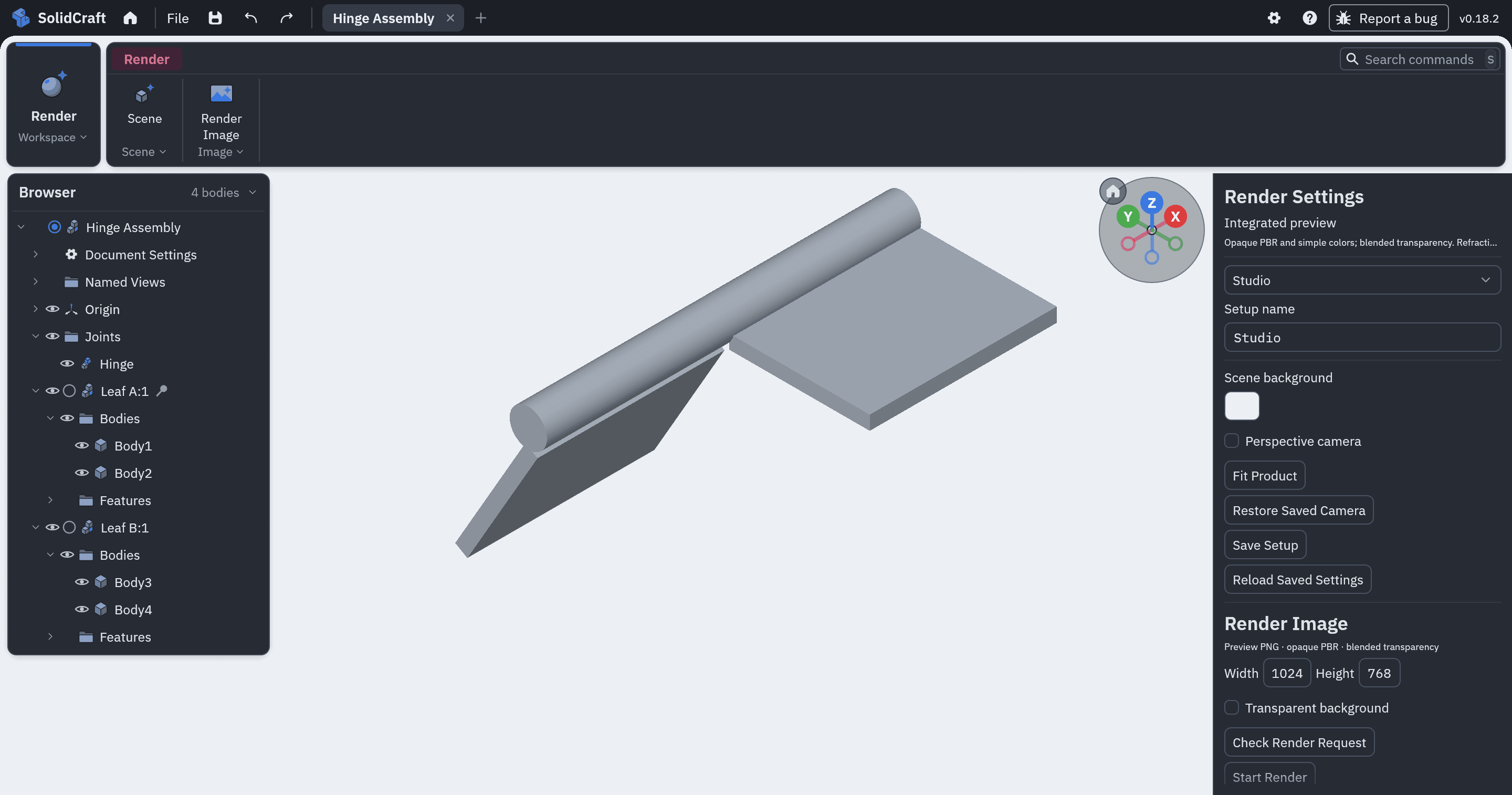
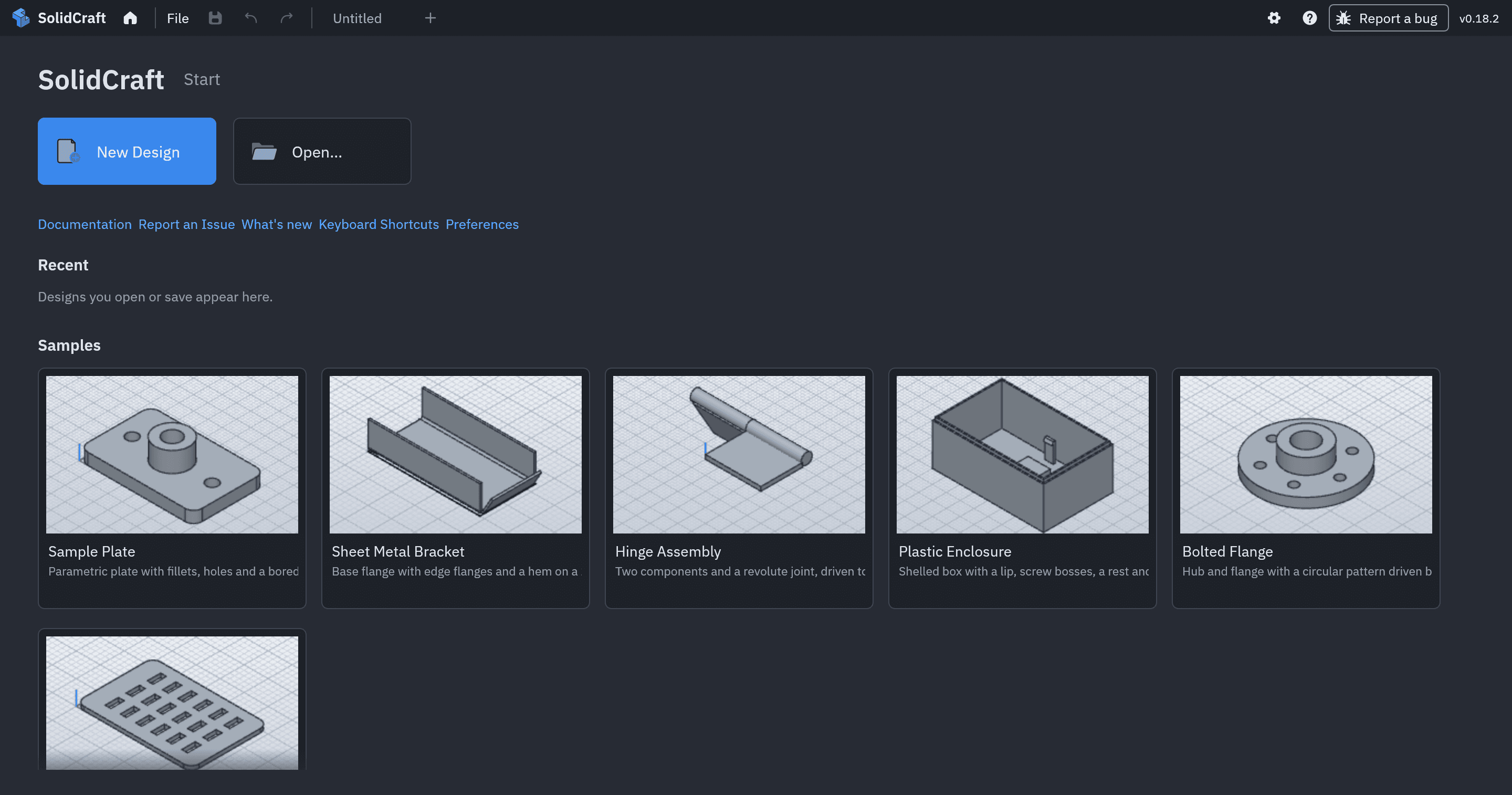
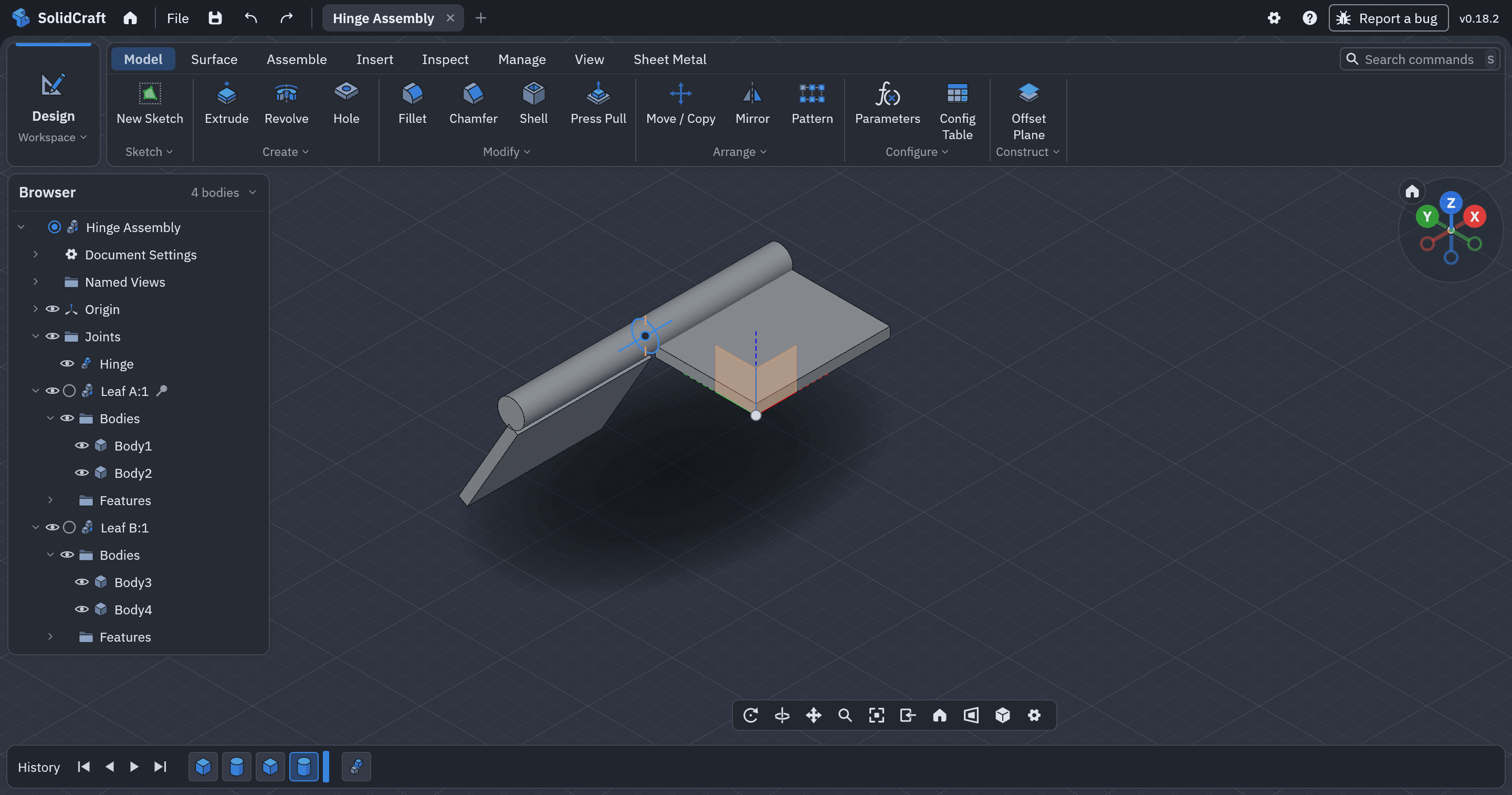
SolidCraft is an open-source parametric 3D CAD application written in pure Rust, built around a feature timeline: you sketch on a plane or face, constrain and dimension the sketch, then extrude, revolve, sweep, loft, fillet, chamfer, shell, draft or pattern it, and every feature stays editable so a dimension change rebuilds the model. It ships a desktop app for Windows, macOS and Linux (MSI, DMG, AppImage, Snap, Flatpak, winget), a WebAssembly build that runs in the browser, a headless solidcraft-cli, and an MCP server.
The feature set covers assemblies with joints, motion studies and interference checks, sheet metal with fold/unfold and flat patterns, text and spline geometry, parameters and configurations driven by unit-aware expressions, and its own constraint solver. Files move in and out as STEP (AP203/AP214/AP242), IGES, 3MF, STL, OBJ and glTF, with URDF export for robot simulators and FreeCAD .FCStd or Rhino .3dm solids through cadmpeg. Designs are saved as .solidcraft containers on your own disk, and the browser build renders with wgpu through WebAssembly.
It targets mechanical-design work that would otherwise mean a Fusion 360, SolidWorks, Onshape or Inventor seat: hobby parts, fixtures, enclosures and sheet-metal brackets. The trade-off is maturity rather than scope — the project describes itself as early but usable for simple parts, with 75 of 76 public reference parts matching analytic or FreeCAD-computed volume, area, centre of mass and bounding box. Renders lack HDRI, refraction and texture maps, mesh imports are measured and moved rather than edited as solids, and CAM and simulation are not part of the feature list. It is MIT or Apache-2.0, at your option, with no account or subscription.
Categories:
Build with:


Frequently Asked Questions
Which platforms does SolidCraft run on?
There is a desktop app for Windows (MSI installer or winget), macOS (a universal disk image for Apple silicon and Intel), and Linux (AppImage, Snap, Flatpak, deb and rpm), plus ARM64 and 32-bit builds on the downloads page. A WebAssembly build runs in the browser at solidcraft.io/app with no install, and solidcraft-cli provides a headless command-line tool for scripts, measurement, export and PNG rendering. The desktop, browser and CLI all run the same command set.
Can AI agents drive SolidCraft?
Yes. solidcraft-cli mcp is a Model Context Protocol server over stdio that runs its own headless design session, or with --connect it drives a running app so you can watch the model being built. Registering it in Claude Code is one command: claude mcp add solidcraft -- solidcraft-cli mcp. Tools are annotated as read-only, undoable or destructive, so clients can prompt before changes, and file access is limited to the open design's folder, SolidCraft's own recovery and scratch folders, and any --allow-path directories you add.
What file formats can I import and export?
Export covers STEP AP242 with body names, colours and assemblies, IGES 5.3, 3MF, STL, OBJ, URDF for robot simulators and DXF of the current view. Import covers STEP (AP203, AP214, AP242) and IGES solids as editable base features, 3MF, STL, OBJ and glTF as mesh bodies that can be measured and moved but need B-rep geometry for solid features, and FreeCAD .FCStd or Rhino .3dm solids through cadmpeg in the desktop app and CLI. Designs themselves are saved as .solidcraft containers, with plain JSON still supported.
Can I automate SolidCraft with scripts?
Yes. A script is a JSON list of the same commands the UI runs, executed with solidcraft-cli run, which can also measure volume, area and centre of mass, export any supported format and render PNG snapshots. The desktop app exposes a JSON-lines control channel started with --control PORT so an external process can drive the window, and the browser build has its own command API for pages. Automation therefore needs no plugin or proprietary macro language.
How do I move an existing design into SolidCraft?
Open a .step, .stp, .igs or .iges file directly, insert one into a design, or drop it on the window; solids and assemblies arrive as a base feature that later sketch and feature operations build on. FreeCAD .FCStd and Rhino .3dm solids import the same way through cadmpeg in the desktop app and CLI. Mesh files such as STL or 3MF import as mesh bodies, and the mesh.convert command reconstructs supported closed constant-section parts as parametric solids. There is no importer for native Fusion 360, SolidWorks or Onshape documents, so export to STEP from those tools first.