
Kept
A self-hosted, Google Keep-style notes app with native iOS and Android apps, reminders, and sync.
Open source alternative to:



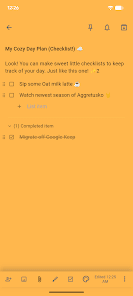
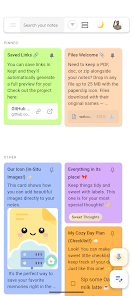
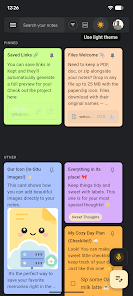
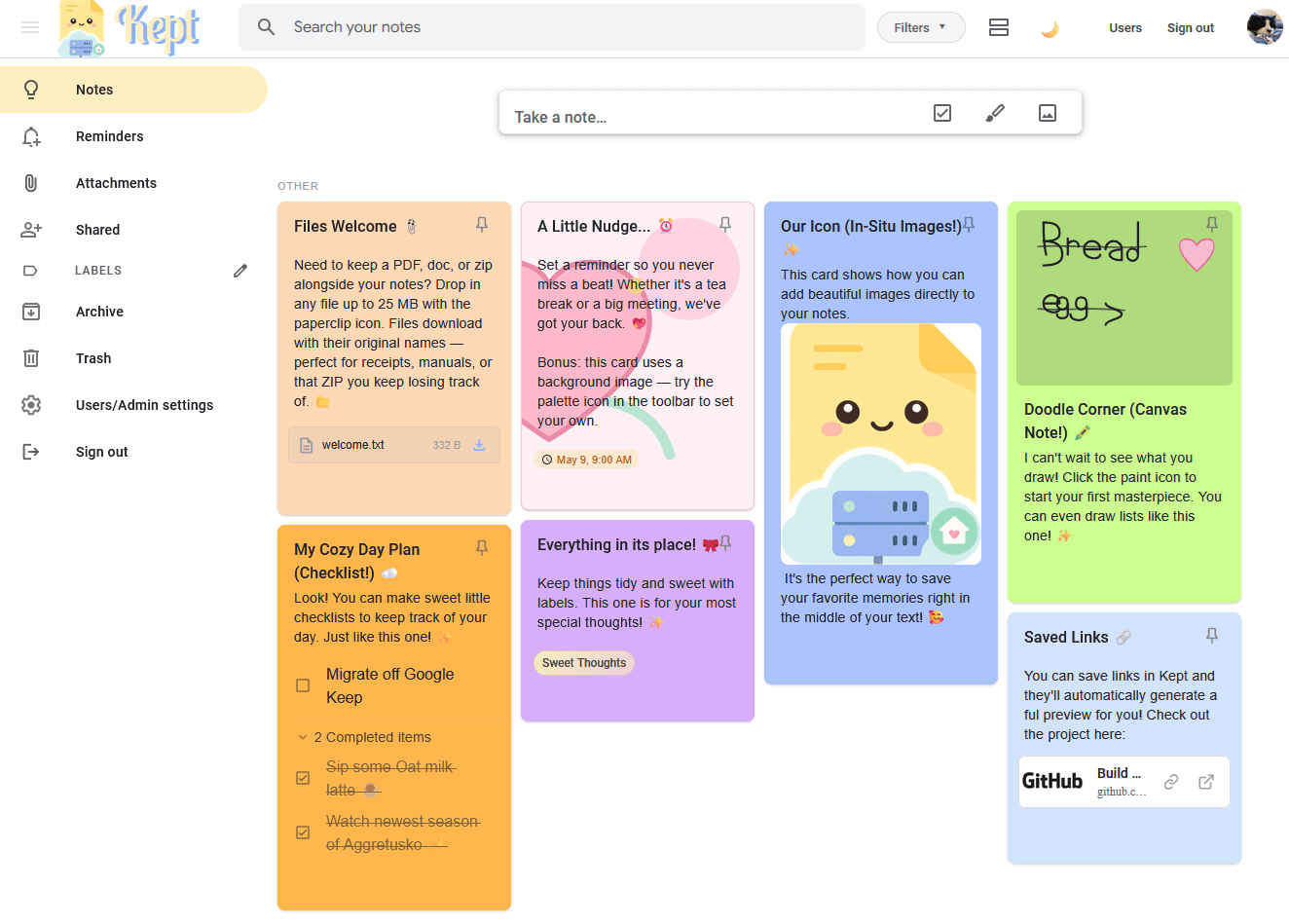
Kept is a self-hosted notes app modelled on Google Keep and built for fast capture. It runs as a web app on your own server or as native iOS and Android apps that can work entirely on-device with no server or account. Notes come in several types: text notes, nested checklists, images, drawings, links, and file attachments. Labels, binders, colours, background images, pinned notes, archive, and trash keep everything organised, while search and filters support note type, labels, and date-style queries.
Beyond capture, Kept covers reminders (browser push notifications for time reminders and location-based reminders on mobile), real-time collaborative sharing between users on the same instance, link previews, quick share from the iOS and Android share sheets, and Android home-screen widgets. Downloaded notes can be edited offline and sync automatically when the server is reachable, and a device-only library can be moved to a server later. A Google Keep Takeout importer brings existing notes across.
Self-hosting is a single Docker image with a SQLite database and a ./data volume: start the container, open port 6767, and create the first admin account. Local accounts, optional 2FA, OIDC single sign-on, scoped OAuth 2.1 API access, and local or remote MCP servers for AI agents are all included. Kept Cloud is an optional managed hosting plan with automatic backups and updates; the software itself is AGPL-3.0 and free to self-host.
Categories:



Frequently Asked Questions
Which platforms does Kept run on?
Kept ships a web app that can be installed as a PWA, plus native iOS and Android apps from the App Store and Google Play. The web app and PWA require a Kept server, while the native apps can run in device-only mode with no server or account. Desktop clients are not available.
Can I import my existing Google Keep notes into Kept?
Yes. Kept imports a Google Takeout export ZIP, including the notes and organisation data it contains. Takeout uploads are capped at 5GB by default, and you can raise the limit with the KEPT_TAKEOUT_UPLOAD_MAX environment variable. Restoring a Kept backup is a separate flow handled from the setup screen.
What authentication options does Kept support?
Kept uses local username and password accounts with optional two-factor authentication. Administrators can add OpenID Connect single sign-on and, once every account is linked and tested, require SSO by disabling password login. OAuth 2.1 access for third-party integrations is available separately and is off by default.
Does Kept have an API or AI agent integrations?
Kept includes an optional OAuth 2.1 authorization server for scoped read-only or read-write API access. For AI clients it offers a local MCP server over stdio with a dedicated token and a remote Streamable HTTP MCP endpoint at /mcp, which clients such as ChatGPT can use. Both OAuth app access and local MCP access are disabled until an administrator enables them, and locked notes and permanent deletion require separate opt-in settings.
How do backups and exports work in Kept?
Administrators can download a full server backup ZIP containing a consistent SQLite snapshot, uploaded images, attachments, and web-push keys for all accounts. Scheduled daily, weekly, or monthly backups are database-only SQLite snapshots, while the per-user JSON, CSV, and Markdown exports in Settings exclude media files and cannot be imported back. Restoring a backup requires starting Kept with KEPT_ALLOW_RESTORE=1, and full ZIP restores include images and attachments.
What do I need to self-host Kept?
You need Docker with Compose and the published ghcr.io/ericerkz/kept image, which listens on port 6767 and stores its SQLite database, uploads, and attachments in a mounted ./data folder. Building from source instead requires Node.js 24 and npm 10. Realtime presence and live collaboration use WebSockets at /api/realtime, so a reverse proxy must forward that path with upgrade support.
OpenAltFinder Score
Project Details
Sponsor Kept
Get the latest open source alternatives delivered weekly.
Discover tools that give you freedom from proprietary software.
Compare Kept with
Similar open source alternatives

AppFlowy
Open source Notion alternative that brings projects, wikis, and teams together with AI while keeping you in control of your data.
 Notion

HelixNotes
A fast, privacy-first local markdown note-taking app built with Tauri and SvelteKit. Your notes stay as plain .md files on your device.
 Obsidian

Jotty
Self-hosted notes and checklists with markdown files, Kanban task projects, SSO, PGP encryption, and a REST API.
Notion
Outline
The fastest growing-team knowledge base — beautiful, realtime collaborative, feature packed, and markdown compatible Notion and Confluence alternative.
Notion
memos
Privacy-first, self-hosted note-taking platform with markdown support, tagging, and built-in AI — a lightweight alternative to Notion and Obsidian.
Obsidian
AFFiNE
Open-source knowledge base combining note-taking, whiteboard, and project planning in one workspace.
Notion