
PdfDing
Self-hosted PDF manager, viewer, and editor with multi-device sync, tagging, and an in-browser reader; deployable via Docker.
Open source alternative to:

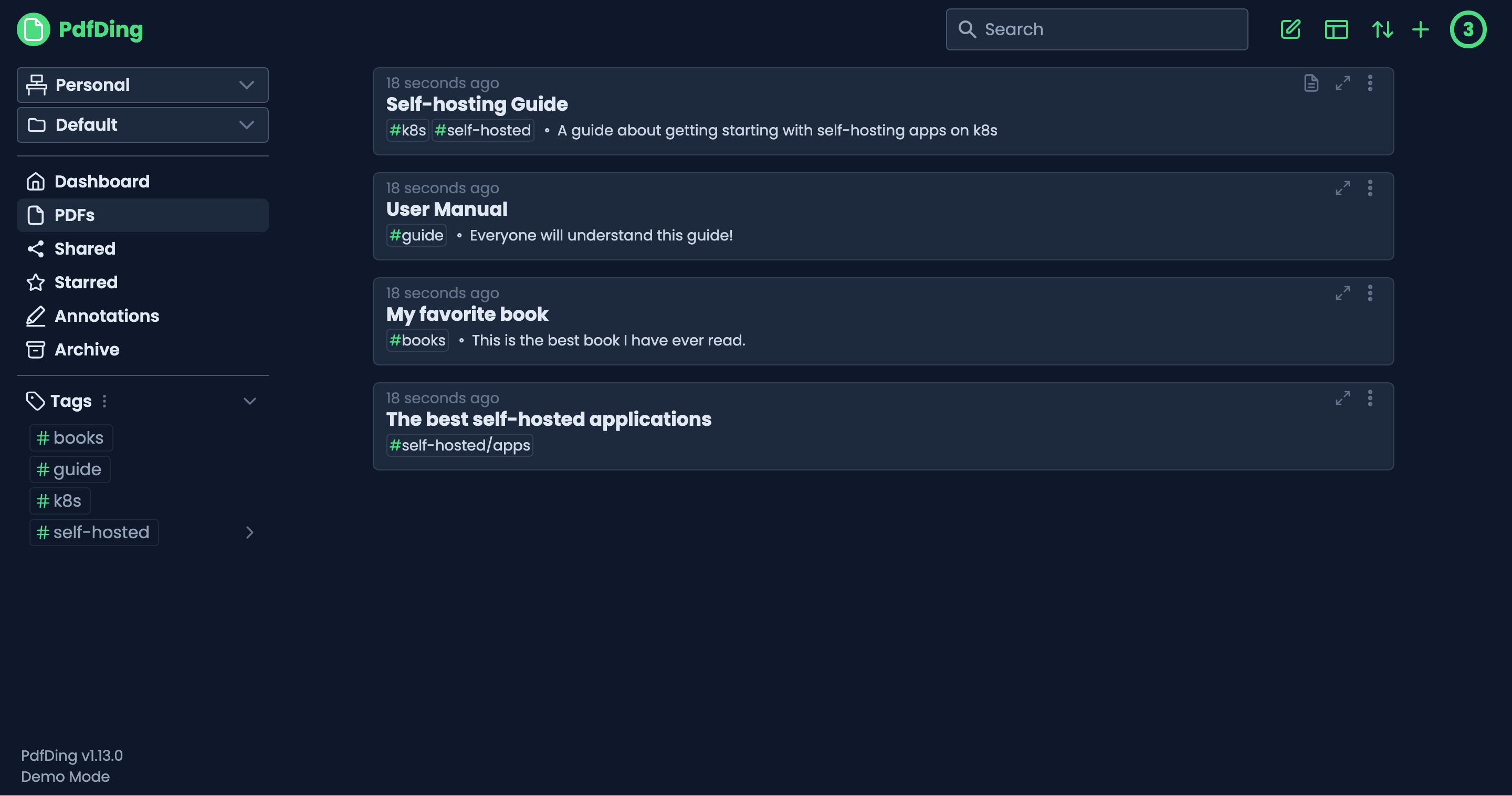
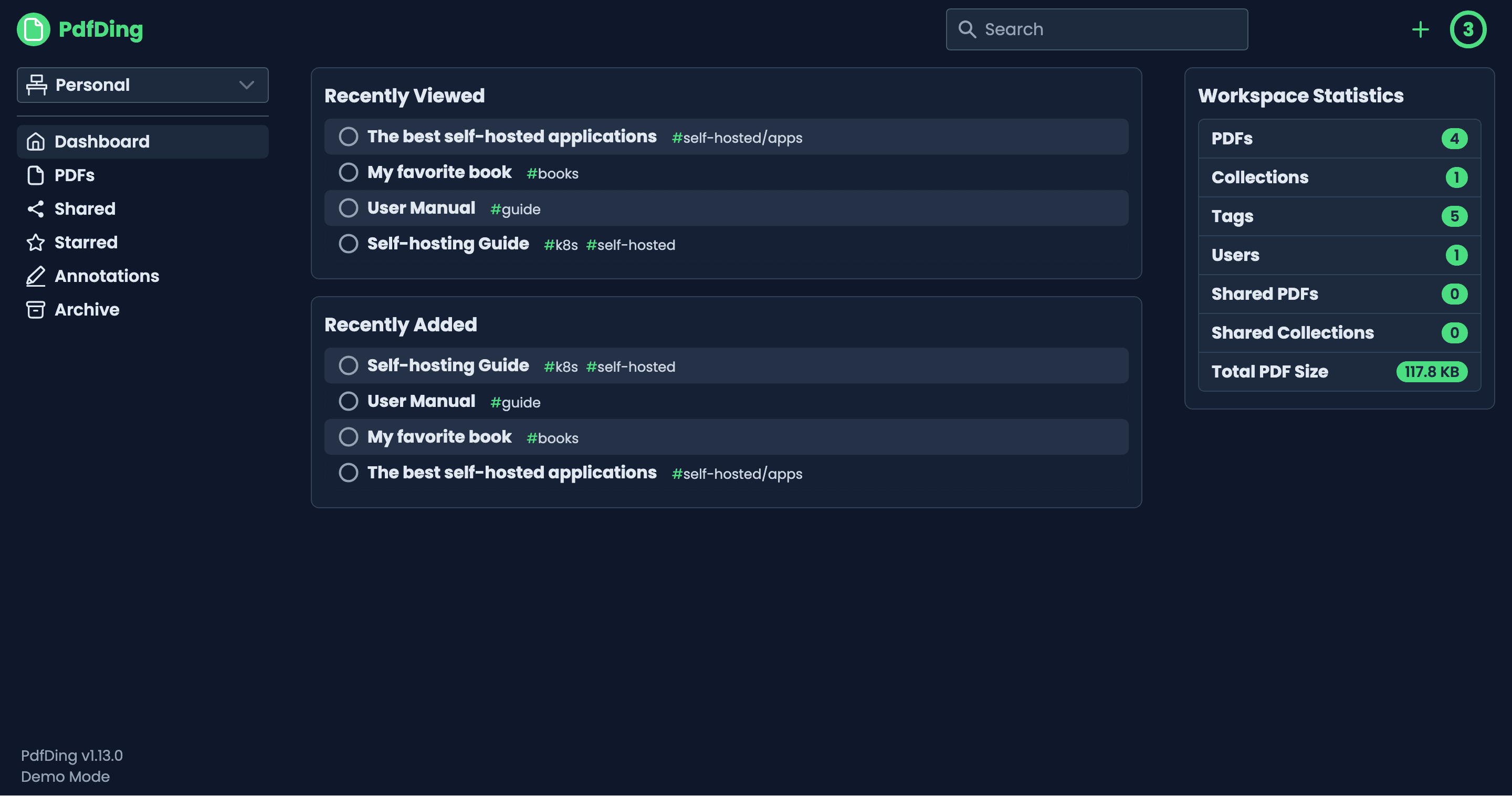
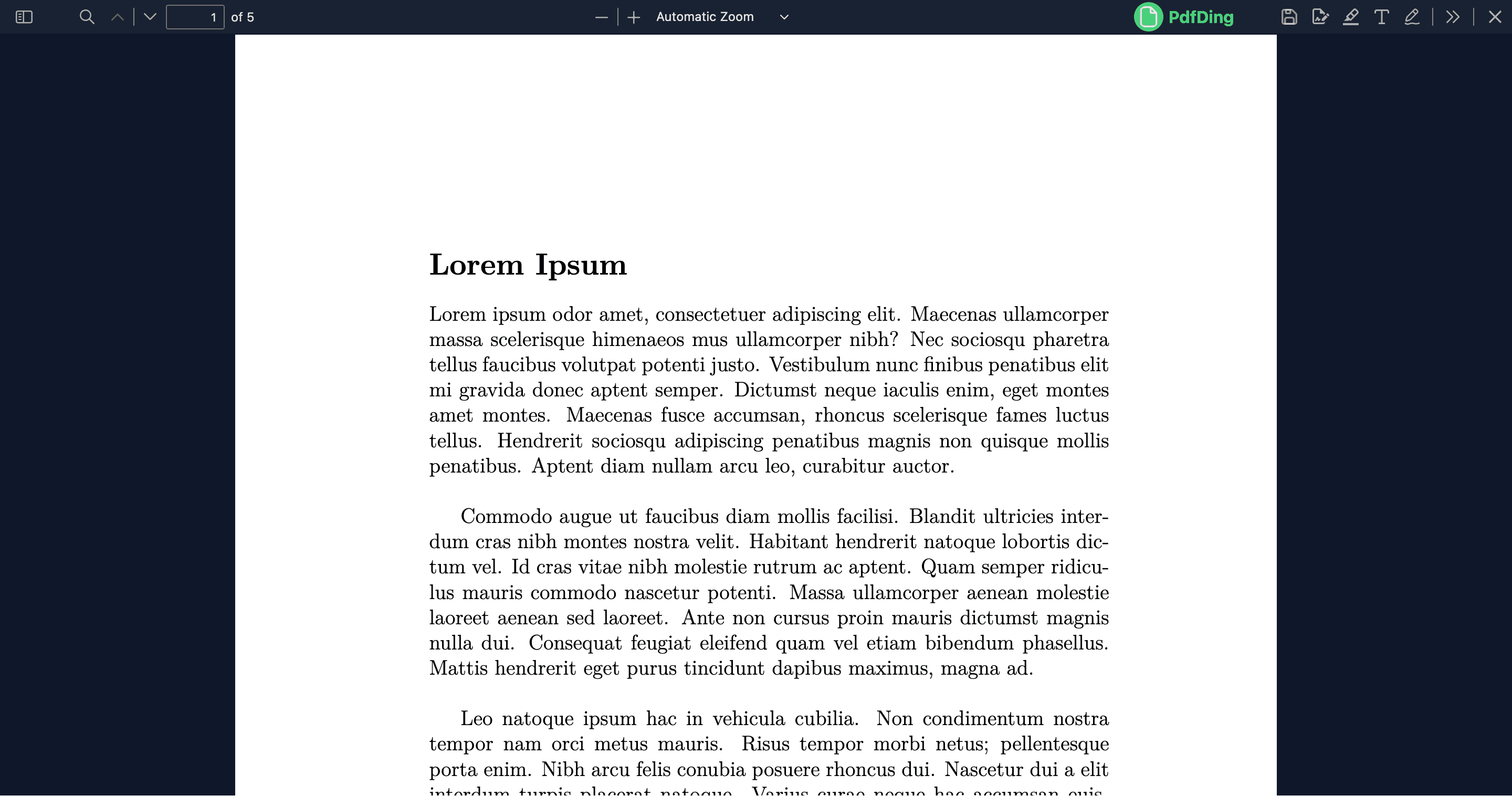
What is PdfDing?
PdfDing is a self-hosted PDF manager, viewer, and editor written in Python (Django) with a Svelte frontend. It is designed to give individuals and small teams a private alternative to cloud PDF services: you run it yourself in Docker, Docker Compose, or Helm, and your documents live on your own infrastructure rather than on a vendor's servers. The name is a nod to linkding, the bookmark manager that inspired the project's tagging and sharing model.
Key features
- In-browser PDF reader that streams pages on demand, remembers the current position, and continues across devices.
- Library organisation via workspaces, collections, multi-level tags, starring, archiving, and progress bars per PDF.
- Editing — add text, highlights, drawings, and signatures; export highlights and comments to Markdown.
- Sharing — share single PDFs or whole collections via a link or QR code, with optional access control lists.
- Auth: local accounts, two-factor authentication (TOTP and WebAuthn), and OIDC single sign-on for organisations.
- Clean dark UI with an inverted colour mode for night reading and keyboard-friendly bulk actions.
- Private by design: no telemetry, no third-party data sharing, no analytics.
Comparison to paid PDF software
PdfDing targets users who currently pay for Adobe Acrobat's cloud tier, Foxit PDF Editor's sharing features, or services like DocSend for distribution and analytics. Because it is self-hosted, the only cost is the server you already operate, and there are no per-user licence fees. The reader, editor, and sharing functionality are deliberately narrower than a desktop PDF editor such as Adobe Acrobat Pro, but they cover the day-to-day workflow of someone reading, highlighting, and signing PDFs across multiple devices, with the same level of polish you would expect from a SaaS PDF tool.

Frequently Asked Questions
How is PdfDing deployed?
PdfDing ships with official Docker images, a Docker Compose file, and a Helm chart. A single container hosts the Django backend and Svelte frontend; SQLite is used by default for small instances, and PostgreSQL can be configured for larger deployments.
Which platforms can I read PDFs on?
Because PdfDing is a web app, any modern browser on Windows, macOS, Linux, Android, or iOS works. Reading progress is remembered per device so you can switch from a laptop to a phone without losing your place.
Can I edit PDFs in PdfDing?
Yes. You can add text, highlights, freehand drawings, and digital signatures, then export your highlights and comments as Markdown notes. Bulk actions let you apply tags or archive many PDFs at once.
What authentication options does PdfDing support?
Local accounts with hashed passwords are supported out of the box. For teams, OIDC single sign-on is available. Two-factor authentication is offered with both TOTP codes and WebAuthn hardware keys.
Can I share PDFs with people outside my PdfDing instance?
Yes. You can share a single PDF or a whole collection via a public link or QR code, with optional access controls. The recipient only needs the link; no account is required to view what you have shared.
OpenAltFinder Score
Project Details
Repository details
Updated 9/30/2026, 2:00:13 AM
View RepositoryRepository activity
Compare PdfDing with
Similar open source alternatives
Sioyek
Cross-platform PDF viewer focused on textbooks and research papers with smart navigation, marks, bookmarks, and bibliography jumping.
 Adobe Acrobat
KillerPDF
KillerPDF is a lightweight, fully portable PDF editor for Windows. Edit, merge, annotate, and sign PDFs locally with no subscription, accounts, or hidden telemetry anywhere on your computer.
Adobe Acrobat
Pympress
Lightweight GTK PDF presenter for dual-screen setups, showing current slide, next slide, and presenter notes on separate displays.
Adobe Acrobat
SumatraPDF
Lightweight, free PDF, eBook, and comic reader for Windows that launches instantly and stays out of the way; multi-format support with minimal interface.
Adobe Acrobat
Koodo Reader
Cross-platform ebook reader supporting PDF, EPUB, MOBI, comics and more, with sync across Windows, macOS, Linux, Android, iOS, and Web.
Adobe Acrobat