word-sys PDF Editor
A free, open-source PDF editor for Linux that lets you edit text, images and objects, merge documents, and export to DOCX, PPTX and more.
Open source alternative to:


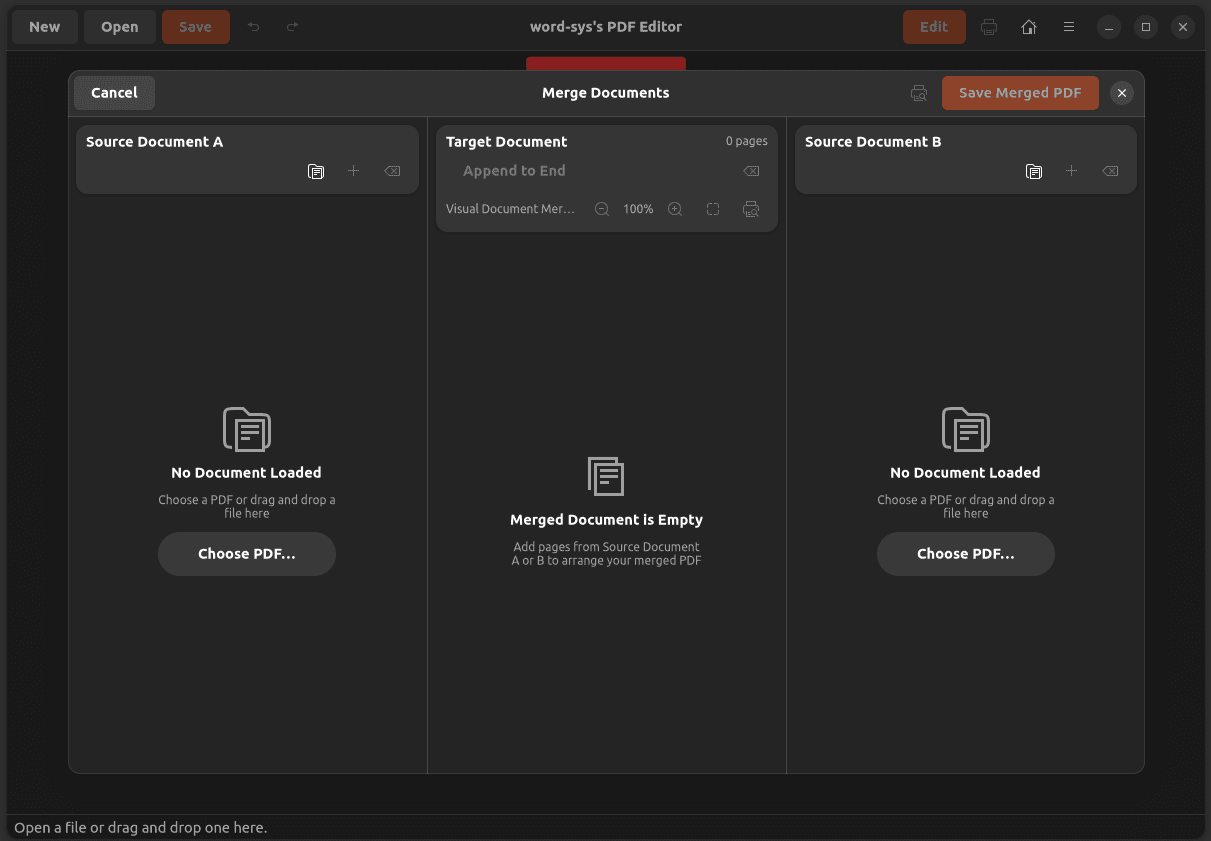
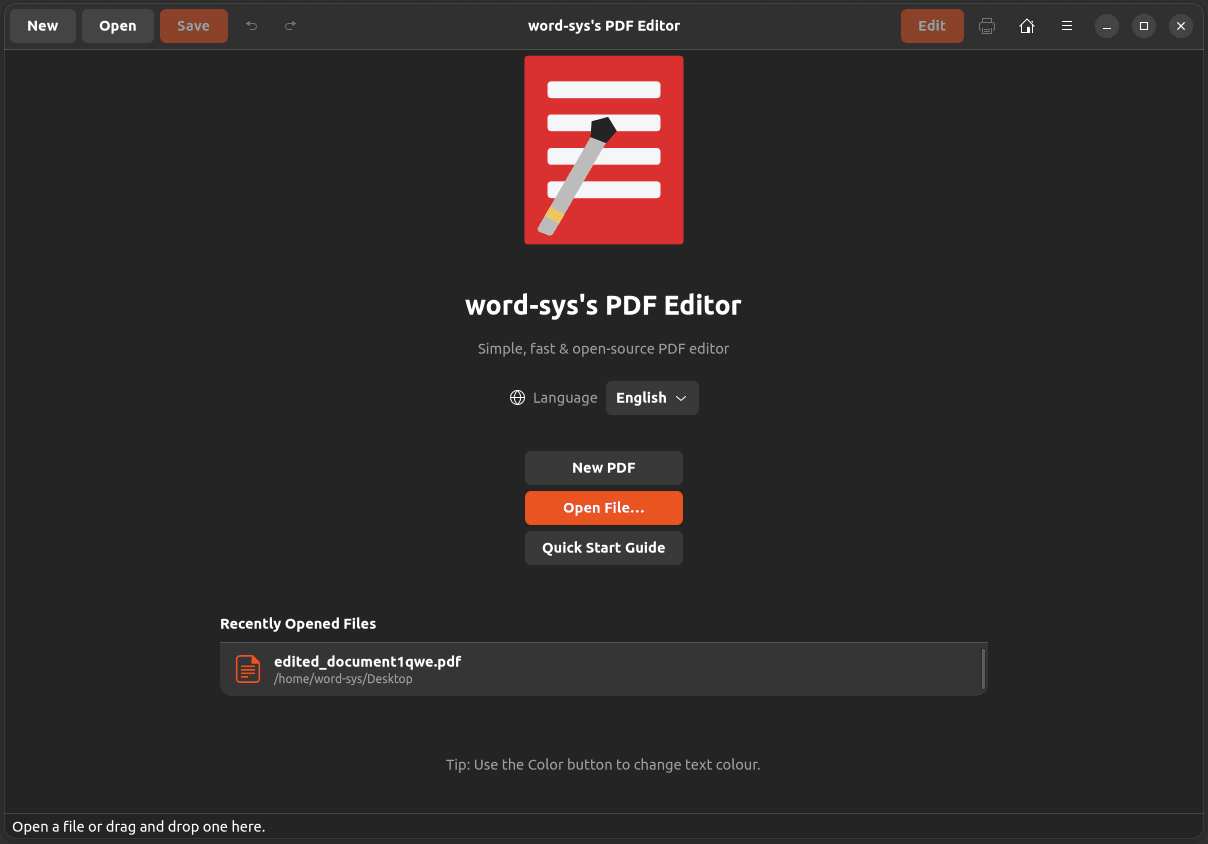
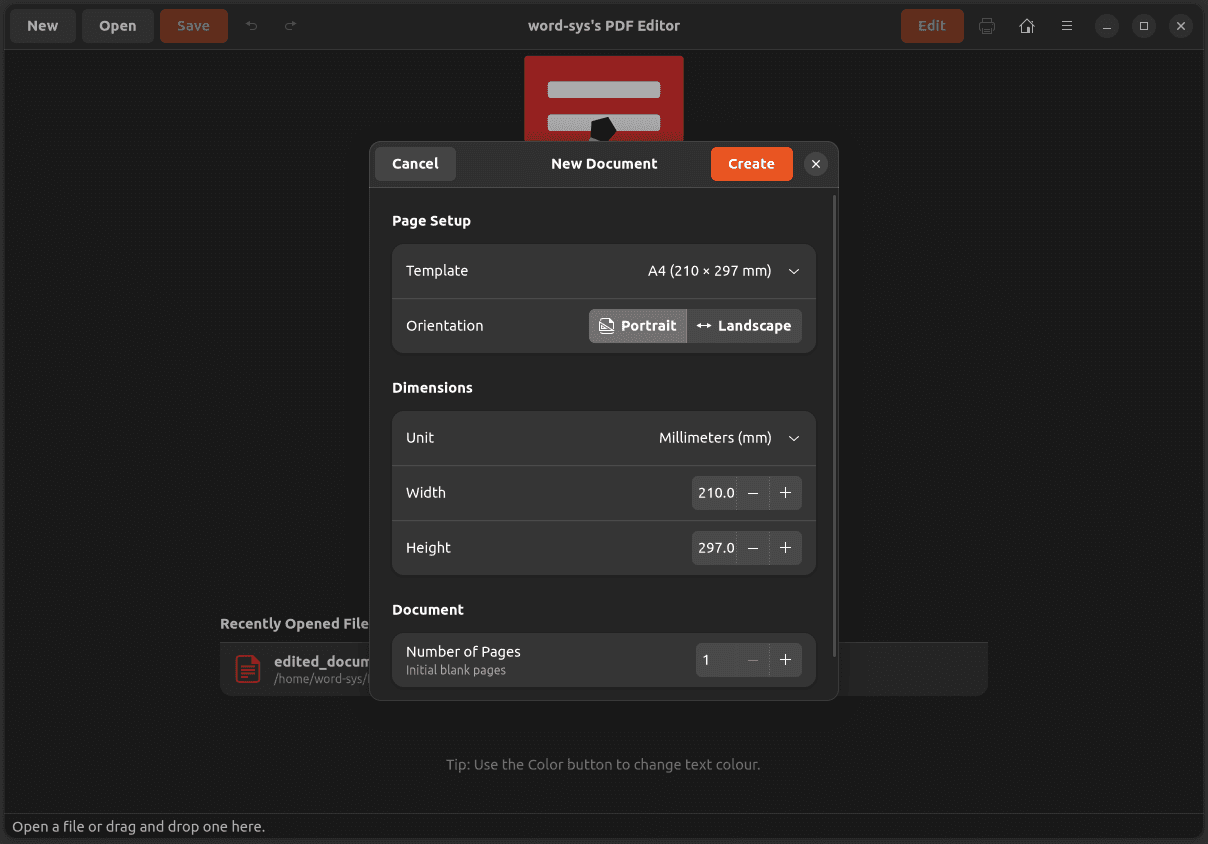
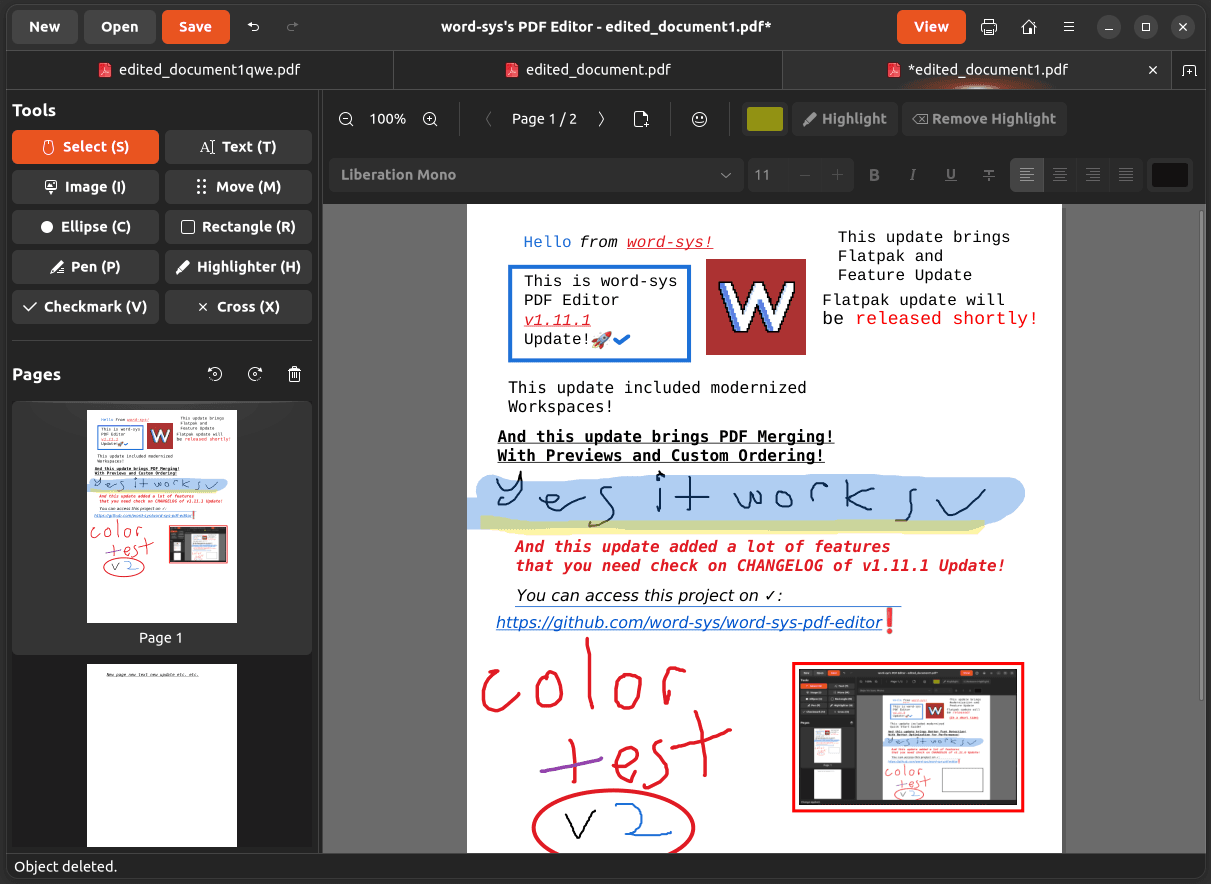
word-sys PDF Editor is a free and open-source desktop PDF editor for Linux, built in Python with GTK 4 and PyMuPDF. It was developed for Pardus, Debian and other Linux distributions and won first place in the TEKNOFEST 2025 Pardus Development Competition. Where most free Linux PDF tools only view, annotate or rearrange pages, it focuses on directly editing the content of a PDF: you can select and modify existing text blocks, delete text, add new text, insert images with alpha transparency, move objects, and change font type, size, color and decoration.
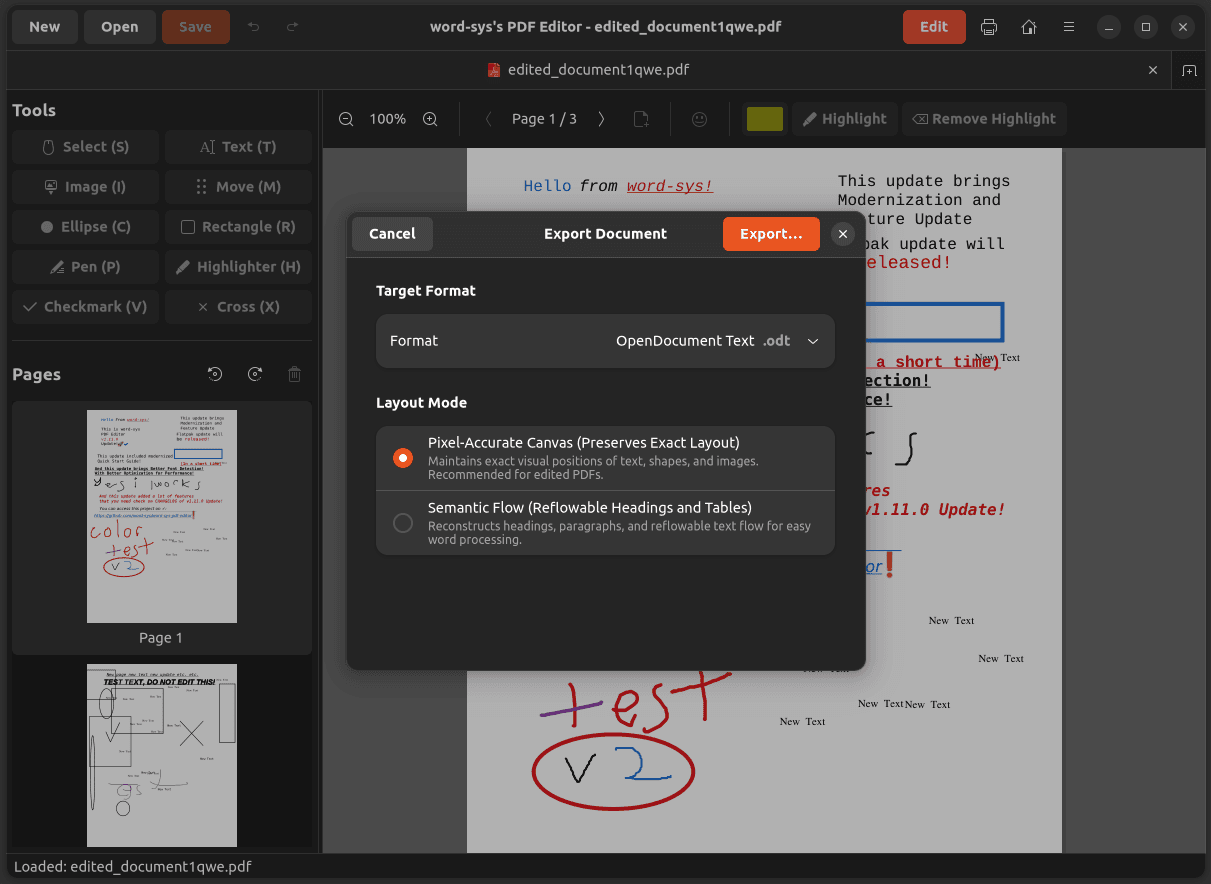
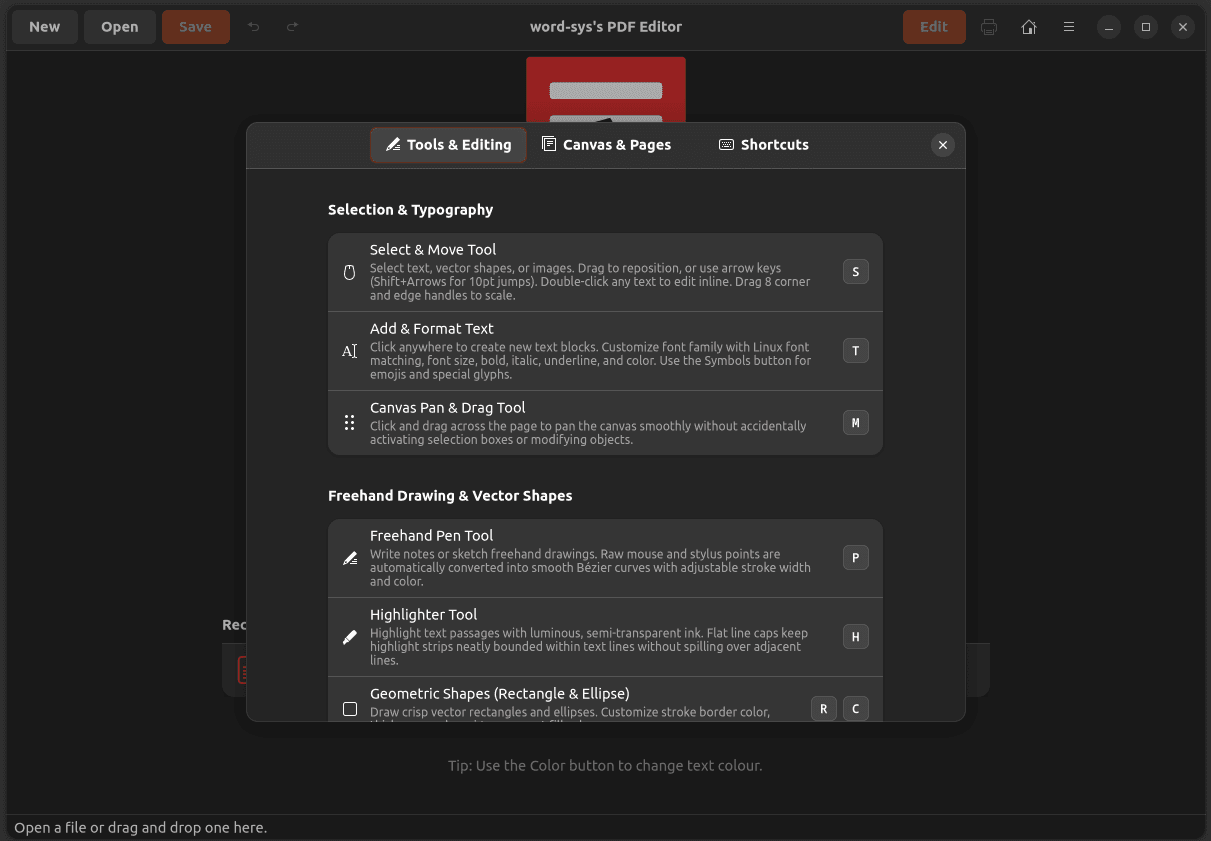
Beyond content editing, it covers the everyday PDF workflow: create PDFs with custom page dimensions, open and view documents in tabs, merge PDFs, add rectangles, ellipses, checkmarks and crosses, draw freehand pen and highlighter strokes, and add, remove or reorder pages with drag-and-drop thumbnails. Multi-level undo/redo, Safe Save, a Restricted Mode, and an interactive quick-start guide (F1) round it out. A built-in pure-Python engine called anyconvert exports PDFs to DOCX, PPTX, ODT, ODP and TXT without LibreOffice, in either pixel-accurate canvas mode or semantic flow mode.
For anyone replacing Adobe Acrobat, Foxit or Nitro on a Linux machine, the pitch is simple: it is completely free under GPL-3.0-or-later, installs from a .deb package, AppImage or AUR, and handles the most common paid-editor jobs — text and image editing, merging, annotating and format conversion — without subscriptions or vendor lock-in. The companion anyconvert CLI is also available on PyPI for scripted conversions.
Frequently Asked Questions
Which platforms does word-sys PDF Editor run on?
word-sys PDF Editor is a Linux desktop application. It ships as .deb packages for amd64 and arm64 (Pardus, Debian, Ubuntu and derivatives), as an AppImage and tar.gz binary for other distributions, and can be installed from the AUR on Arch Linux. There are no Windows or macOS builds.
What can I actually edit in a PDF with it?
You can select and edit or delete existing text blocks, add new text, insert images with alpha transparency, move and reposition objects, change font type, size, color and decoration, add shapes, freehand pen and highlighter strokes, and add, remove or reorder pages. All changes can be undone and redone at multiple levels.
What file formats can it export besides PDF?
Edited documents can be saved as PDF or exported to DOCX, PPTX, ODT, ODP and TXT using the built-in anyconvert engine, which is pure Python and does not require LibreOffice or other external tools. Two conversion modes are available: pixel-accurate canvas mode and semantic flow mode that rebuilds headings and paragraphs.
Does word-sys PDF Editor have a command-line interface?
The editor itself is a GUI application, but its bundled anyconvert engine can be run standalone from the terminal, for example anyconvert input.pdf -f docx -m canvas -o output.docx, to convert PDFs into editable formats. anyconvert is also published on PyPI as a separate package.
Is the interface available in other languages?
The application interface is available in English and Turkish. The project documentation is additionally translated into French, German, Spanish, Italian, and Russian.
OpenAltFinder Score
Project Details
Repository details
Updated 10/8/2026, 9:00:22 AM
View RepositoryCompare word-sys PDF Editor with
Similar open source alternatives

PdfDing
Self-hosted PDF manager, viewer, and editor with multi-device sync, tagging, and an in-browser reader; deployable via Docker.
 Adobe Acrobat
Sioyek
Cross-platform PDF viewer focused on textbooks and research papers with smart navigation, marks, bookmarks, and bibliography jumping.
Adobe Acrobat
KillerPDF
KillerPDF is a lightweight, fully portable PDF editor for Windows. Edit, merge, annotate, and sign PDFs locally with no subscription, accounts, or hidden telemetry anywhere on your computer.
Adobe Acrobat
PrintCraft
Open-source PDF workbench in pure Rust — read, organize, combine, split, comment and secure PDFs.
Adobe Acrobat
EmbedPDF
A PDF viewer that seamlessly integrates with any JavaScript project
 Adobe Acrobat Reader
Pympress
Lightweight GTK PDF presenter for dual-screen setups, showing current slide, next slide, and presenter notes on separate displays.
Adobe Acrobat