PhotoCraft
Open-source, clean-room reimplementation of Adobe Photoshop in pure Rust — layers, masks, adjustments and real PSD files.
Open source alternative to:
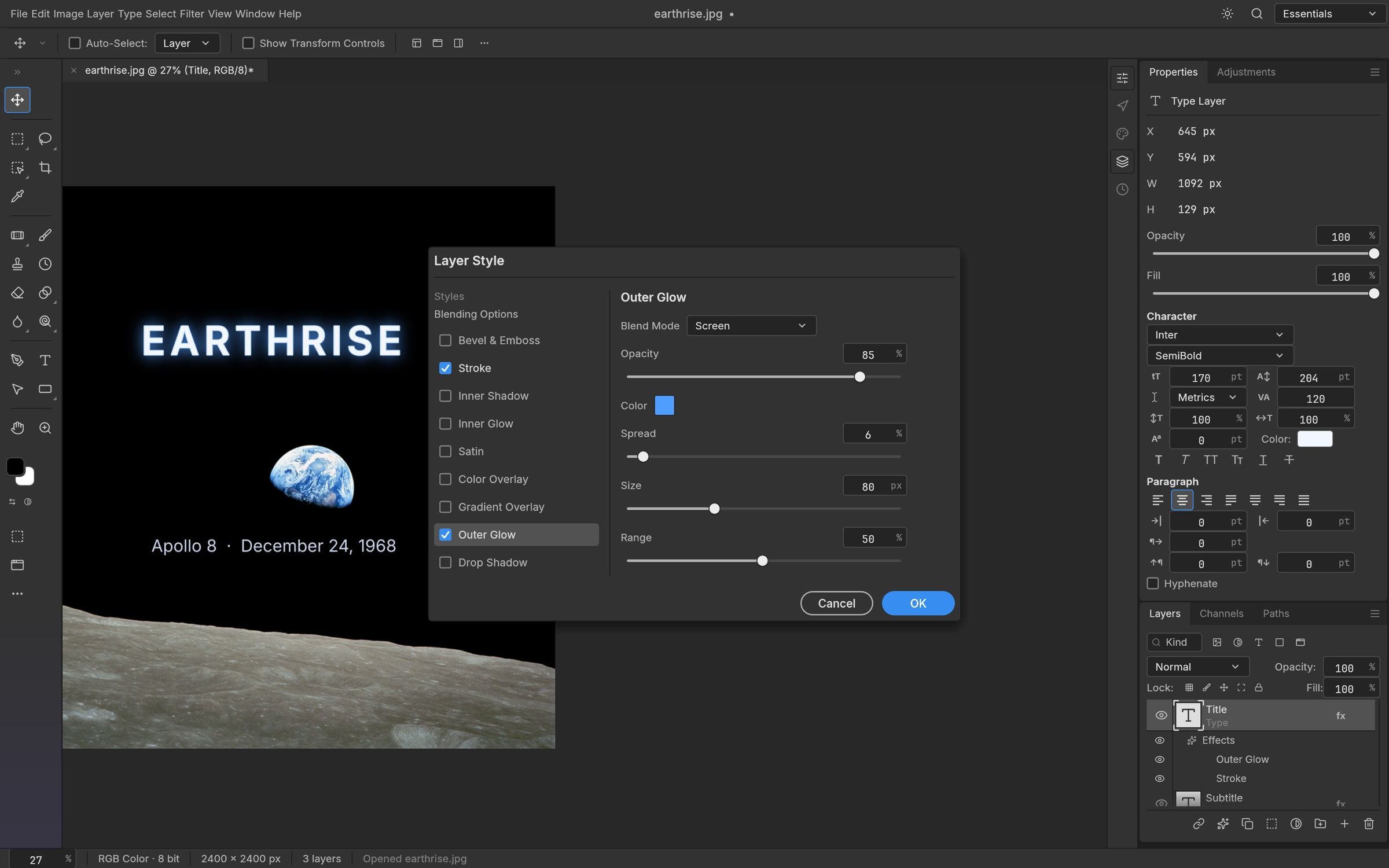
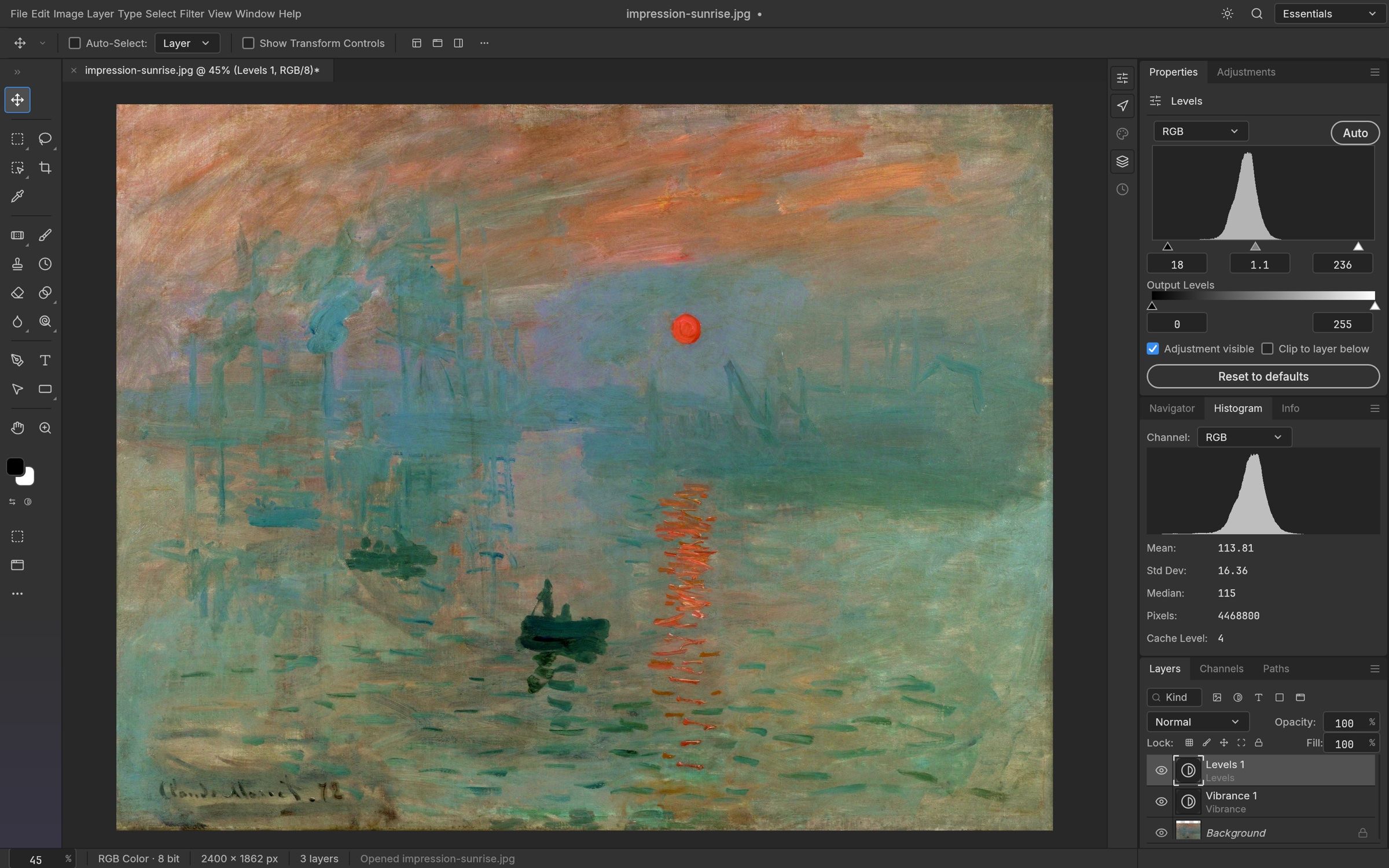
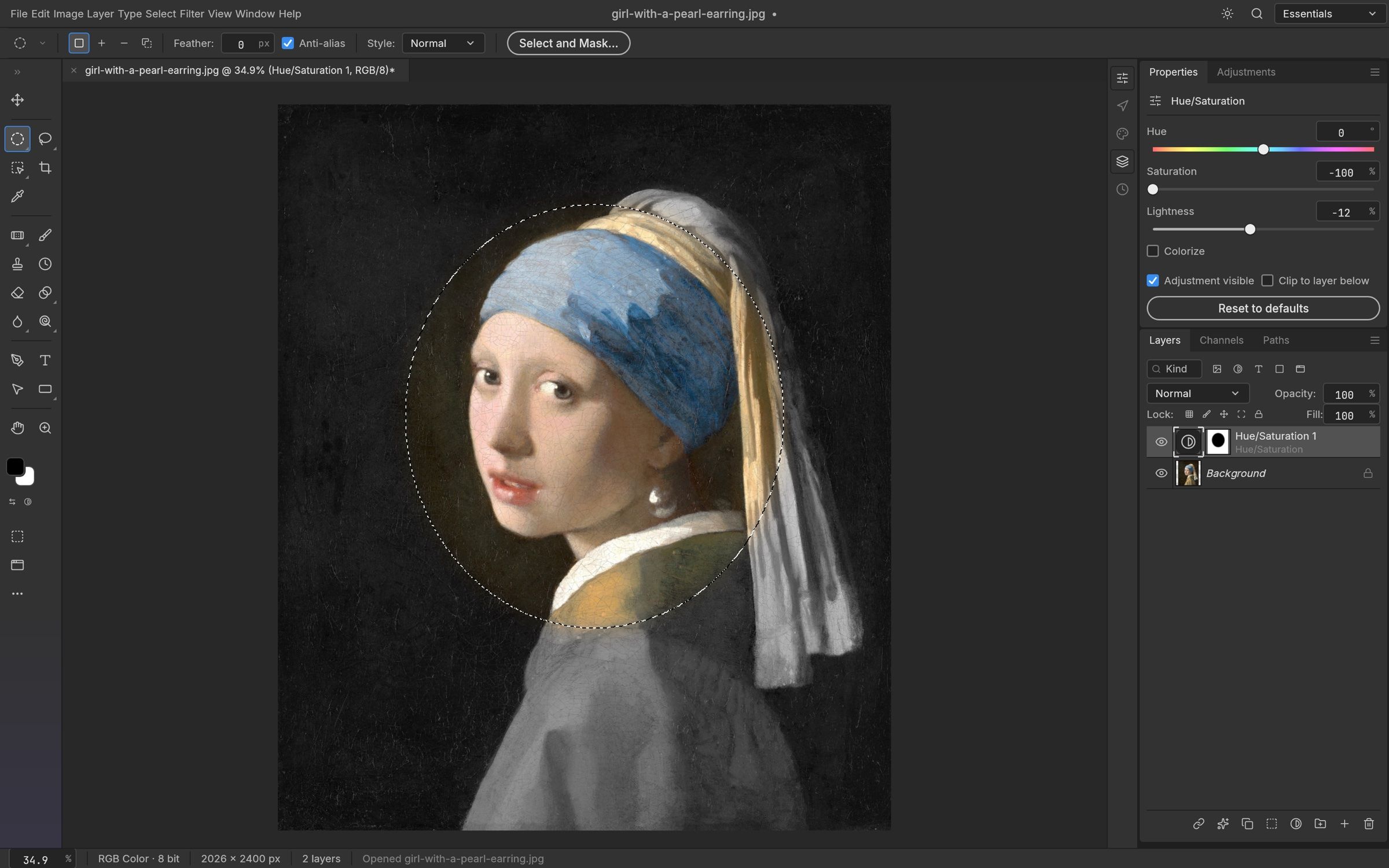
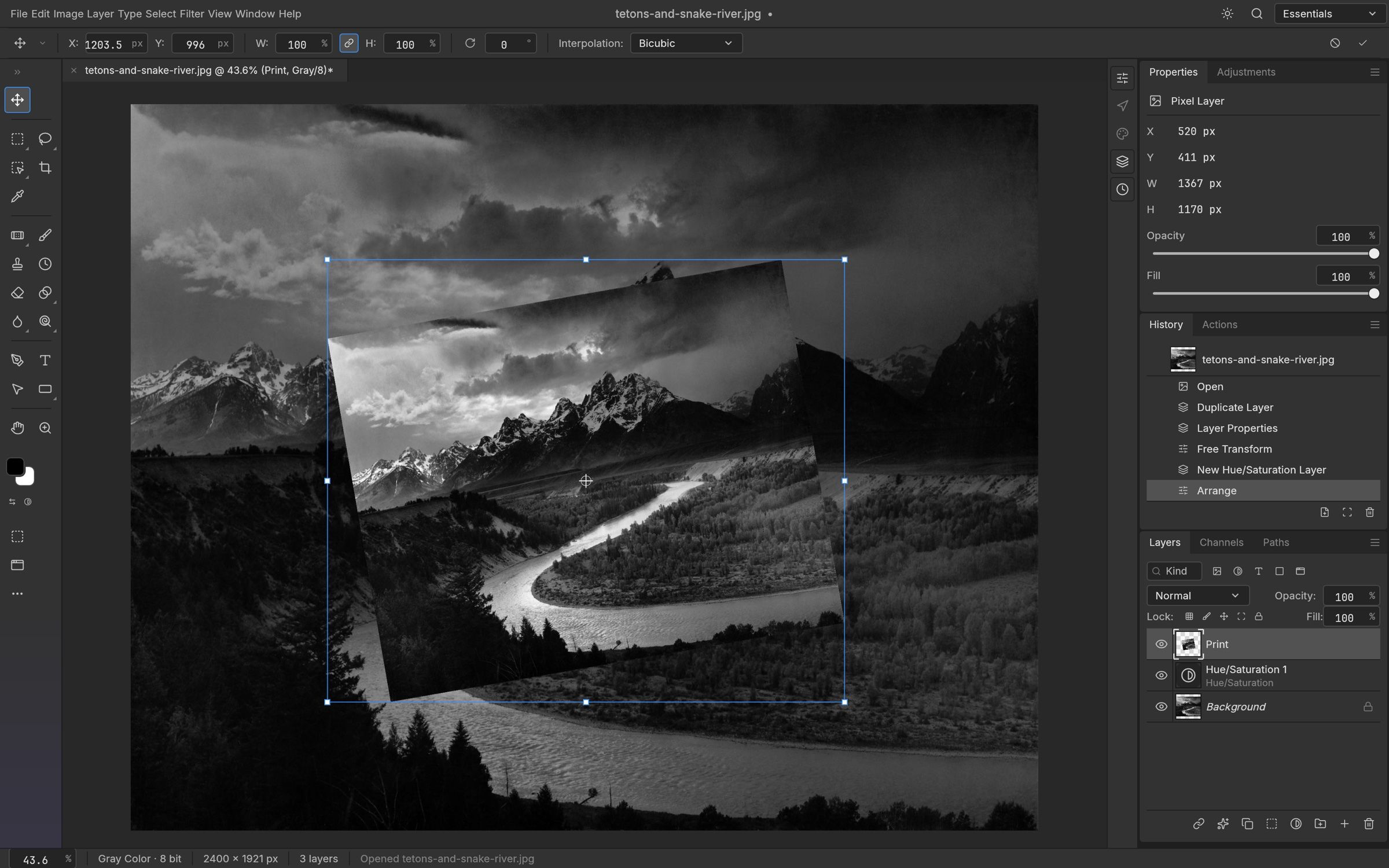
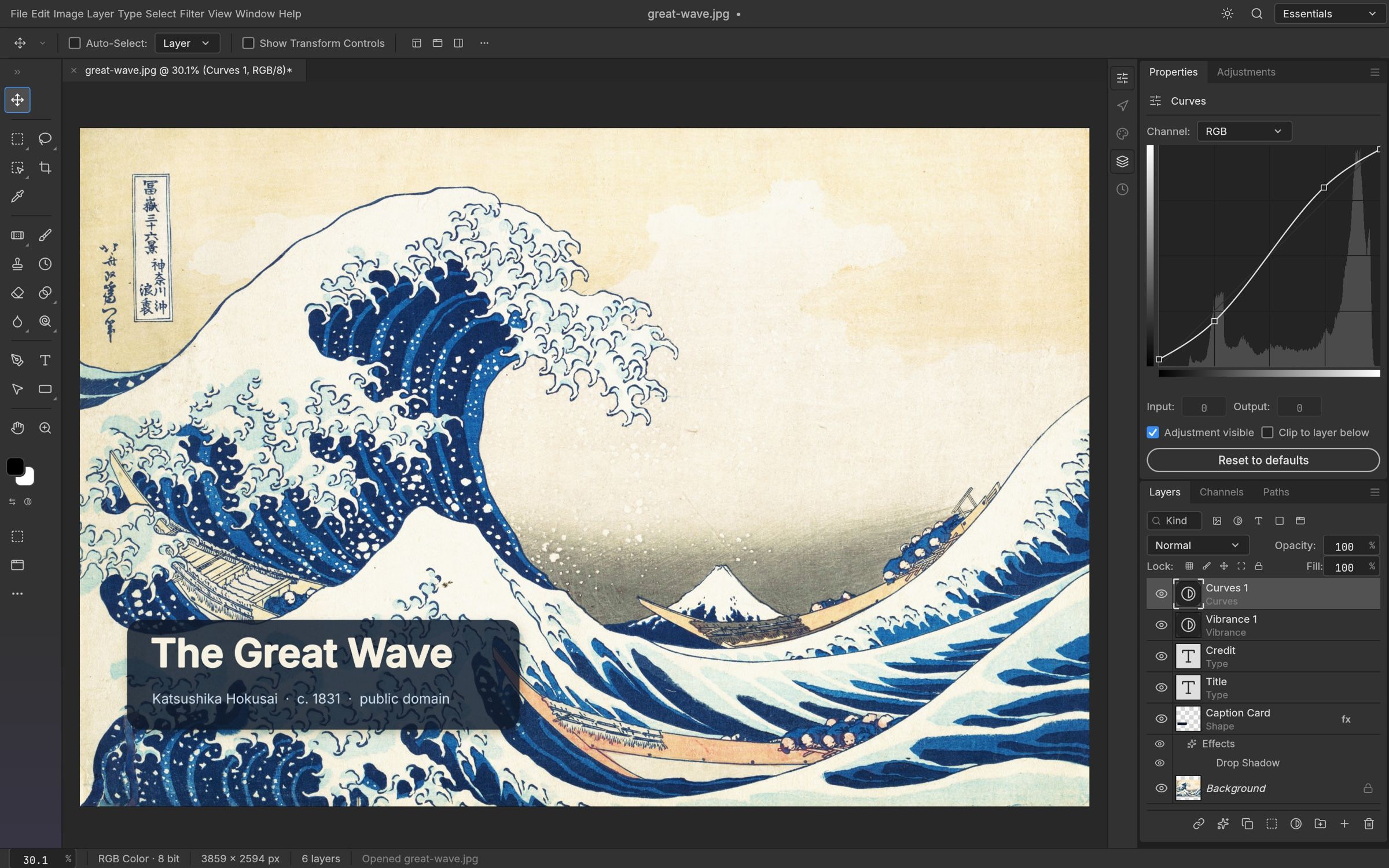
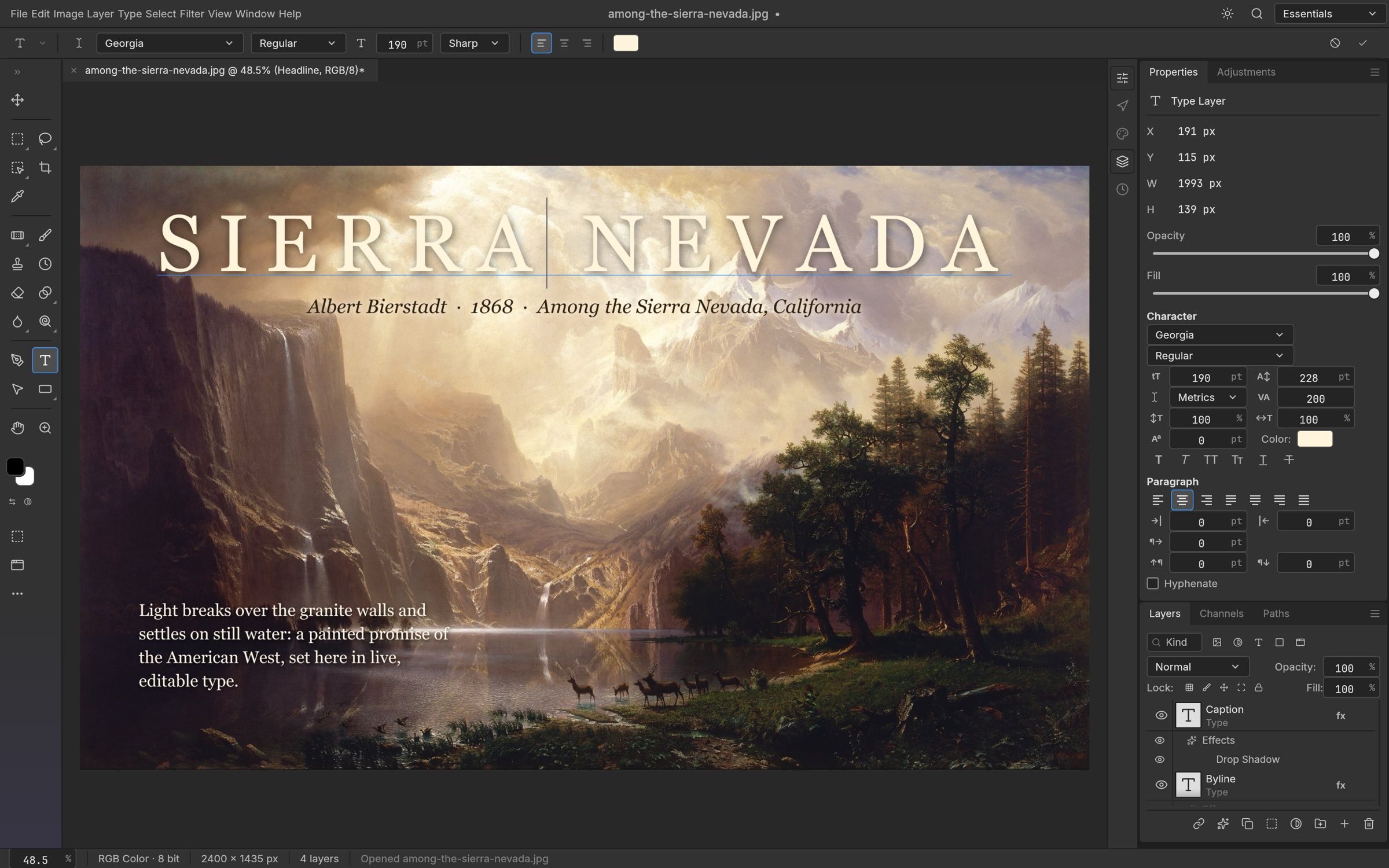
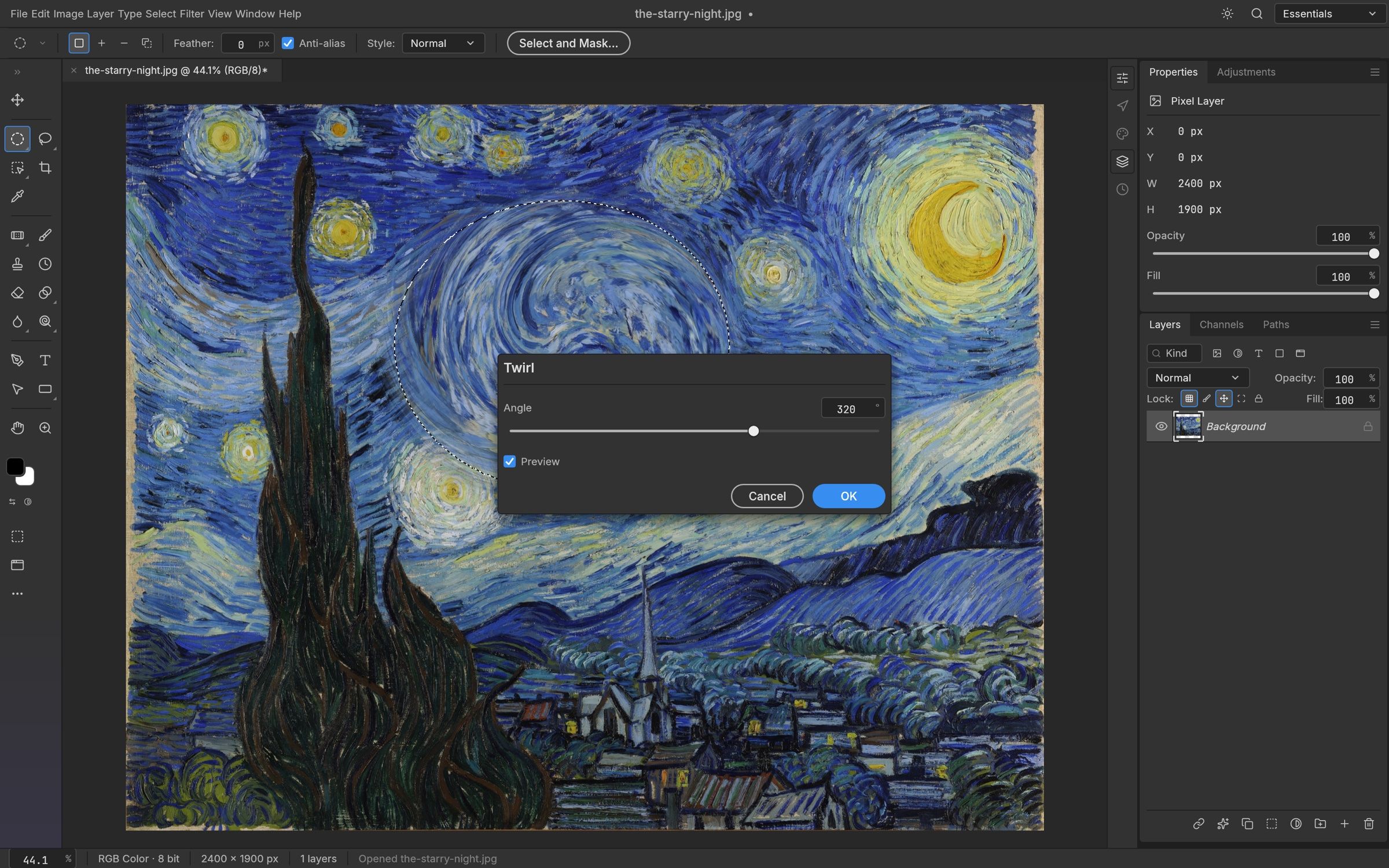
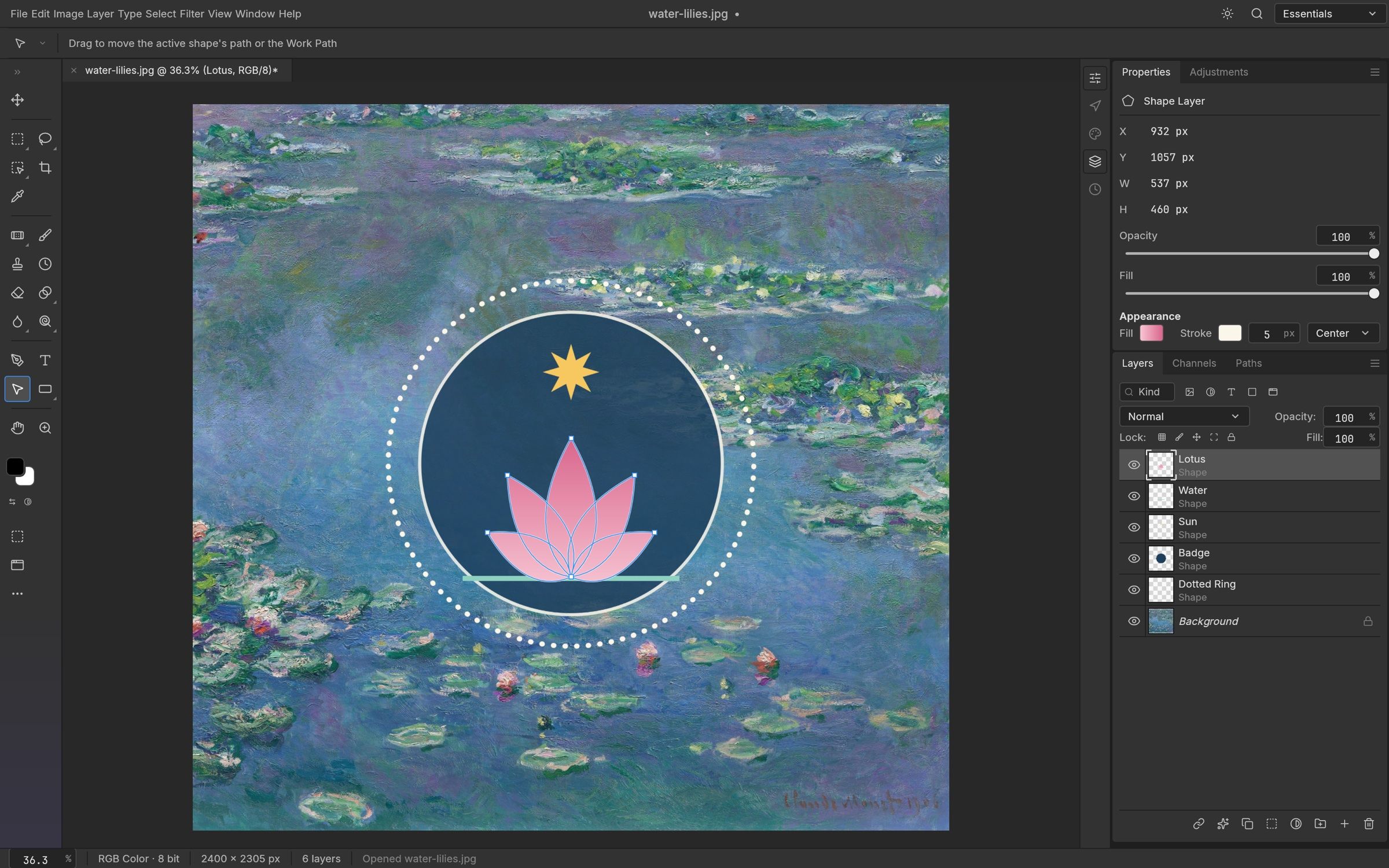
PhotoCraft is an image editor that reimagines Adobe Photoshop as free, open-source software, written entirely in Rust by the ArtCraft team. It is a clean-room project: built from Photoshop's public behaviour and documentation rather than its code, so it offers the same familiar workflow — panels, tools and shortcuts — without a Creative Cloud subscription.
The editing core is already substantial: layers, masks, adjustment layers, layer styles, editable type layers, vector shape layers with boolean operations and brush tools, plus a catalogue of live-preview filters from the Blur Gallery to Oil Paint. Smart objects keep filters editable, Free Transform handles scale, rotate, skew and perspective, and a Photoshop-style History panel with the History Brush lets you roll every step back. Small-radius blurs are GPU-accelerated across all cores, so large images stay responsive.
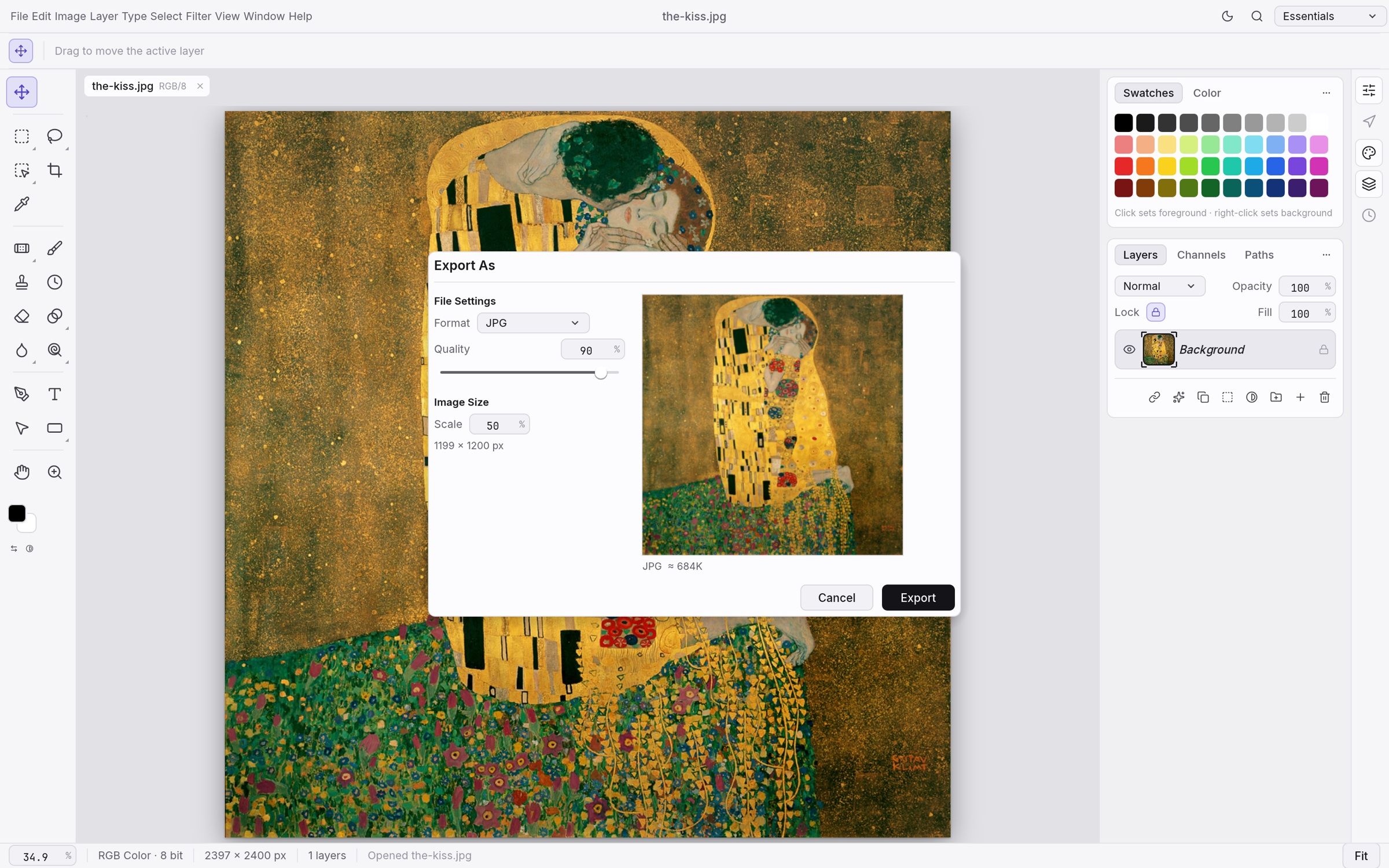
PSD compatibility is a headline feature: real Photoshop documents round-trip through PhotoCraft with layers, masks, type and adjustments intact, and Export As covers JPG, PNG and other formats with quality, scale and file-size estimates. PhotoCraft runs natively on macOS, Windows and Linux, with installers on the GitHub releases page and a WebGPU-powered browser build. Every one of its 500+ commands can also be driven from the CLI, a JSON control channel or an MCP server, making it unusually scriptable — see PhotoCraft vs Adobe Photoshop below for where it stands today.
Frequently Asked Questions
Which platforms does PhotoCraft run on?
PhotoCraft ships native desktop clients for macOS (universal build), Windows (MSI) and Linux (AppImage), with installers attached to the GitHub releases. There is also a browser build; the shared Rust render stack runs on Metal, Vulkan, DirectX 12 and WebGPU, so the same engine drives the desktop and web apps.
Can PhotoCraft open Adobe Photoshop files?
Yes. PSD compatibility is a core feature: layers, masks, adjustment layers, layer styles and editable type round-trip through PhotoCraft in both directions, so you can import existing Photoshop documents and hand files back out as PSD.
Can AI agents or scripts automate PhotoCraft?
Yes. Every menu item, tool and dialog is backed by a registry of more than 500 commands that the UI, the CLI, a JSON control channel and an MCP server all share. You can apply a saved action list to a folder with photocraft-cli batch, run headless edits, or register the MCP server with Claude or another agent.
What export options does PhotoCraft offer?
The Export As dialog lets you pick format, quality, scale and transparency with a live preview and an instant file-size estimate, and there is a one-click Quick Export to PNG. It also saves work back out as real PSD files.
OpenAltFinder Score
Project Details
Repository details
Updated 10/5/2026, 5:00:18 AM
View RepositoryCompare PhotoCraft with
Similar open source alternatives
Krita
Free, open source digital painting and illustration application that is a popular alternative to Photoshop and Procreate.
 Adobe Photoshop
miniPaint
Online image editor with layers, filters, and effects that runs entirely in the browser. An open source Photoshop alternative with no ads or account required.
Adobe Photoshop
Compositor
Compositor is a free, open-source Photoshop-style image editor built in Swift, native to macOS.
Adobe Photoshop
GIMP
GNU Image Manipulation Program — the venerable free, open source image editor and Adobe Photoshop alternative.
Adobe Photoshop
SnapOtter
Self-hosted image manipulation platform with 45+ tools, local AI, and pipelines. A privacy-first open source alternative to Canva, TinyPNG, and remove.bg.
 Canva
Canva
PhotoSuite
A free, open-source desktop image editor that replicates the Photoshop interface with 1:1 native PSD/PSB file compatibility.
Adobe Photoshop