PhotoSuite
A free, open-source desktop image editor that replicates the Photoshop interface with 1:1 native PSD/PSB file compatibility.
Open source alternative to:
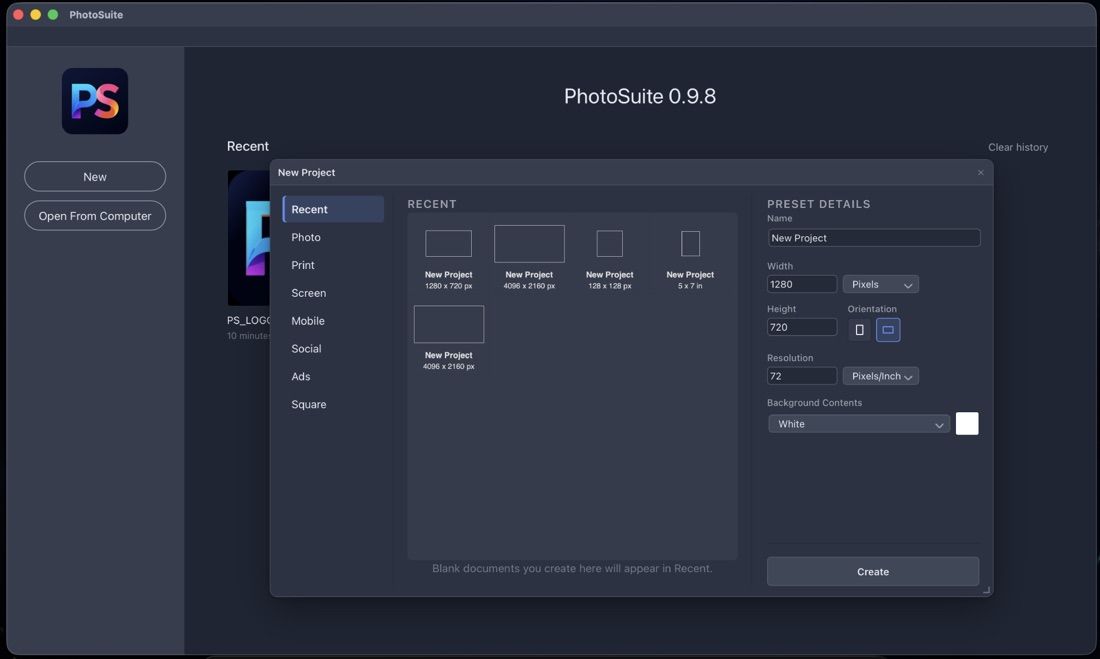
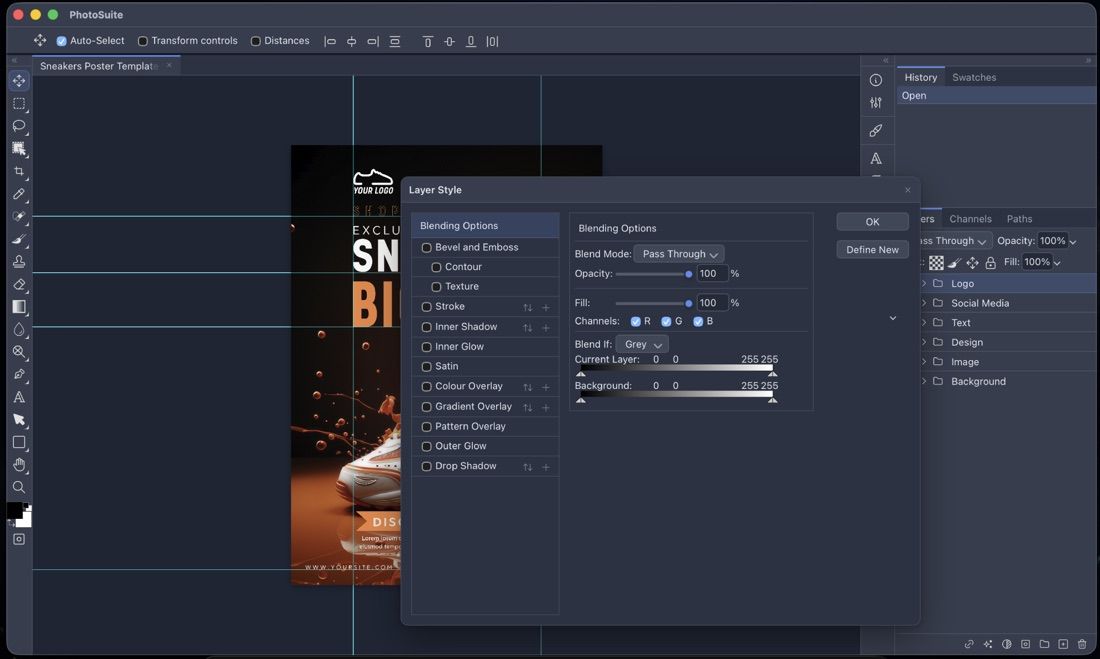
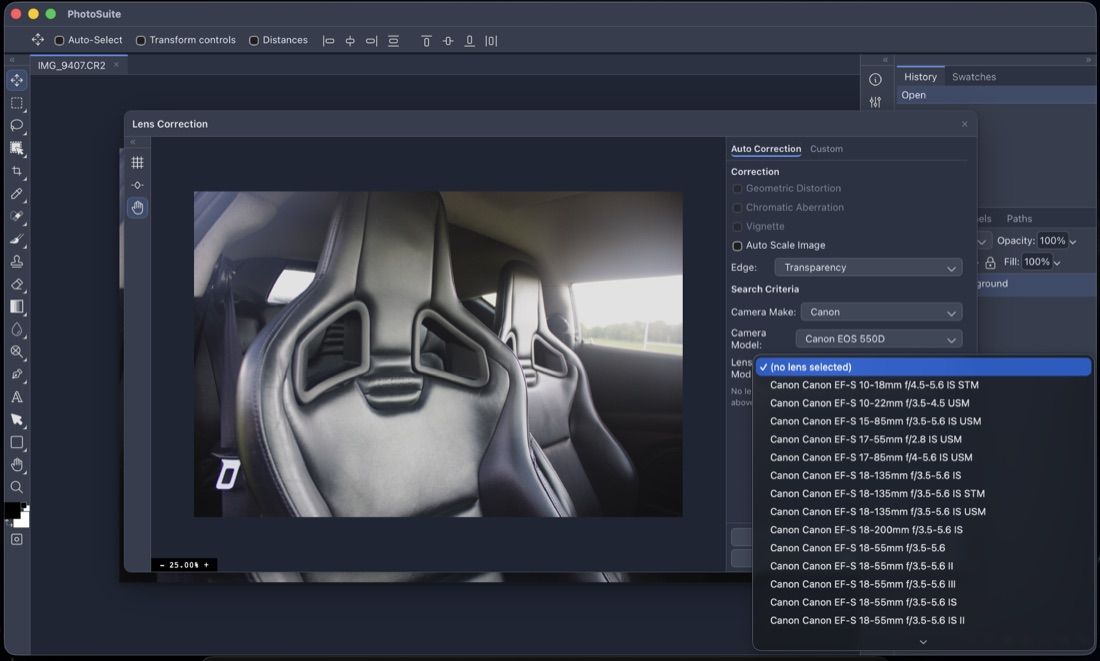
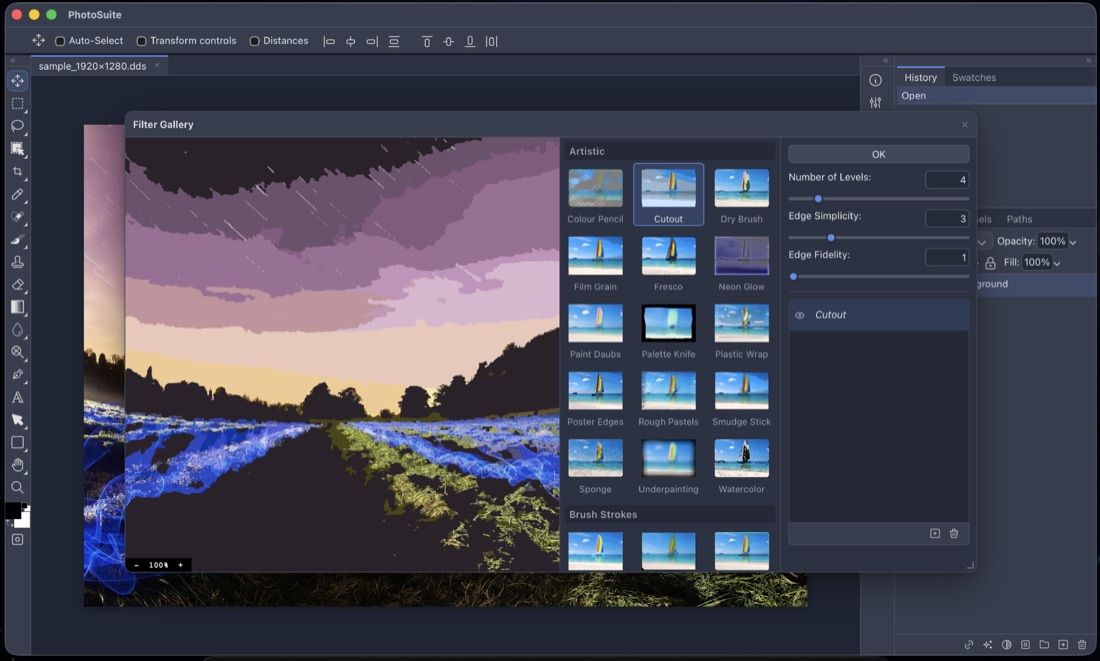
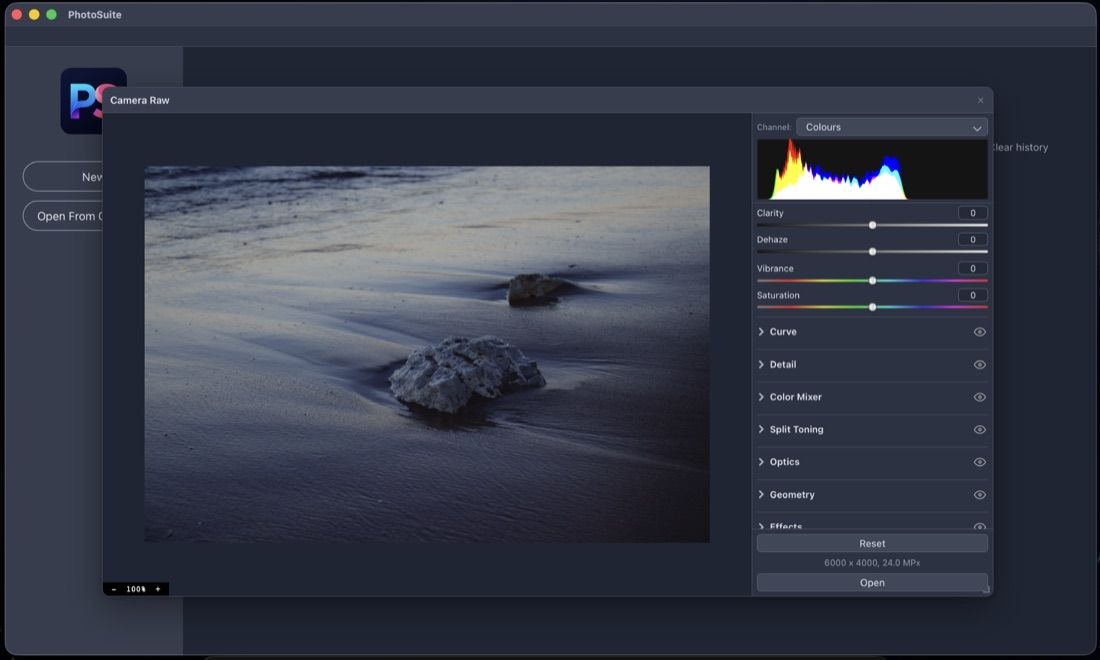
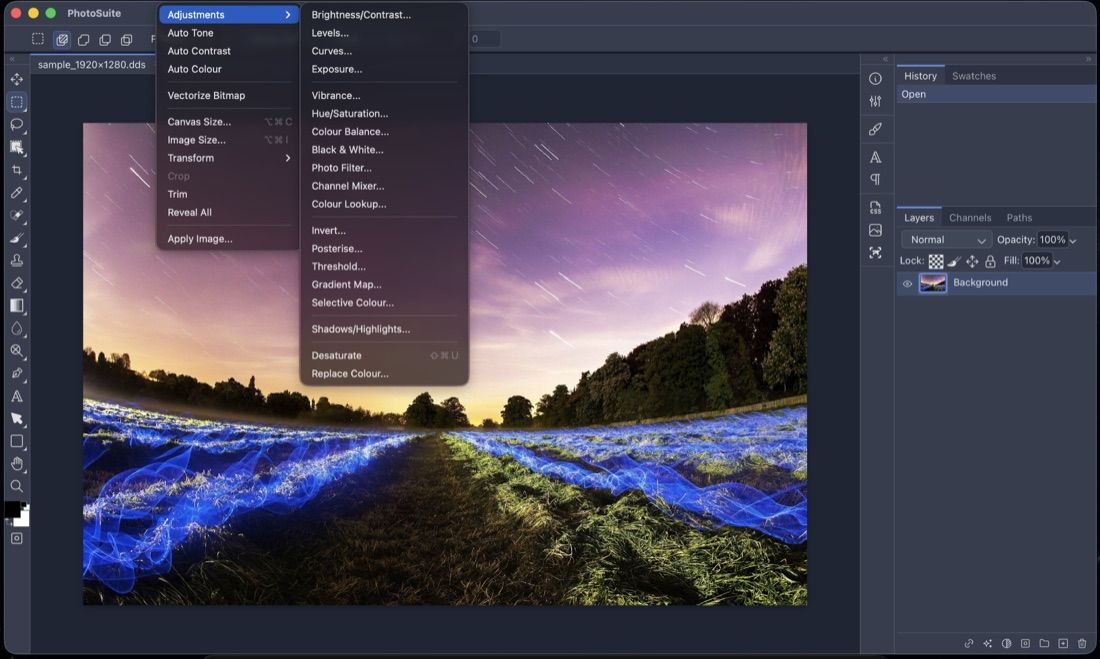
PhotoSuite is a free, open-source desktop raster and vector image editor built for fidelity rather than reinterpretation. Panels sit where you expect them, shortcuts match your muscle memory, dialogs expose identical fields, and tools behave exactly like their Photoshop counterparts, down to modifier keys. It is built with Tauri v2: the editor runs on HTML5, WebAssembly, and WebGL inside the system webview, backed by a lightweight Rust host for filesystem access, native menus, dialogs, clipboard, and printing. Everything runs locally on your machine with no telemetry, accounts, or cloud requirements.
Its defining feature is native PSD/PSB support: PSD is the document's native format, not a lossy import filter. Files round-trip cleanly through the binary format with layer records, masks, blending modes, layer effects, smart-filter stacks, text engine data, vector paths, slices, and colour profiles intact, so a file saved in PhotoSuite opens in Photoshop and vice versa. The feature set covers the Photoshop toolset (Marquee, Lasso, Magic Wand, Brush, Clone Stamp, Healing Brush, Pen, Type, and more), 1:1 layer styles, Smart Objects, a classic Filter Gallery with live thumbnails, Liquify mesh warping, Lens Correction backed by the Lensfun database, Camera RAW development for DNG/CR2/NEF/ARW, and vector geometry with boolean operations powered by Paper.js.
Compared with Adobe Photoshop, PhotoSuite offers graphic designers a legal, offline way to edit PSDs on macOS, Linux, and Windows at no cost. It intentionally avoids becoming a mega-app like GIMP, focusing instead on Photoshop-compatible behaviour, and it welcomes sidebar plugins written in plain HTML, CSS, and JavaScript, a JavaScript/JSX scripting engine, and playback of Photoshop Actions (.atn) files. The project is inspired by Photopea and is not affiliated with or endorsed by Adobe.
Categories:
Build with:



Frequently Asked Questions
Which platforms does PhotoSuite run on?
PhotoSuite ships native desktop builds for macOS (universal .dmg for Apple Silicon and Intel), Linux (.deb and .rpm for x86_64), and Windows (x64 NSIS installer). Pre-built binaries are published on the GitHub Releases page, and automated cross-platform builds run on every release tag.
Does PhotoSuite preserve layers when opening and saving PSD files?
Yes. PSD is PhotoSuite's native format, not a lossy import filter. Documents round-trip through the binary format keeping the layer tree intact, including layer records, masks, blending modes, channel data, descriptors, layer effects, smart-filter stacks, text engine data, vector paths, slices, and colour profiles. PSB is supported for large documents.
Does PhotoSuite work offline?
Yes. PhotoSuite is a Tauri v2 desktop application that runs entirely locally using HTML5, WebAssembly, and WebGL inside the system webview, with a Rust host for filesystem access, native menus, dialogs, clipboard, and printing. There are no cloud requirements, accounts, or telemetry.
What file formats can PhotoSuite open and export?
Beyond PSD, PSB, Adobe Illustrator (.ai), and Adobe XD (.xd), it handles standard raster formats (PNG, APNG, JPEG, WebP, AVIF, TIFF, GIF, BMP, TGA, OpenEXR), vector and document formats (SVG, PDF, PostScript, EPS, EMF, WMF, DXF), design files (Sketch, Figma, GIMP XCF, with Affinity support in progress), and camera RAW formats such as DNG, CR2, NEF, and ARW.
Can I extend PhotoSuite with plugins, scripts, or Photoshop Actions?
Yes. PhotoSuite supports sandboxed sidebar plugins built with plain HTML, CSS, and JavaScript that communicate over IPC, a JavaScript/JSX scripting engine for automation, a parser and playback engine for Photoshop Actions (.atn) files, and plugin APIs documented in the repository's PLUGINS.md guide.
OpenAltFinder Score
Project Details
Repository details
Updated 9/26/2026, 7:00:16 AM
View RepositoryCompare PhotoSuite with
Similar open source alternatives

Krita
Free, open source digital painting and illustration application that is a popular alternative to Photoshop and Procreate.
 Adobe Photoshop
miniPaint
Online image editor with layers, filters, and effects that runs entirely in the browser. An open source Photoshop alternative with no ads or account required.
Adobe Photoshop
Compositor
Compositor is a free, open-source Photoshop-style image editor built in Swift, native to macOS.
Adobe Photoshop
GIMP
GNU Image Manipulation Program — the venerable free, open source image editor and Adobe Photoshop alternative.
Adobe Photoshop
SnapOtter
Self-hosted image manipulation platform with 45+ tools, local AI, and pipelines. A privacy-first open source alternative to Canva, TinyPNG, and remove.bg.
 Canva
Canva
PixiEditor
PixiEditor is a universal open-source 2D editor for pixel art, painting, vector graphics, and animation. Powerful tools wrapped in a modern, friendly interface for every creator.
Adobe Photoshop