
Sharkord
Self-hosted chat server with voice, video, text, and screen sharing — Discord-like features on your own infrastructure.
Open source alternative to:

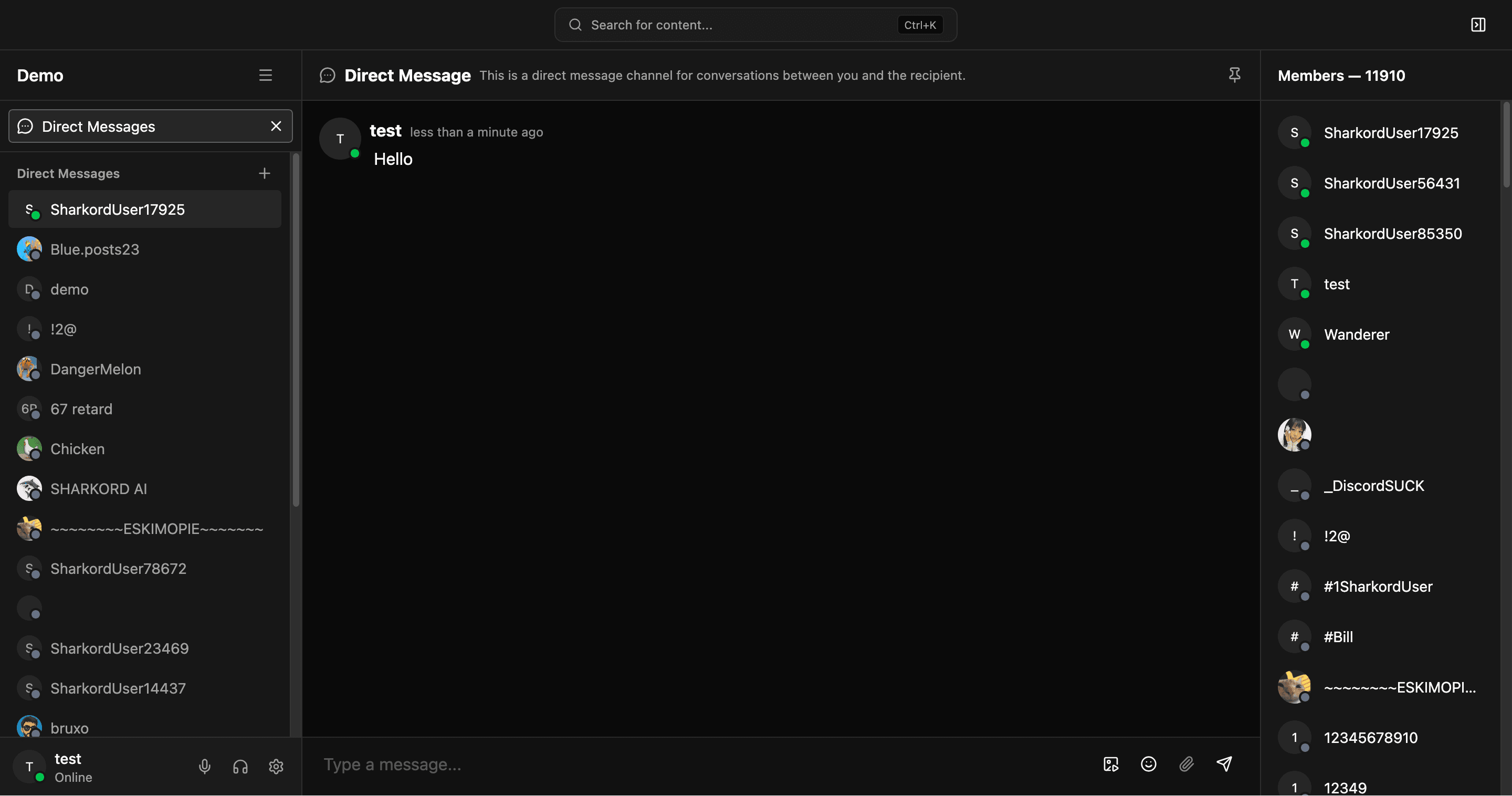
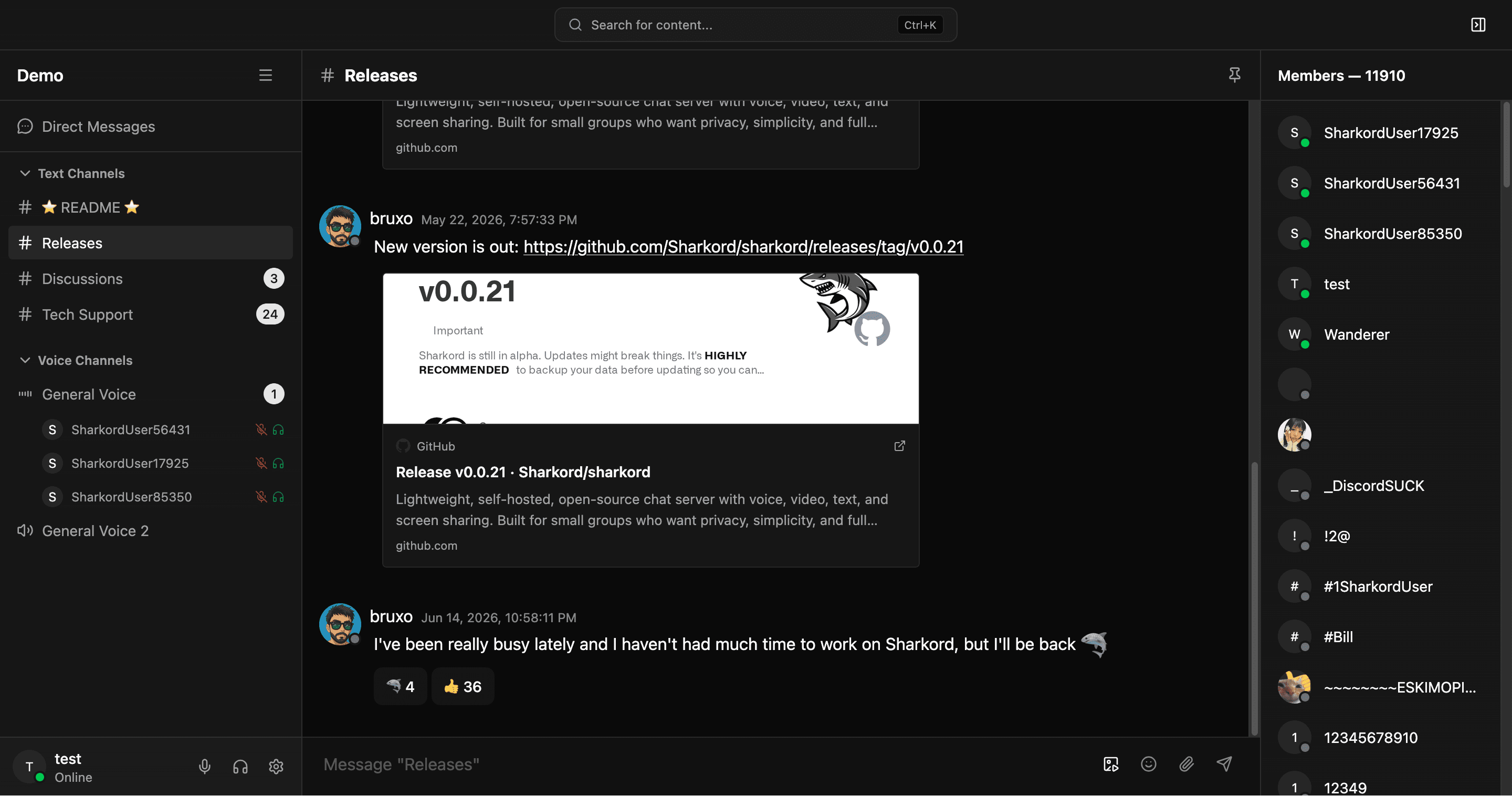
Sharkord is a lightweight, self-hosted communication platform that brings the most-used Discord features — text chat, voice channels, video calls, and screen sharing — to your own infrastructure. It ships as a single standalone binary that bundles both the server and the web client, so a working instance is one download and one command away.
The project is built around privacy and data ownership: messages, media, and accounts live entirely in a local data directory you control, with no third-party services in the loop. Real-time audio and video are powered by mediasoup, a WebRTC SFU, while the backend runs on Bun with tRPC and Drizzle ORM handling the API and data layer. The web client is built with React, Radix UI, ShadCN UI, and Tailwind CSS.
Compared to Discord, Sharkord strips out the ads, nitro tiers, tracking, and moderation policies of a hosted platform in exchange for running things yourself. Against Microsoft Teams, it covers the core chat and meeting needs without the Microsoft 365 licensing, Exchange dependency, or enterprise administration overhead. And versus Slack, it offers voice rooms, screen sharing, and data ownership without per-user seat pricing or message history limits. It is deliberately scoped for small groups rather than large organizations or massive public communities, and it trades ecosystem maturity for simplicity — expect a leaner feature set but full control over your conversations. The project is actively developed and currently in alpha, so breaking changes between releases are possible.
Categories:
Build with:





Frequently Asked Questions
Which platforms does Sharkord run on?
Sharkord ships standalone binaries for Linux (x64 and arm64), macOS (Apple Silicon), and Windows x64, plus an official Docker image. The client is a web app that runs in any modern browser, so users connect without installing anything.
How do I get owner/admin access after installing?
On first launch, Sharkord generates a secure token and prints it to the server console. Entering this token claims owner permissions on the instance. Treat it like a master password, since anyone holding it can take over the server.
What ports does a Sharkord instance need?
Two ports: 4991 over TCP for the web interface and API, and port 40000 over TCP and UDP for WebRTC media traffic (voice, video, and screen sharing). Both need to be reachable by clients.
Where does Sharkord store its data?
Everything lives in a local data directory under the config folder, e.g. /home/bun/.config/sharkord. You control backups and migrations simply by copying or mounting that directory — in Docker, mount it as a volume to persist across container restarts.
Can I try Sharkord before self-hosting it?
Yes, there is a live demo at demo.sharkord.com where you can test voice, video, text chat, and screen sharing in the browser before downloading anything.
OpenAltFinder Score
Project Details
Repository details
Updated 10/11/2026, 2:00:20 AM
View RepositoryRepository activity
Compare Sharkord with
Similar open source alternatives

Mumble
Low-latency, open-source voice chat built for gaming — self-host your own server with no subscription required.
 Discord
Chatto
A self-hosted chat application for teams and communities with video calls, voice calls, and screen sharing.
 Slack
Slack
Huly
All-in-one open source platform that combines project management, CRM, chat, HR, and wiki as an alternative to Linear, Jira, Slack, and Notion.
 Notion
Bytedesk
Open source AI-powered omnichannel customer service platform that combines live chat, ticketing, and team collaboration as an alternative to Slack, Zendesk, Intercom, and HubSpot.
Slack
Zulip
Open-source team chat with a unique topic-based threading model that makes it easy to follow multiple conversations.
Slack
Colanode
Open source, local-first Slack and Notion alternative that puts you in control of your data with offline support and end-to-end encryption.
Notion