Bolnee Chat
Self-hosted RAG chatbot platform that answers visitor questions from your website and PDFs, with a two-line embeddable widget and citations.
Open source alternative to:


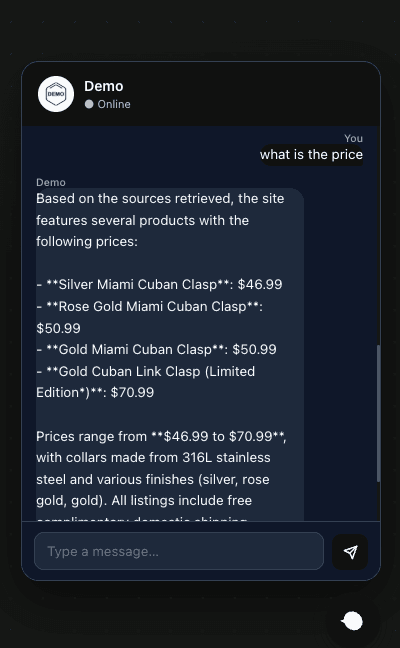
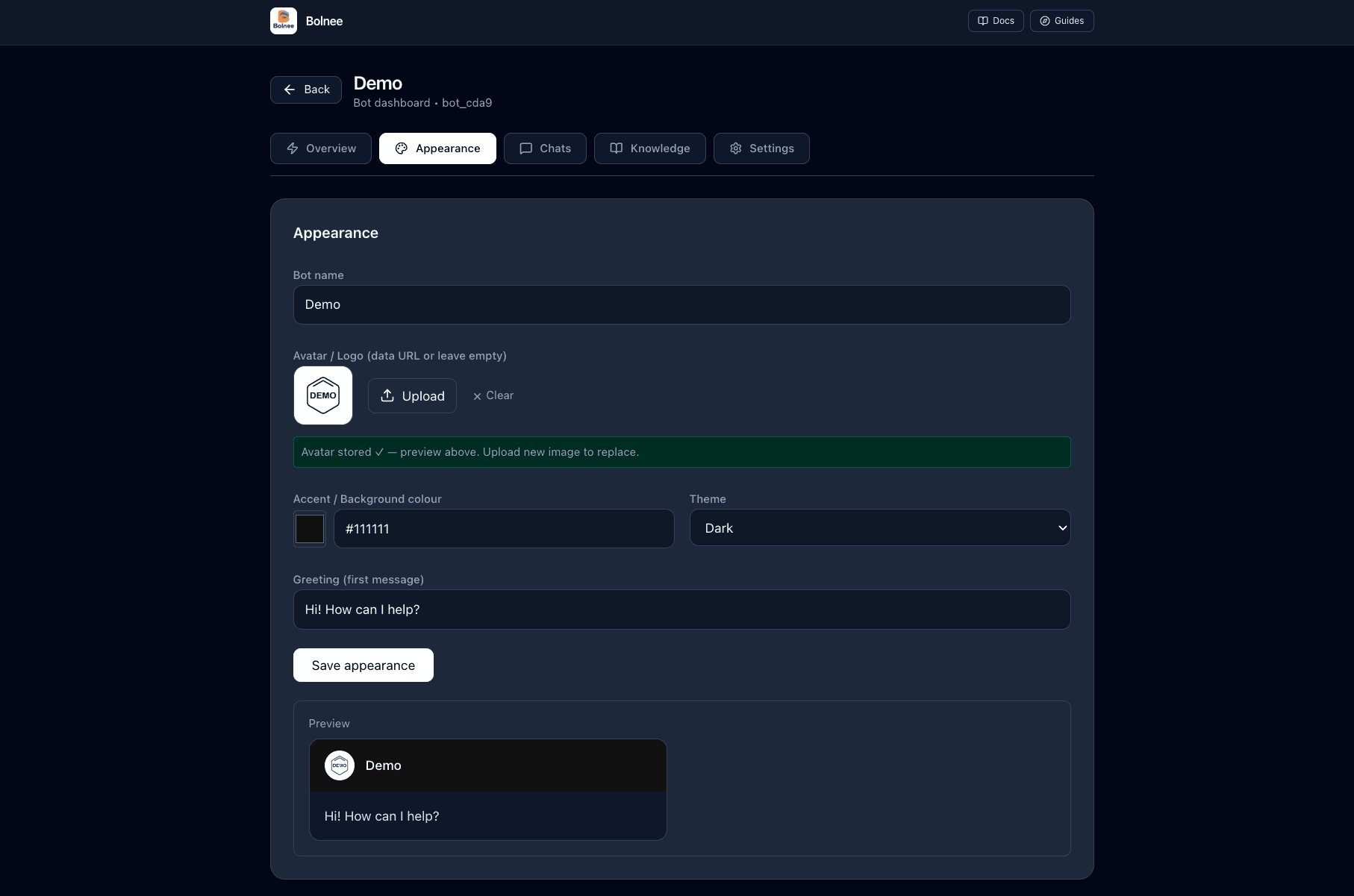
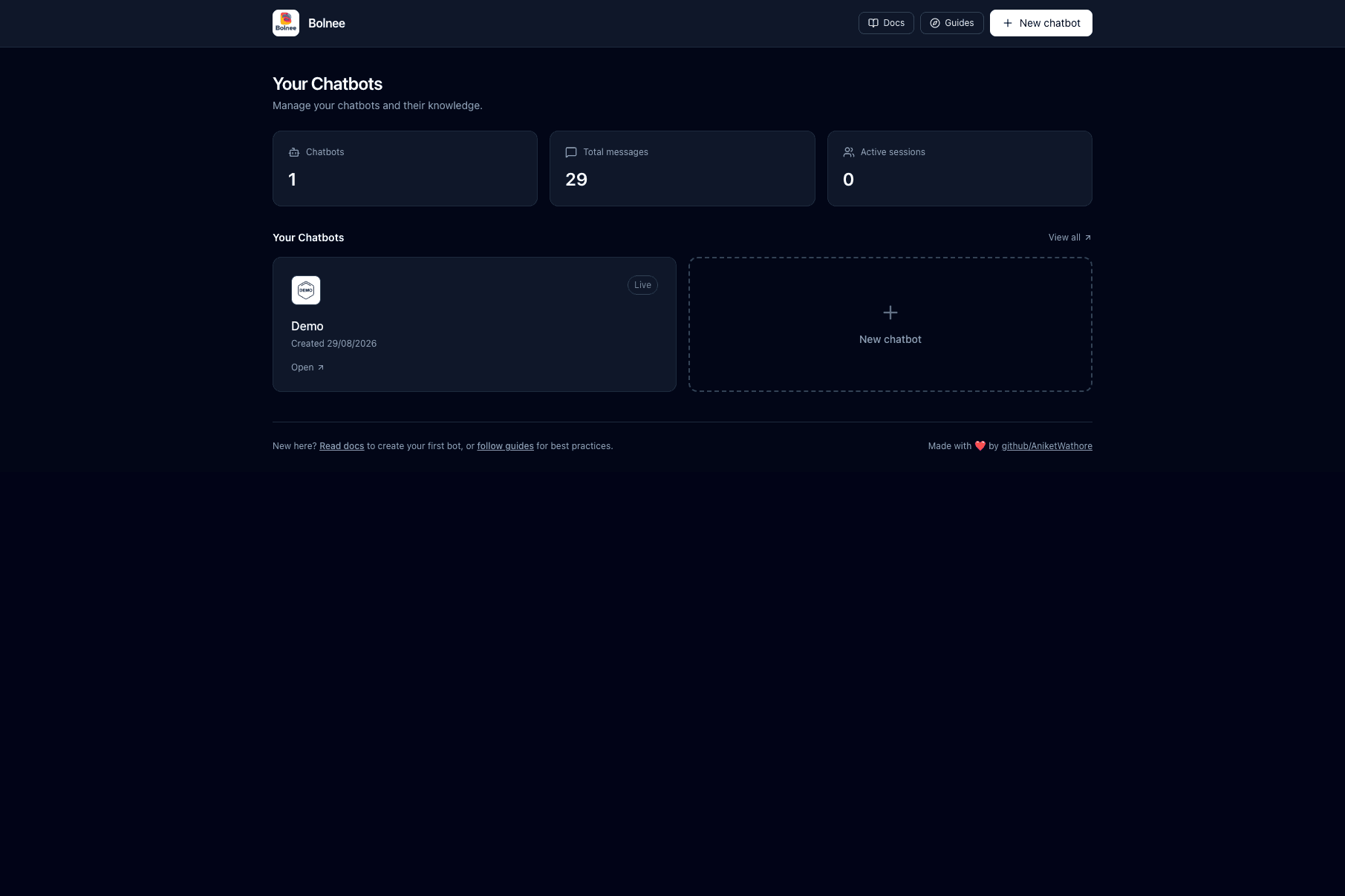
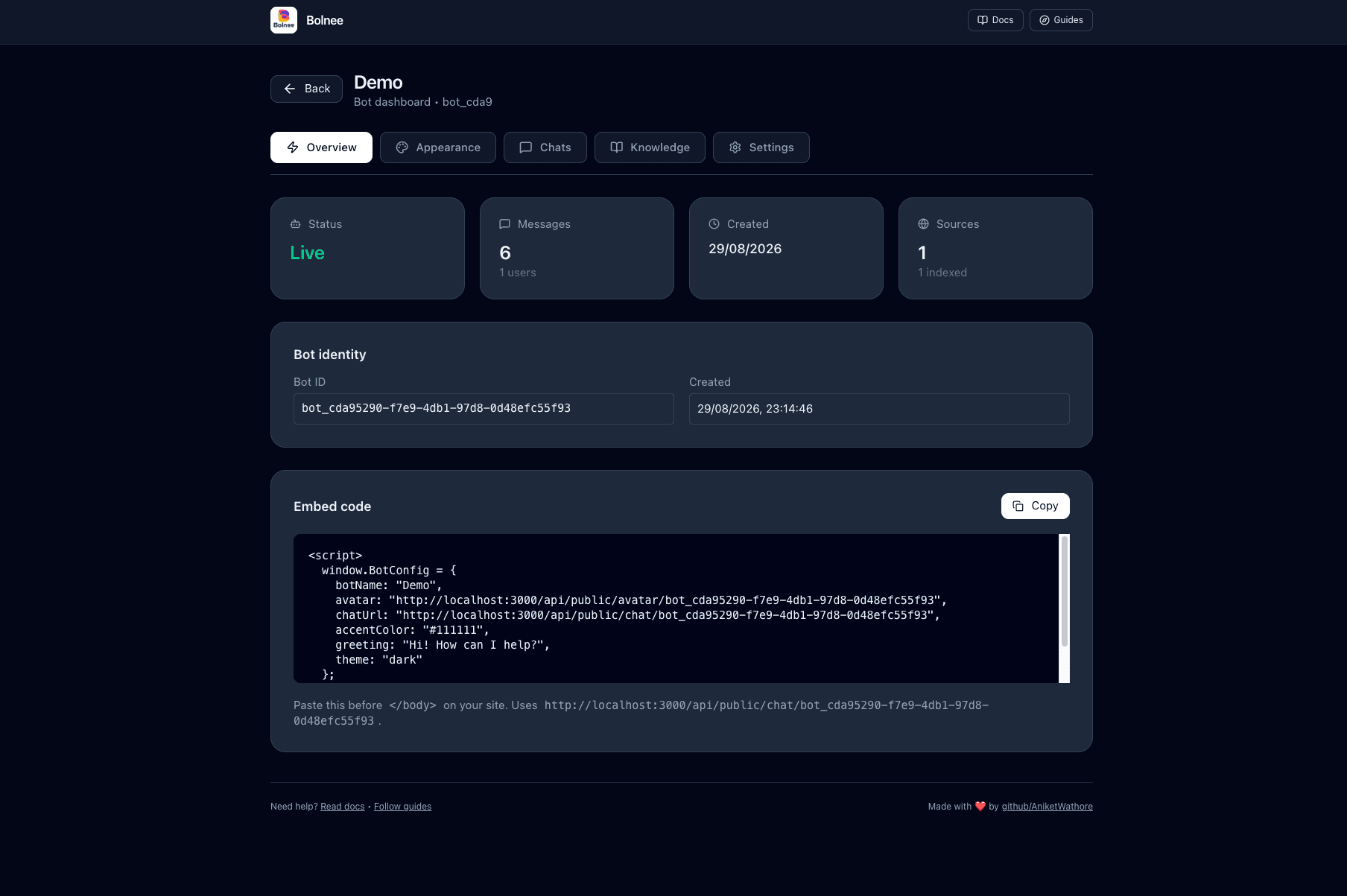
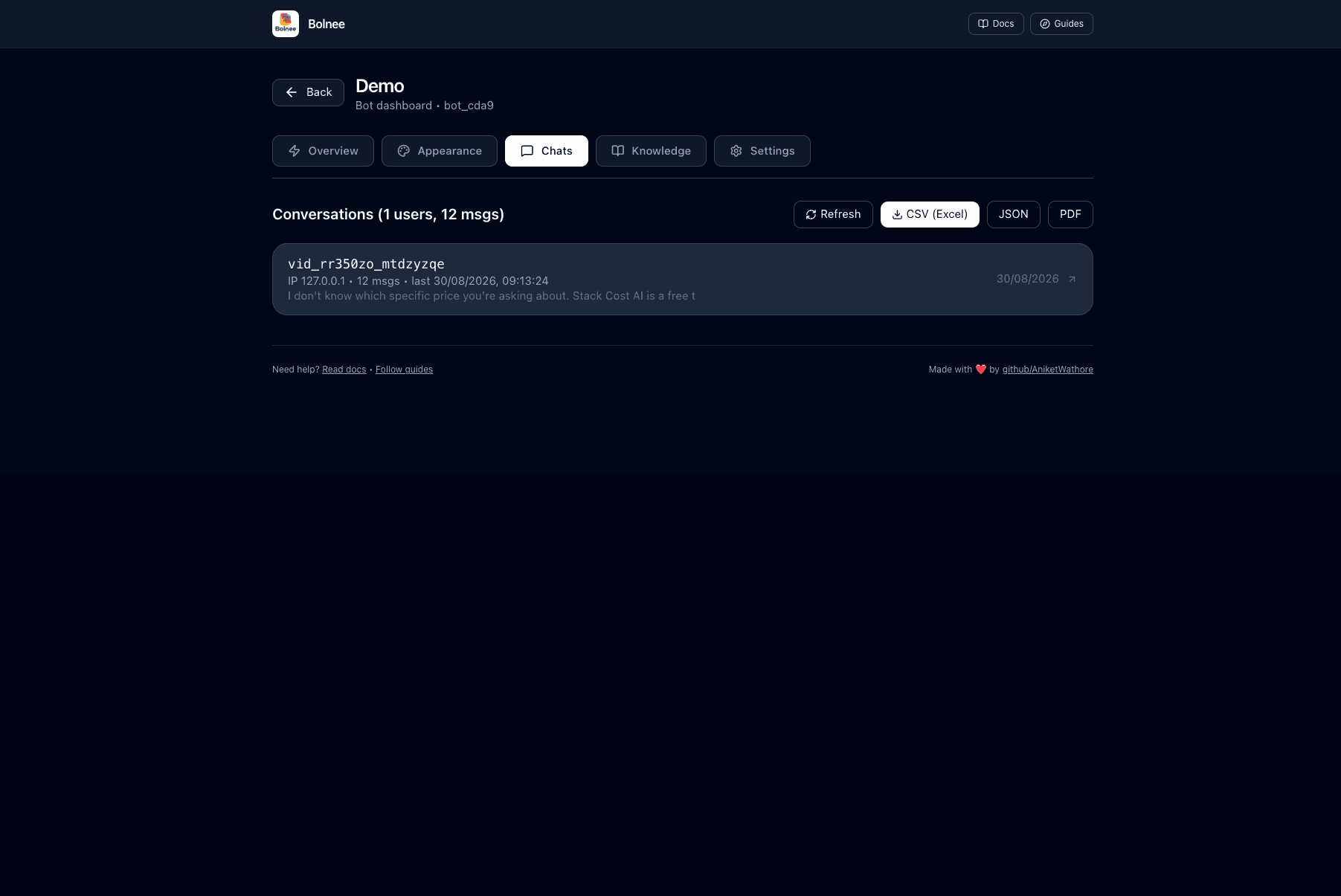
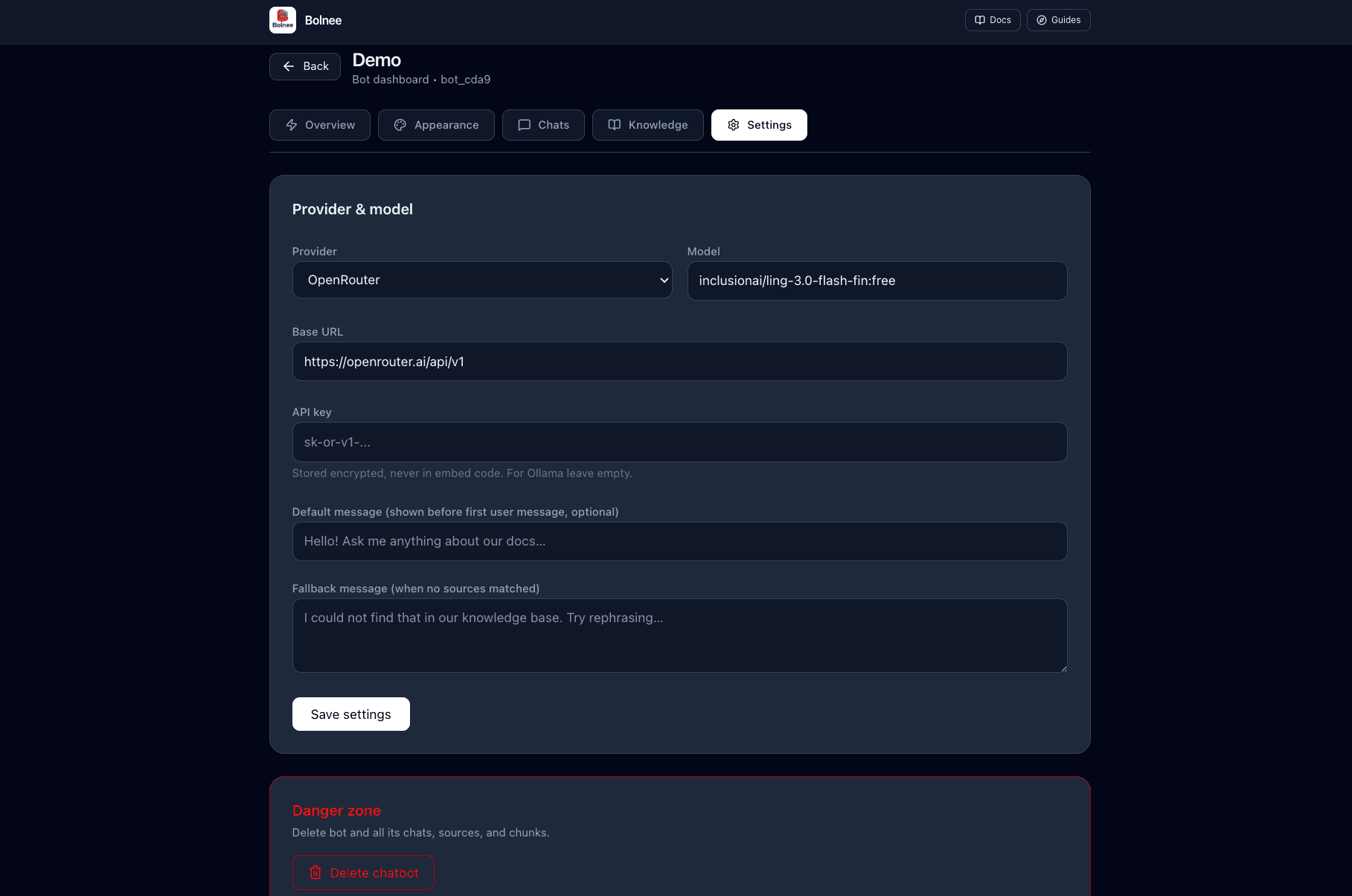
Bolnee Chat is a self-hosted RAG chatbot platform for business websites. You create a bot in a dark-mode dashboard, point it at your website or upload documents, and it crawls and indexes that content into SQLite full-text search. When visitors ask questions, the bot retrieves matching chunks from your sources, builds a grounded prompt, and streams an answer through an embeddable chat widget with citations to the underlying material.
The ingestion pipeline accepts website URLs plus PDF, TXT, MD, and DOCX files. The Python crawler is same-origin only, respects robots.txt, and extracts headings, paragraphs, and list items; processing status is visible per source as it moves from queued to indexed. You can connect any OpenAI-compatible provider — OpenRouter, OpenAI, Groq, Ollama, and vLLM are listed — with per-bot provider, model, base URL, and API key settings, and keys are encrypted with AES-256-GCM so they never appear in the embed snippet.
The visitor-facing widget is added with a two-line snippet (a BotConfig block plus chatbot-widget.js) that works on any stack, with configurable accent color, light/dark/auto theme, avatar, and greeting. Conversations are grouped by visitor and date in the dashboard and exportable as CSV, JSON, or PDF. Bolnee Chat runs on Node.js 18+ with SQLite and no external database, and deployment recipes for Vercel and Cloudflare Pages/Workers are included alongside local self-hosting.
Compared with hosted services like Chatbase, Tidio Lyro, or CustomGPT.ai, Bolnee Chat charges nothing and keeps your content, chat logs, and provider keys on your own infrastructure — the tradeoff is that you run it yourself and it has a much smaller community around it.
Categories:




Frequently Asked Questions
Which LLM providers does Bolnee Chat support?
Any OpenAI-compatible API works. The README names OpenRouter, OpenAI, Groq, Ollama, and vLLM as examples. Provider, base URL, model, and API key are configured per bot in the dashboard, and a Fetch models button lists the models available for the chosen endpoint, prioritizing free models on OpenRouter. A global fallback provider can also be set via LLM_BASE_URL, LLM_API_KEY, and LLM_MODEL environment variables.
What can I use as knowledge sources?
Each bot can ingest a website URL, uploaded files, or both. Supported file types are PDF, TXT, MD, DOCX, and FAQ content. The same-origin crawler respects robots.txt and extracts headings, paragraphs, and list items, and every source shows a processing status from queued through crawling, parsing, and indexing until it is fully indexed into SQLite full-text search.
How do I add the chatbot to my website?
You paste two lines before the closing body tag of any site: a script block defining window.BotConfig with your bot name, avatar, chat URL, accent color, greeting, and theme, plus a script tag pointing at chatbot-widget.js. The embed URLs are generated from your deployment origin automatically, and the widget renders as a floating bubble with a sliding chat window.
Can I export visitor conversations?
Yes. The Chats tab groups conversations by visitor and then by date, and offers downloads as CSV for Excel, JSON, or PDF via the browser print dialog. The dashboard also shows the number of active sessions, defined as distinct visitors in the last five minutes.
Where can Bolnee Chat be deployed?
It runs locally or on your own server on macOS, Linux, and Windows via WSL, requiring Node.js 18+ and optionally Python 3.10+ for the crawler. The repository ships config files and instructions for deploying to Vercel and Cloudflare Pages or Workers. Data lives in a local SQLite file at data/bolnee.db, so no external database is required.
OpenAltFinder Score
Project Details
Repository details
Updated 10/14/2026, 11:00:18 AM
View RepositoryRepository activity
Compare Bolnee Chat with
Similar open source alternatives

Bytedesk
Open source AI-powered omnichannel customer service platform that combines live chat, ticketing, and team collaboration as an alternative to Slack, Zendesk, Intercom, and HubSpot.
 Slack
Slack
LibreDesk
Open-source, self-hosted customer support desk in a single binary. Omnichannel inbox with email and live chat, plus a built-in help center.
 Intercom