
Folio
Git-first team wiki with real-time editing, data tables, whiteboards, offline mode and MCP agents: a self-hosted Notion and Confluence alternative.



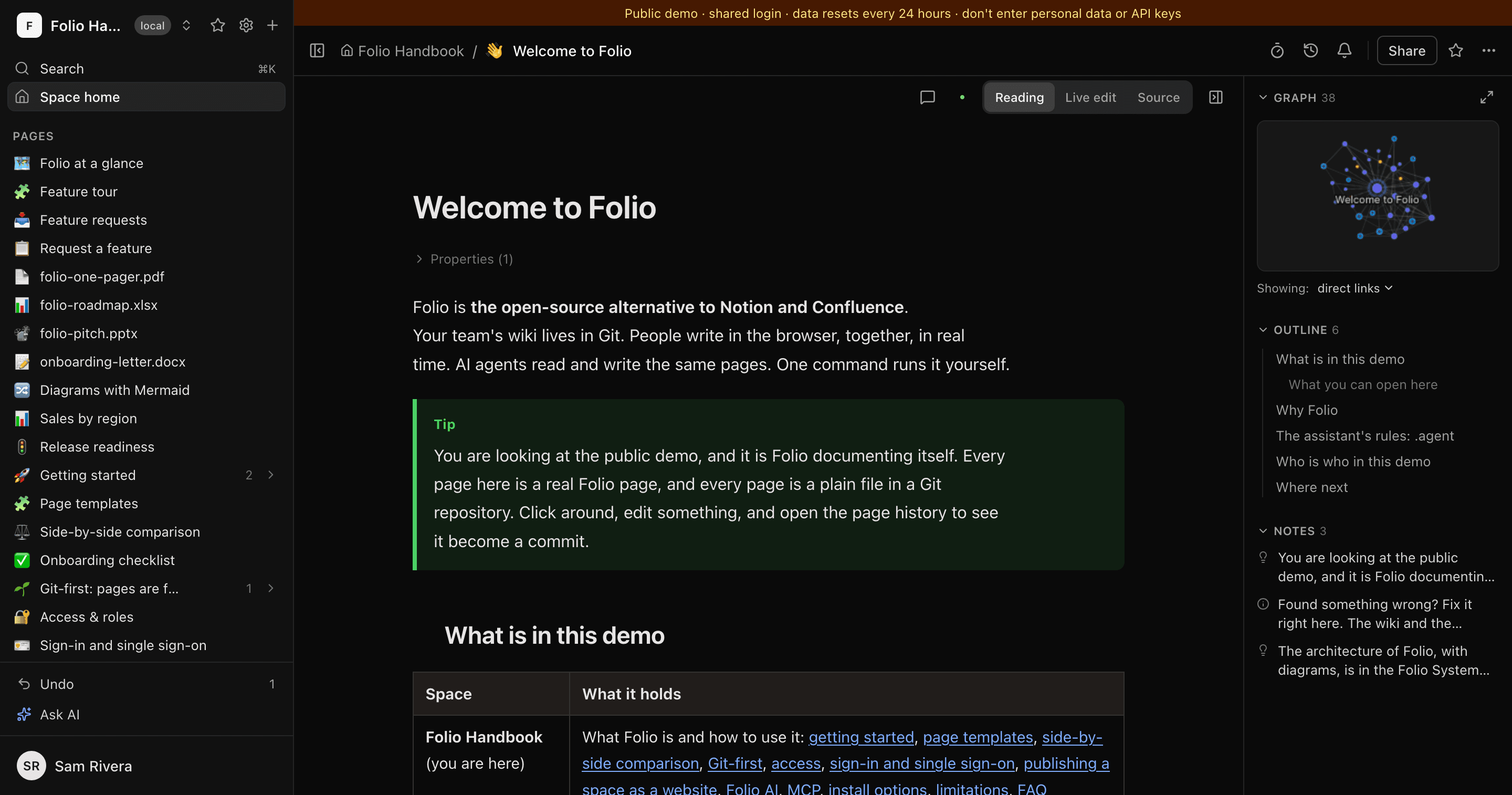
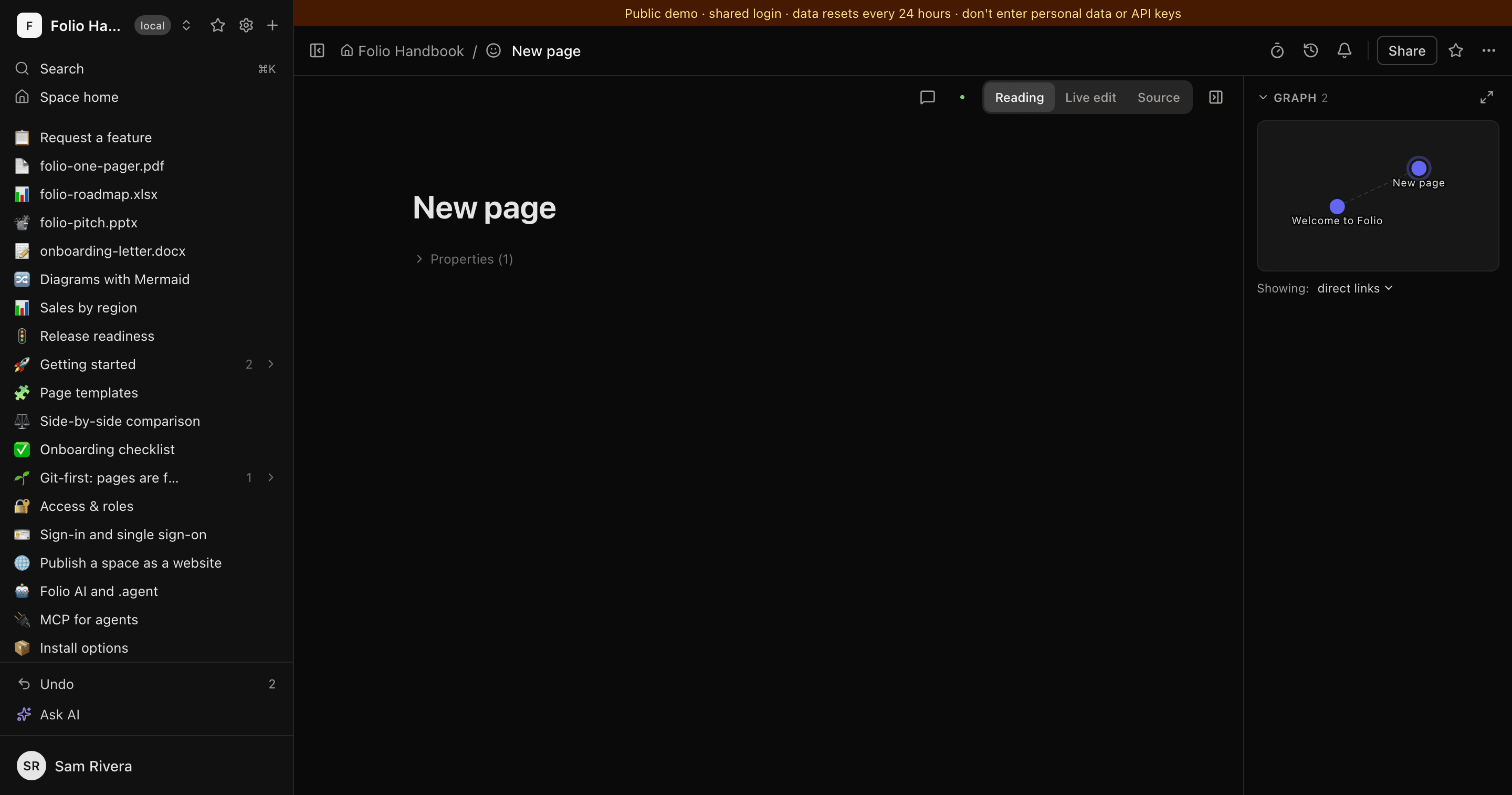
Folio is a self-hosted team wiki where the Git repository is the wiki: every page is a Markdown file in a repository you control, and the database only holds the index, access rights and the state of live editing. You can edit in the browser or in your IDE and both land in the same history, with the person who made the change as the commit author. A space can cover a whole repository or just a folder such as docs/, so product documentation can live next to the code without an export step.
It covers in one tool what a paid wiki usually spreads over several: a Markdown editor with reading, live and source modes; real-time collaboration on documents, data tables and Excalidraw whiteboards; typed table columns with saved views and forms; Mermaid diagrams with a visual editor; a link graph per space; PDF and Office previews; and offline editing that syncs when the connection returns. AI is part of the model rather than bolted on: an assistant with read-only Ask and writing Agent modes, a per-space .agent folder that defines its instructions as ordinary pages, and a 52-tool MCP server so Claude Code, Cursor or ChatGPT work with the same rights as the person behind the token.
Compared with Notion and Confluence it trades hosted convenience for ownership: no proprietary page format, no export migration, and merge requests, blame and revert working on your documentation. Teams get groups, OpenID Connect and SAML 2.0 single sign-on, SCIM provisioning, per-space and per-page roles, share links, an audit log, and public read-only sites built from the same pages. It runs as three containers (application, PostgreSQL, Redis) on 2 GB of RAM and one vCPU, with deployment kits for Docker, VPS, Railway, Coolify and other platforms.
Tags:
Build with:






Frequently Asked Questions
Which platforms does Folio run on?
Folio is a web application: you use it in a modern browser on a desktop or a phone, and on supported browsers it can be installed from the browser menu or added to the home screen. There are no native desktop or mobile apps, but the UI works offline once a page has been opened. The server runs as three containers: the application, PostgreSQL and Redis.
What authentication options does Folio support?
Accounts can sign in with email and password, or through OpenID Connect and SAML 2.0 providers such as Keycloak, Authentik, Microsoft Entra ID, Okta and Google Workspace, several at once. SCIM 2.0 keeps people and groups in sync from Okta, Entra ID, OneLogin or JumpCloud. Agents use personal access tokens with a read or write scope, or an OAuth 2.1 connection from claude.ai, Claude Desktop or ChatGPT, and a token never has more rights than its owner.
Can I import existing content into Folio?
Point Folio at a Confluence page or a whole tree and it imports the pages as Markdown, keeping images, code, checklists and panels as callouts; Confluence Cloud whiteboards become Excalidraw boards. Running it against a test page first is advised, because not every Confluence macro has an equivalent. Existing Markdown repositories and Obsidian vaults can also be connected as a space, and both can be exported later as Markdown, YAML, PDF, DOCX or a zip of the whole space.
Does Folio have an API or MCP server for agents?
Yes. A REST API handles pages, timers and other resources, and an MCP server exposes 52 tools over /mcp: list and search spaces, read, write and move pages, edit data tables and views, create whiteboards and forms, publish artifacts, read history and comment threads. The built-in assistant uses the same MCP tools, so an outside agent is not a second-class citizen. Ready-made configs for Claude Code, Cursor, VS Code, Codex, n8n, Open WebUI and ChatGPT live in the integrations folder of the repository.
Does Folio work offline?
Pages and whiteboards you have already opened stay editable without a connection, and new pages can be created offline and appear in the tree straight away. Work is kept on the device and uploaded when the connection returns, and a header indicator shows what is waiting to be sent. On a trusted device a Markdown page can be saved for offline reading so it opens again with no network. Data tables, forms and file uploads need a connection.
OpenAltFinder Score
Project Details
Repository details
Updated 11/28/2026, 8:01:04 AM
View RepositoryGet the latest open source alternatives delivered weekly.
Discover tools that give you freedom from proprietary software.
Compare Folio with
Similar open source alternatives

AppFlowy
Open source Notion alternative that brings projects, wikis, and teams together with AI while keeping you in control of your data.
 Notion

HelixNotes
A fast, privacy-first local markdown note-taking app built with Tauri and SvelteKit. Your notes stay as plain .md files on your device.
 Obsidian

Jotty
Self-hosted notes and checklists with markdown files, Kanban task projects, SSO, PGP encryption, and a REST API.
Notion
Outline
The fastest growing-team knowledge base — beautiful, realtime collaborative, feature packed, and markdown compatible Notion and Confluence alternative.
Notion
memos
Privacy-first, self-hosted note-taking platform with markdown support, tagging, and built-in AI — a lightweight alternative to Notion and Obsidian.
Obsidian
AFFiNE
Open-source knowledge base combining note-taking, whiteboard, and project planning in one workspace.
Notion