
OpenShot Video Editor
OpenShot is a free, open-source video editor for Linux, macOS, and Windows with unlimited tracks, keyframe animation, and 3D titles.
Open source alternative to:


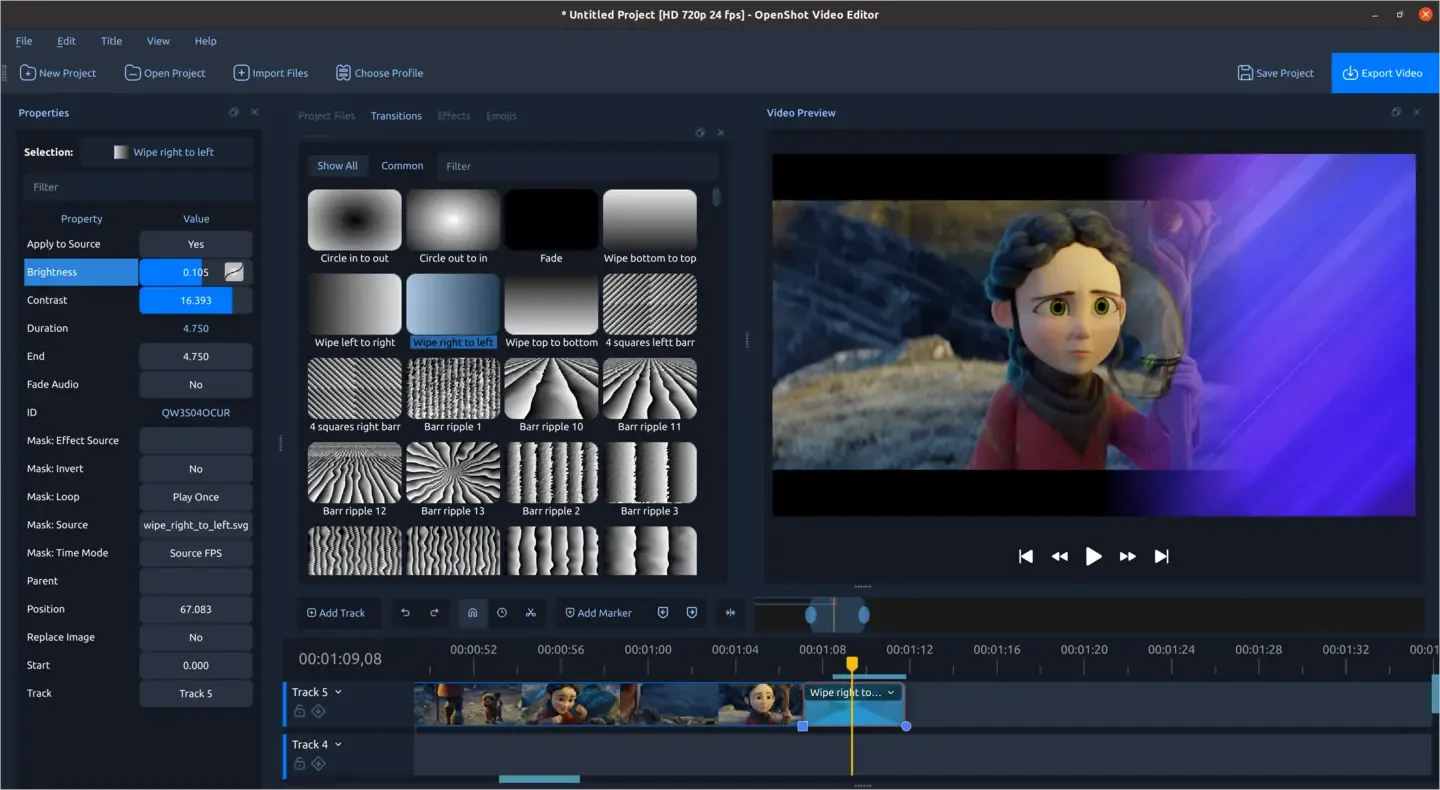
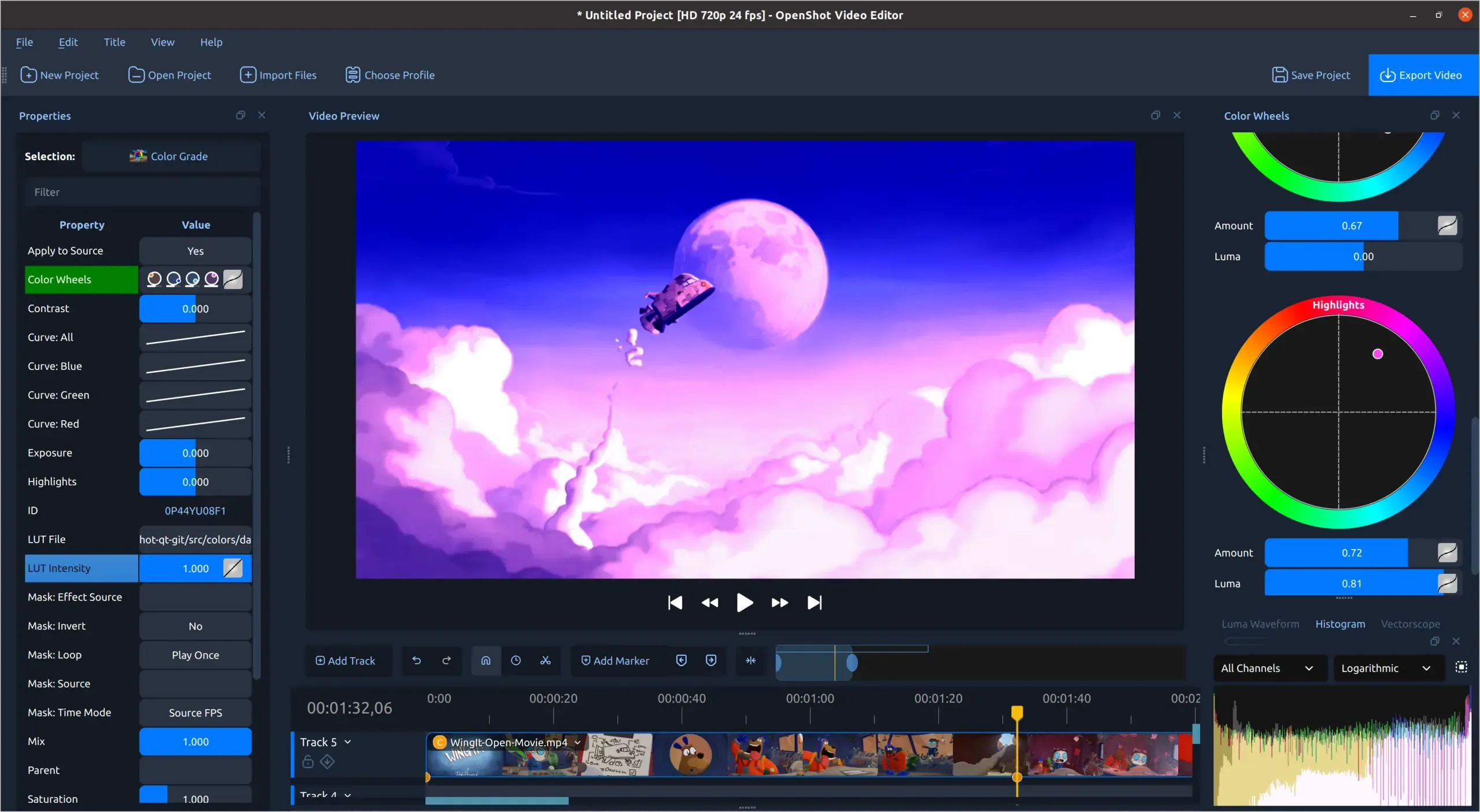
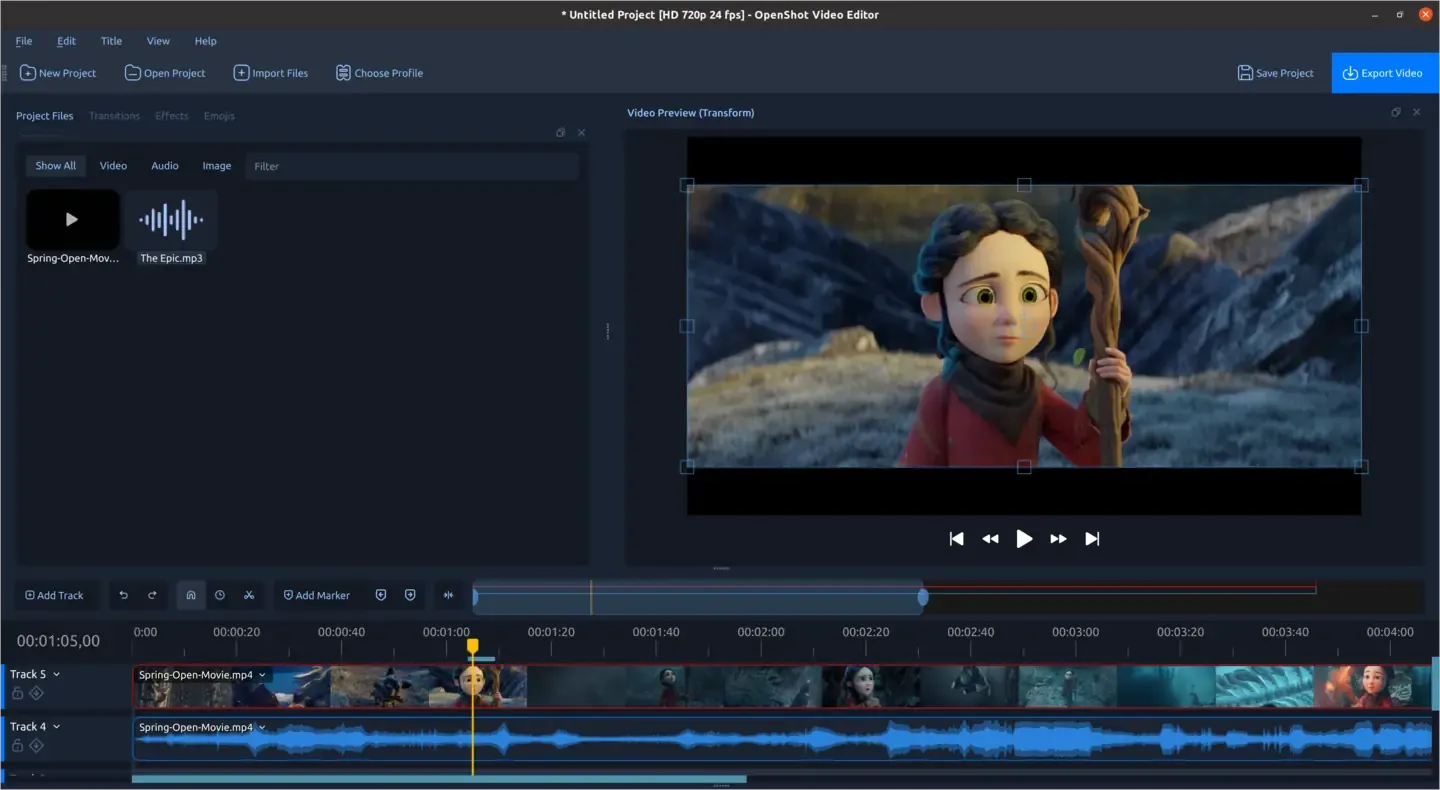
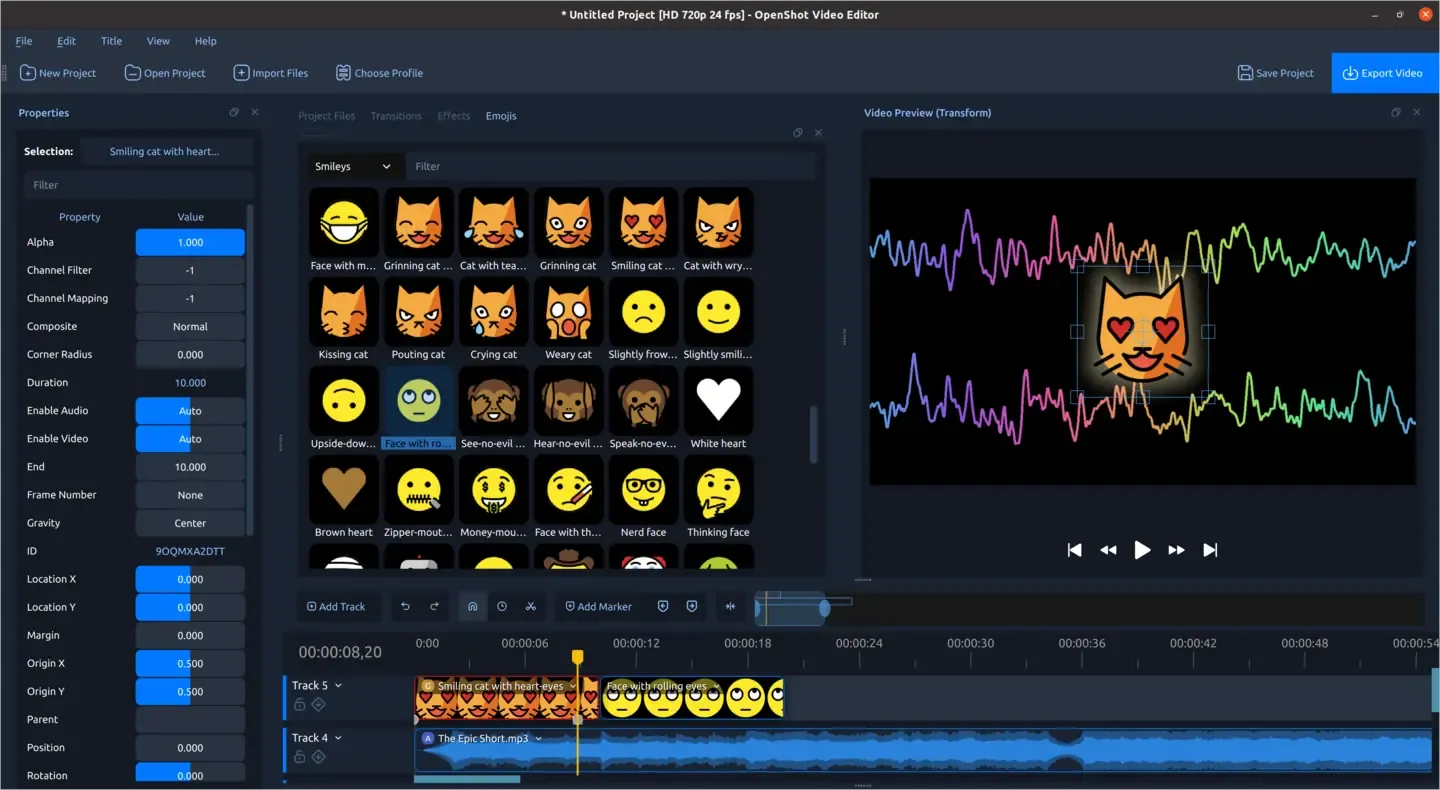
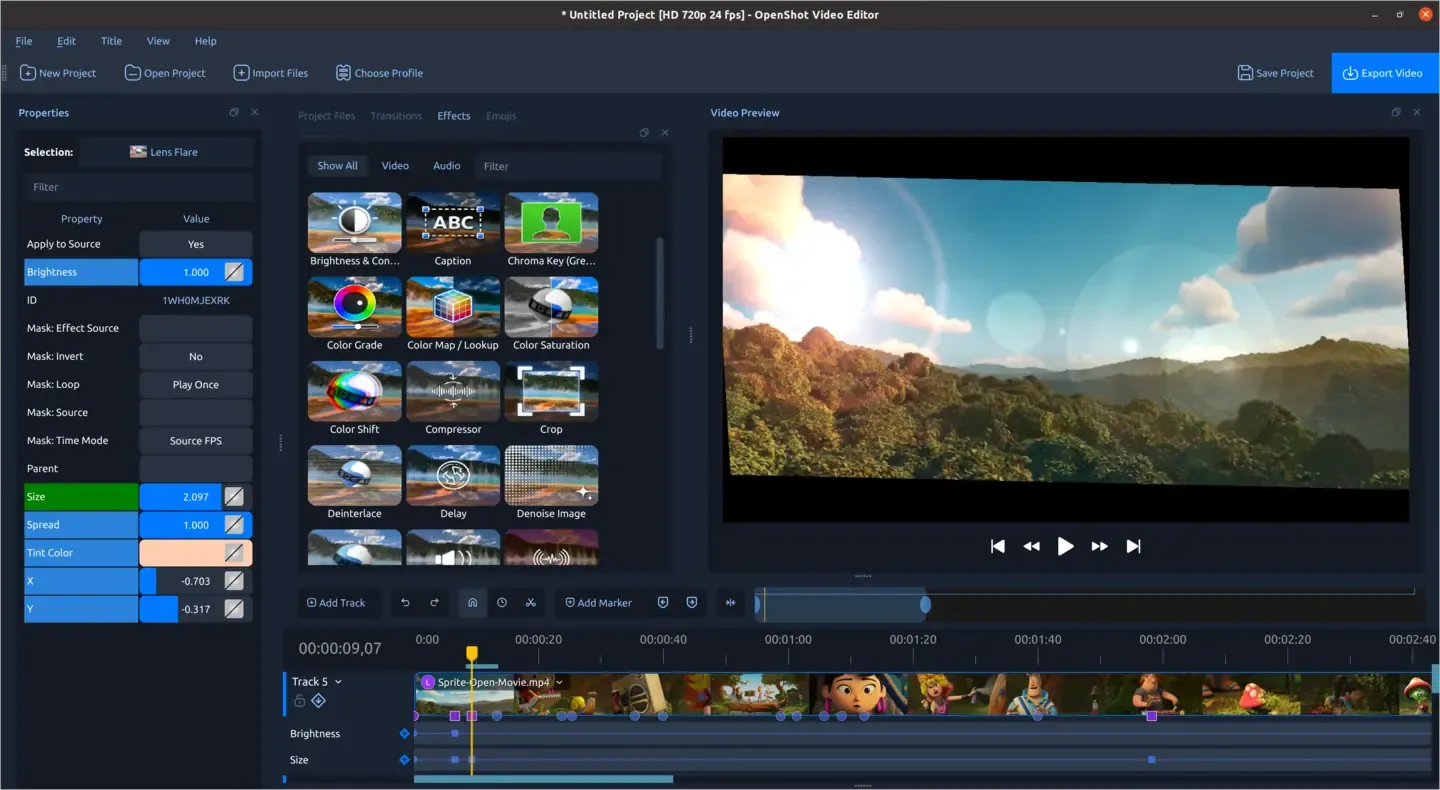
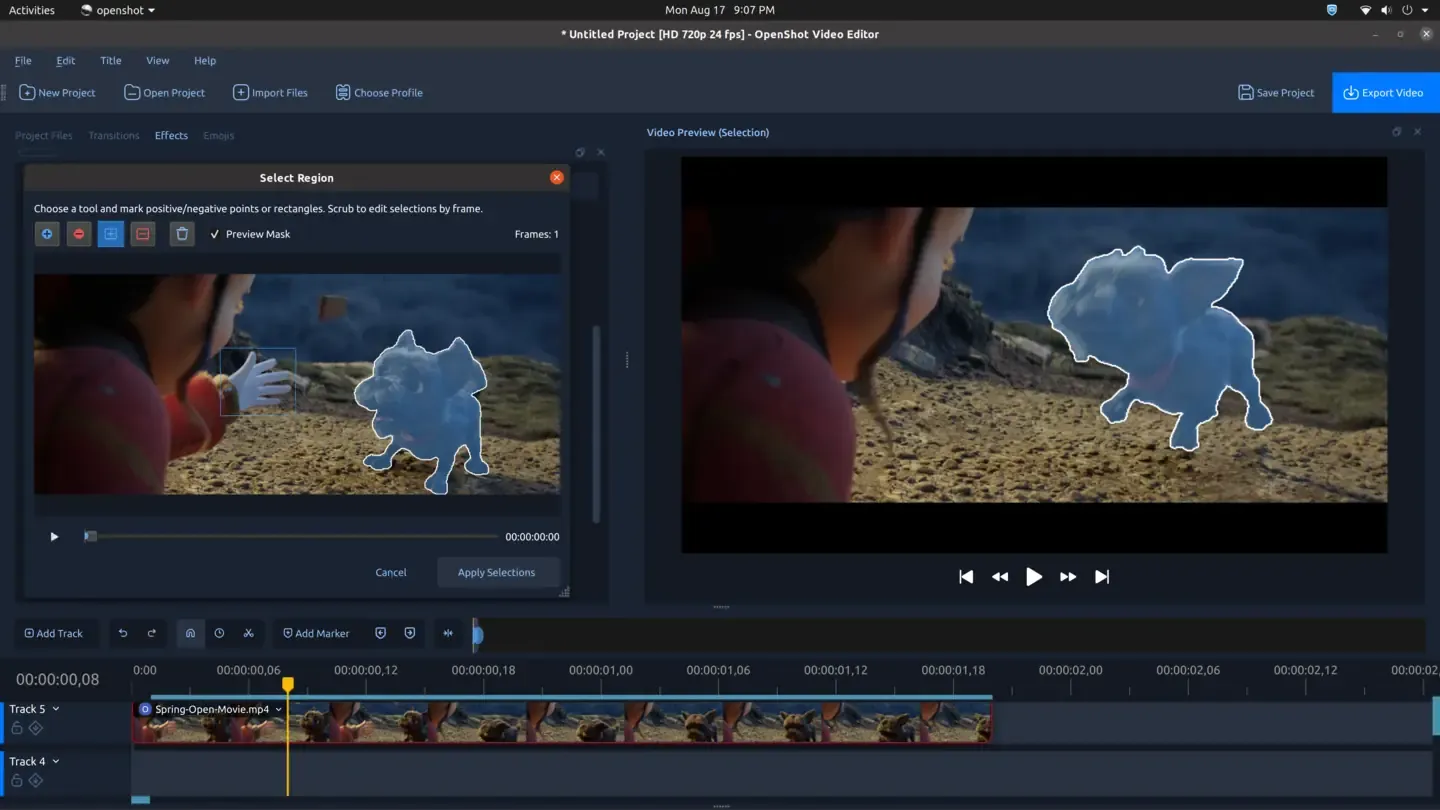
OpenShot Video Editor is a free and open-source, cross-platform video editor for Linux, macOS, and Windows, developed by OpenShot Studios. The interface is Python/Qt, backed by the C++ libopenshot engine, and editing is built around a drag-and-drop timeline with unlimited tracks, frame-accurate stepping, and real-time previews of transitions. Everything runs locally on your machine — there is no account, cloud upload, or export watermark.
Feature highlights include curve-based keyframe animation, clip trimming, snapping, rotation, and speed/time-mapping (slow motion, reverse, forward/backward), compositing with image overlays and watermarks, chroma key and other digital video effects, audio mixing and editing, title templates with SVG support, scrolling credits, and 3D animated titles rendered through Blender. Format support is based on FFmpeg, so it opens and renders most video, audio, and image formats, and it can import and export EDL and XML files. Experimental hardware encoding and decoding is available via VA-API, NVDEC, Direct3D, and VideoToolbox.
Compared with Adobe Premiere Pro, Final Cut Pro, or DaVinci Resolve, OpenShot trades advanced color grading, professional audio post, and collaboration features for a much gentler learning curve, zero cost, and modest hardware requirements. Against freemium editors like Filmora and CapCut, the difference is sharper: OpenShot has no watermark, no subscription, and no locked effects — everything in the app is free under the GNU GPL v3 or later.
Categories:

Frequently Asked Questions
Which platforms does OpenShot Video Editor run on?
OpenShot ships native installers for Linux, macOS, and Windows, and the download page also offers daily builds for users who want the latest commits. There is no mobile or web version; the editor runs as a desktop application only.
Can I import projects from paid video editors into OpenShot?
OpenShot can import and export EDL and XML files, which covers basic timeline interchange with many professional editors. Native project files from Premiere Pro, Final Cut Pro, or DaVinci Resolve cannot be opened directly, so effects, transitions, and titles will need to be rebuilt after importing an EDL or XML.
Does OpenShot support hardware acceleration?
Yes, but it is still experimental. OpenShot supports hardware encoding and decoding through VA-API on Linux, NVDEC with NVIDIA GPUs, Direct3D 9 and 11 on Windows, and VideoToolbox on macOS. Availability depends on your GPU and drivers, and the software encoder remains the default fallback.
What do I need to create 3D animated titles in OpenShot?
The 3D title feature renders its animations through Blender, so you need a working Blender installation alongside OpenShot. You then pick a preset such as a flying logo or spinning text, customize it, and OpenShot renders the result onto the timeline. 2D titles and scrolling credits work without Blender.
Does OpenShot work offline?
Yes. OpenShot is a desktop application that runs entirely offline — media stays on your machine, project files are saved locally, and nothing is uploaded to a server. Internet access is only needed to download the installer and updates.
OpenAltFinder Score
Project Details
Repository details
Updated 10/15/2026, 1:00:17 PM
View RepositoryRepository activity
Compare OpenShot Video Editor with
Similar open source alternatives

Shotcut
Cross-platform open-source video editor built on the MLT framework with a wide format support and no import required.
 Adobe Premiere Pro
Drift
Free, open-source desktop video editor for Linux, Windows, and macOS built with Qt 6 and FFmpeg.
 CapCut
FableCut
A browser-based video editor built for humans and AI agents. Edit with a drag-and-drop UI, a JSON timeline, MCP tools, or its REST API.
Adobe Premiere Pro
WolfCut
An open-source desktop video editor that mirrors the CapCut workflow without watermarks, paywalls, or account requirements.
CapCut
Kdenlive
Free and open source multi-track video editor built on MLT Framework and KDE technologies.
Adobe Premiere Pro
Olive
Free open-source non-linear video editor with hardware-accelerated compositing and cross-platform support.
Adobe Premiere Pro