
LosslessCut
Cross-platform FFmpeg GUI for lossless video and audio cutting, merging and remuxing — no re-encoding, no quality loss.
Open source alternative to:




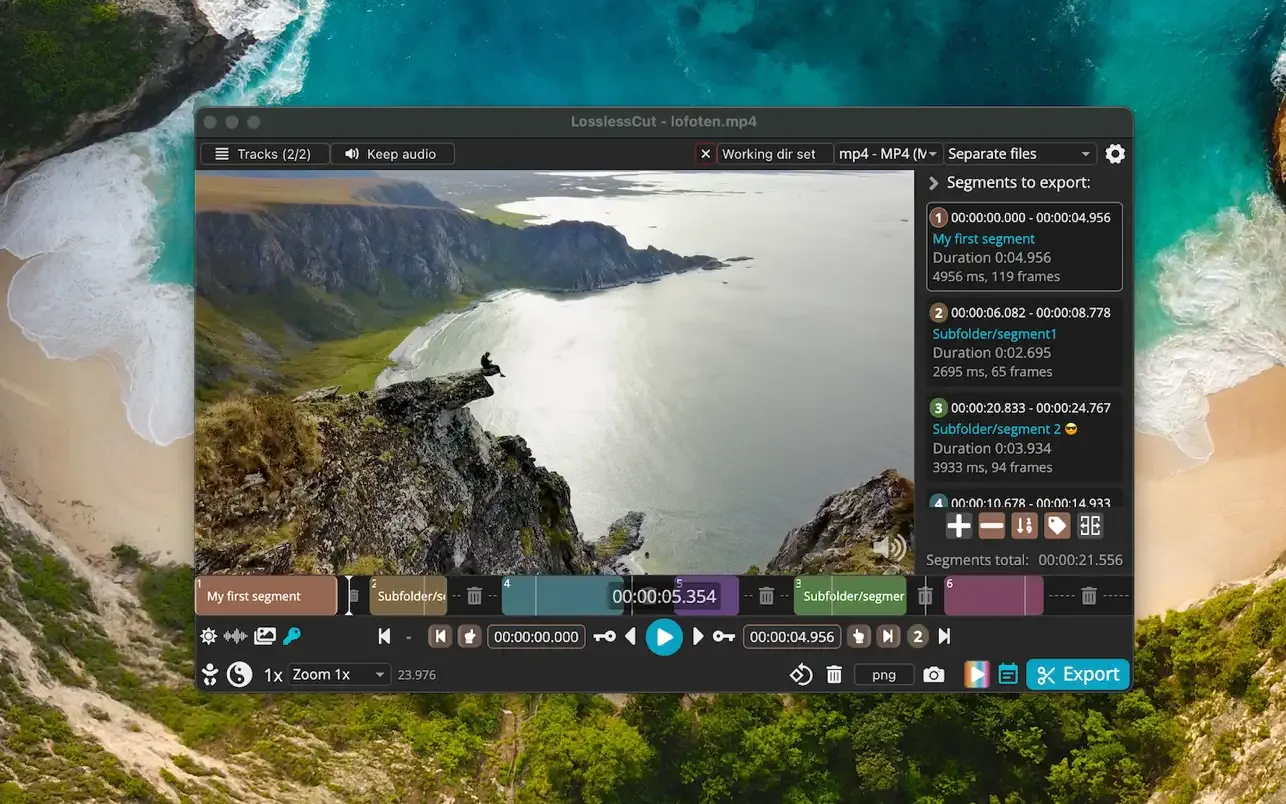
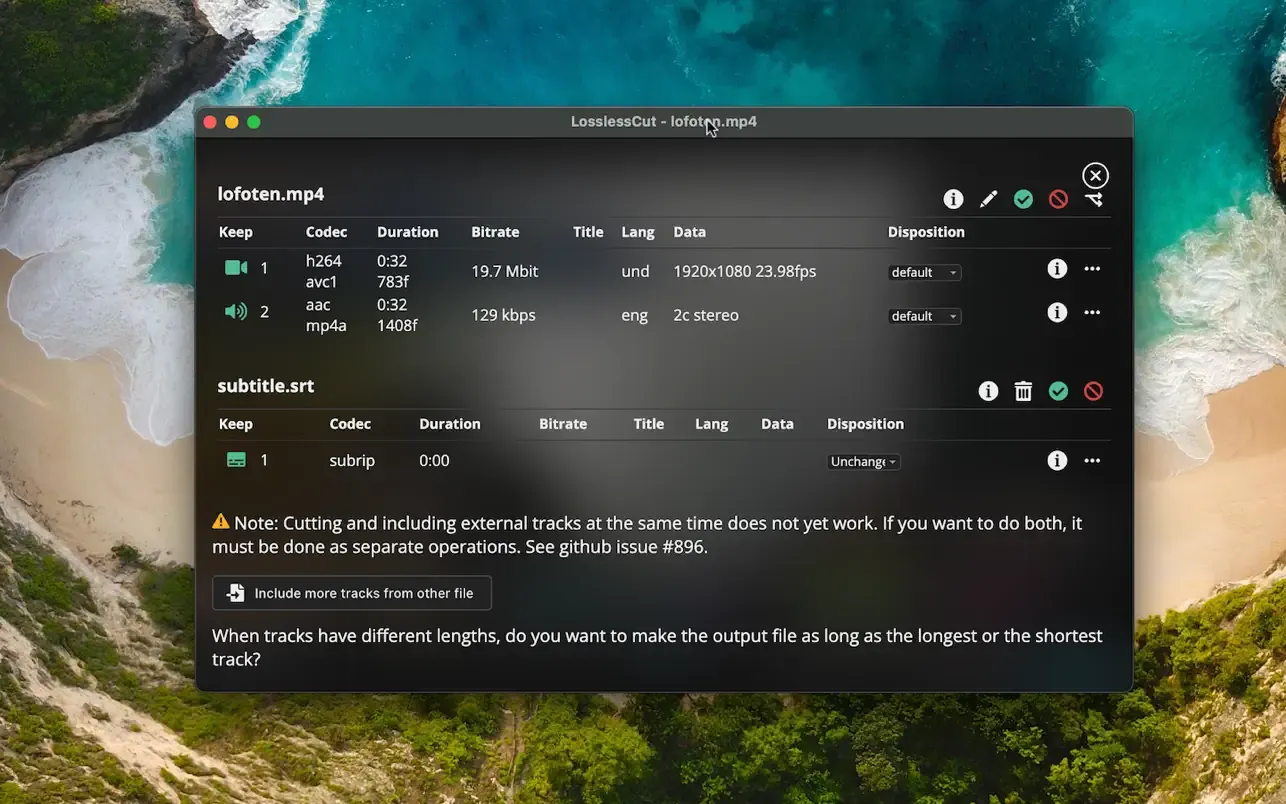
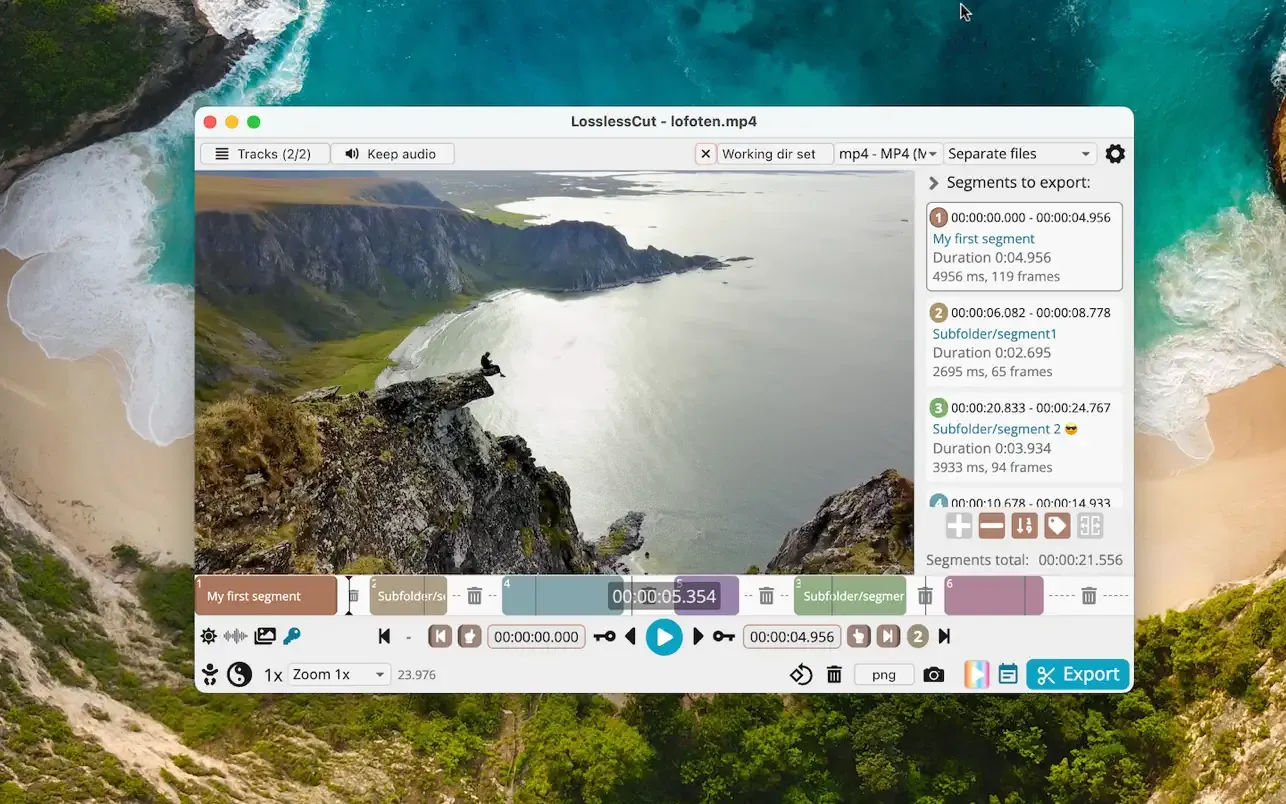
LosslessCut is a cross-platform desktop app built on FFmpeg for extremely fast, lossless operations on video, audio and subtitle files. Instead of re-encoding your footage, it copies the original data stream, which makes cutting nearly instant and keeps quality identical to the source. The main use case is rough-cutting large files from video cameras, GoPros and drones — extracting the good parts and discarding gigabytes without a slow export.
Beyond trimming, LosslessCut can merge files with matching codecs, add, remove or replace individual audio and subtitle tracks, remux between containers, take full-resolution snapshots, edit metadata and embedded chapter marks, and detect scenes or silence. Segments can be labelled and tagged, and cut lists can be imported and exported as MP4/MKV chapters, CSV, CUE, YouTube times or DaVinci Resolve and Final Cut Pro XML.
Compared with commercial editors like Adobe Premiere Pro or Final Cut Pro, LosslessCut is not a timeline editor — there are no transitions, effects or a rendering pipeline. It is built for one job: cutting and rearranging media without losing quality or time. It is free and open source under GPL-2.0; the developer offers paid App Store installs for convenience, but GitHub downloads are always free.
Categories:
Build with:


Frequently Asked Questions
Which platforms does LosslessCut run on?
LosslessCut ships as a desktop app for macOS (Intel and Apple Silicon DMGs), Windows, and Linux (tar.bz2, AppImage, and the Snap Store; Flathub is community-maintained). It is also available in the Mac App Store and Microsoft Store, which are paid installs that support development.
What file formats and codecs does LosslessCut support?
Playback uses the Chromium HTML5 player, so MP4, MOV, WebM, Matroska, OGG and WAV work natively, with H264, AV1, VP8, VP9, Theora and H265 (hardware decode) video, and FLAC, MP3, Opus, PCM, Vorbis and AAC audio. Other formats can be opened with FFmpeg-assisted playback, and the actual cut is always performed on the original file.
Does LosslessCut have a CLI or API?
Yes. There is a basic command-line interface and an HTTP API for automated lossless cutting, both documented in the repository.
Can I import or export cut lists?
Segments can be imported and exported as MP4/MKV chapter marks, plain text files, YouTube chapter times, CSV, CUE sheets, and XML for DaVinci Resolve and Final Cut Pro, among other formats.
Are the cuts really lossless?
Yes. LosslessCut copies the original stream data instead of re-encoding, so quality is untouched and cutting is nearly instant. There is also an experimental smart cut mode that re-encodes only around the cut point when exact frame placement matters.
OpenAltFinder Score
Project Details
Repository details
Updated 10/4/2026, 4:00:18 AM
View RepositorySponsor LosslessCut
Compare LosslessCut with
Similar open source alternatives

Shotcut
Cross-platform open-source video editor built on the MLT framework with a wide format support and no import required.
 Adobe Premiere Pro
OpenShot Video Editor
OpenShot is a free, open-source video editor for Linux, macOS, and Windows with unlimited tracks, keyframe animation, and 3D titles.
Adobe Premiere Pro
Drift
Free, open-source desktop video editor for Linux, Windows, and macOS built with Qt 6 and FFmpeg.
 CapCut
FableCut
FableCut is a zero-dependency, browser-based video editor designed for humans and AI agents. Drive edits via JSON timelines, the MCP protocol, or a clean REST API on any platform.
Adobe Premiere Pro
WolfCut
An open-source desktop video editor that mirrors the CapCut workflow without watermarks, paywalls, or account requirements.
CapCut
OBS Studio
OBS Studio is free and open source software for live streaming and screen recording. Capture, mix, and broadcast video with pro-grade tools used by streamers and creators worldwide.
 Camtasia