OBS Studio
OBS Studio is free and open source software for live streaming and screen recording. Capture, mix, and broadcast video with pro-grade tools used by streamers and creators worldwide.
Open source alternative to:




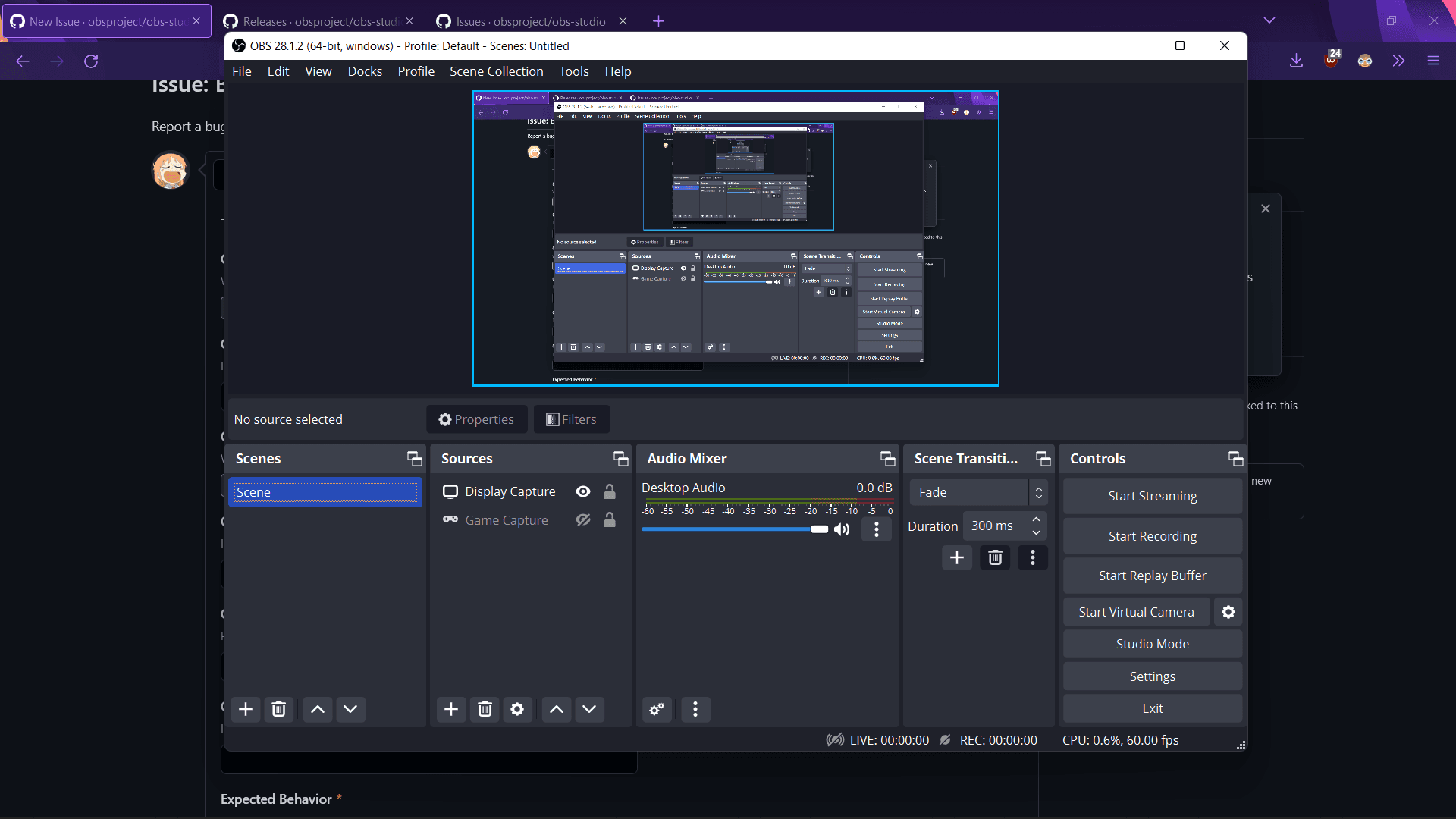
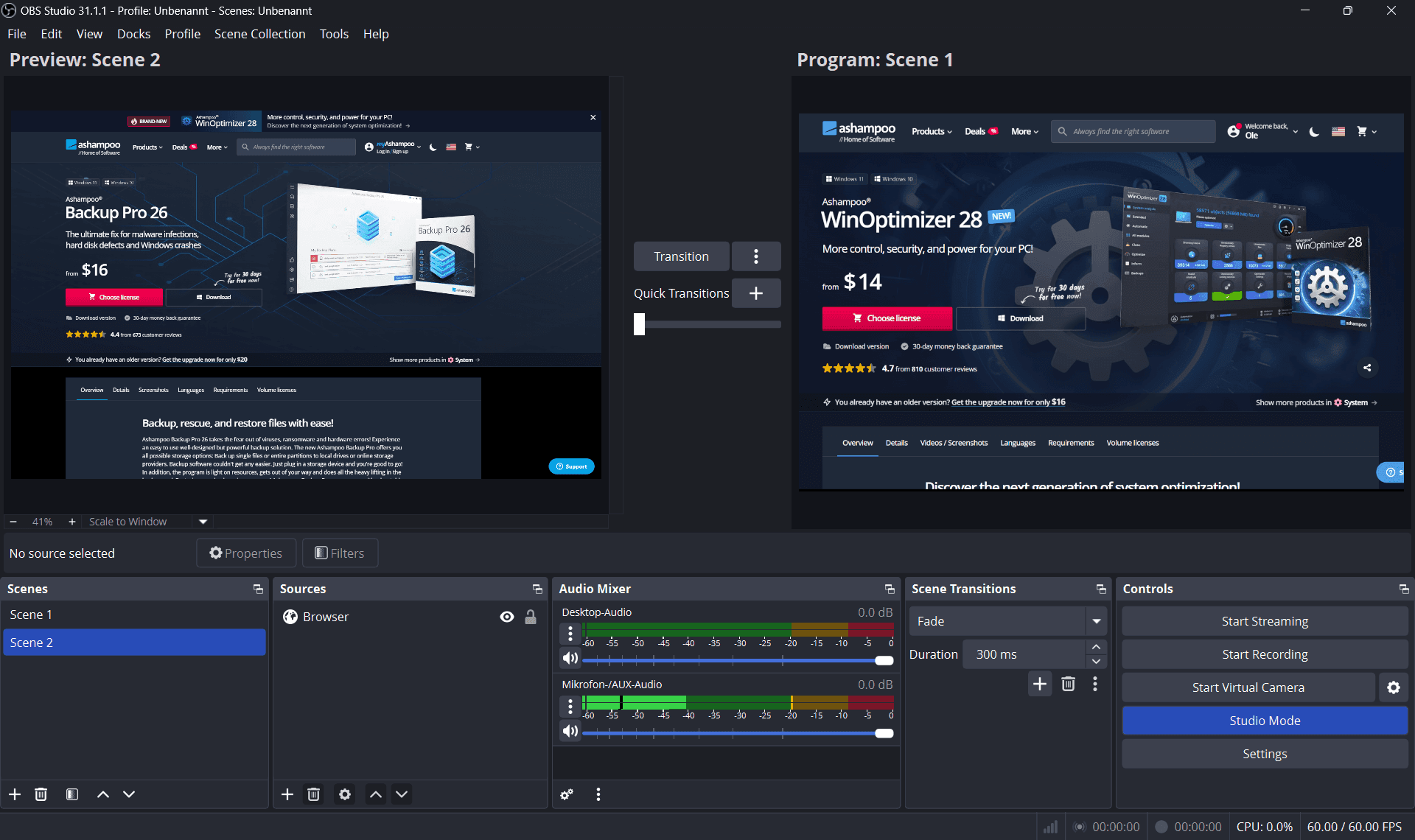
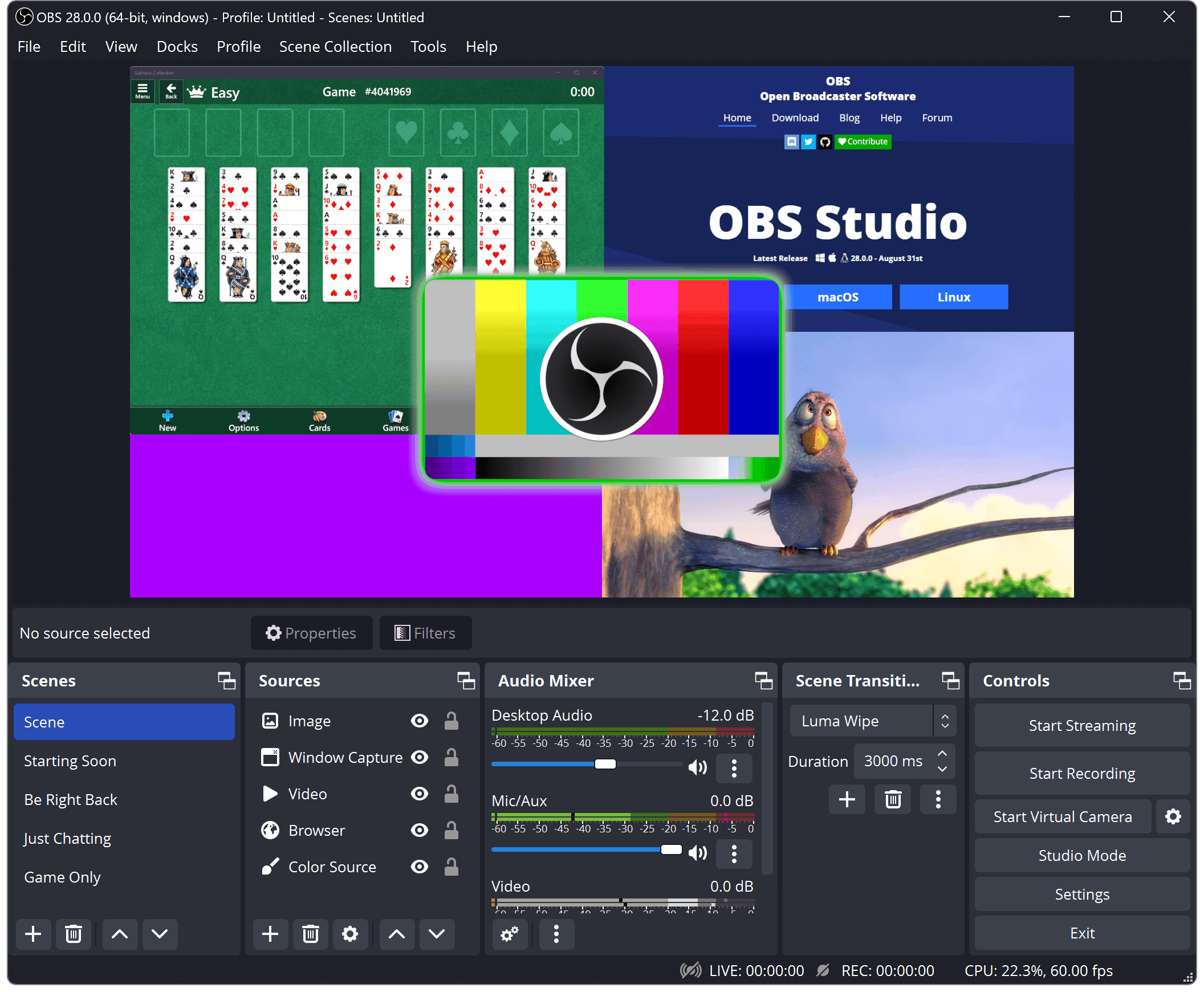
OBS Studio is the gold standard for open source screen recording and live streaming. It supports unlimited scenes with multiple sources — webcam, display, browser, audio, and more — making it equally suited for game streaming, tutorial recording, and professional presentations.
Unlike Camtasia or Loom, OBS gives you full control over your recording setup with no watermarks, no subscriptions, and no limits on output length or resolution. Advanced features include a built-in audio mixer, scene transitions, and a powerful plugin ecosystem.
OBS runs on Windows, macOS, and Linux and integrates directly with Twitch, YouTube, and most RTMP-compatible streaming platforms.
Categories:


Frequently Asked Questions
Which platforms does OBS Studio run on?
OBS Studio runs natively on Windows 10+ (64-bit), macOS 11+ with universal Apple Silicon and Intel builds, and Linux (Ubuntu distributions are officially packaged for Intel and AMD hardware, plus limited ARM packages). Installers with 64-bit builds are offered for all three platforms.
Can I stream to Twitch, YouTube, and other platforms?
Yes. OBS Studio includes Twitch, YouTube Live, Restream, and Vimeo preset settings, and any custom RTMP or HLS (SRT/RIST) url and stream key can be entered manually, so it works with nearly every streaming platform.
Can I extend OBS Studio with plugins?
Yes. It has a rich plugin API and a large community ecosystem covering effects, source sources, and integrations, which you can install from third-party catalogs on all three platforms. OBS Studio 28.0 and later also support scripting in Lua and Python from the Tools menu.
Does OBS Studio support multi-platform streaming or remote control?
It streams directly to one RTMP destination, but shared Restream or a custom server lets you pick multiple platforms. OBS broadcasts over the network, so OBS Studio can also be scripted remotely via the obs-websocket plugin for automation.
Can OBS Studio record locally while streaming at the same time?
Yes. Streaming and local recording are independent features, so you can broadcast live while saving full-quality video locally in MP4, MKV, FLV, MOV, TS, or M3U8 formats, using different encoders and quality settings for each.
OpenAltFinder Score
Project Details
Repository details
Updated 11/4/2026, 6:01:05 AM
View RepositoryRepository activity
Sponsor OBS Studio
Get the latest open source alternatives delivered weekly.
Discover tools that give you freedom from proprietary software.
Compare OBS Studio with
Similar open source alternatives

Shotcut
Cross-platform open-source video editor built on the MLT framework with a wide format support and no import required.
 Adobe Premiere Pro
Drift
Free, open-source desktop video editor for Linux, Windows, and macOS built with Qt 6 and FFmpeg.
 CapCut
Open Video Craft
Open-source, local-first screen recorder and timeline video editor for macOS and Windows with AI subtitle generation.
Adobe Premiere Pro
vokoscreenNG
Qt-based Linux and Windows screencast creator with multi-source audio, webcam overlay, Wayland support and click effects.
 Camtasia

LosslessCut
Cross-platform FFmpeg GUI for lossless video and audio cutting, merging and remuxing — no re-encoding, no quality loss.
Adobe Premiere Pro
Captura
Captura is a Windows screen recorder that captures screen, audio, cursor, mouse clicks, and keystrokes. Lightweight, configurable, and perfect for tutorials, demos, and bug reports.
Camtasia