
FlyBudget
A free, local-first budgeting app with zero-based planning, bank sync, and desktop and self-hosted apps.
Open source alternative to:




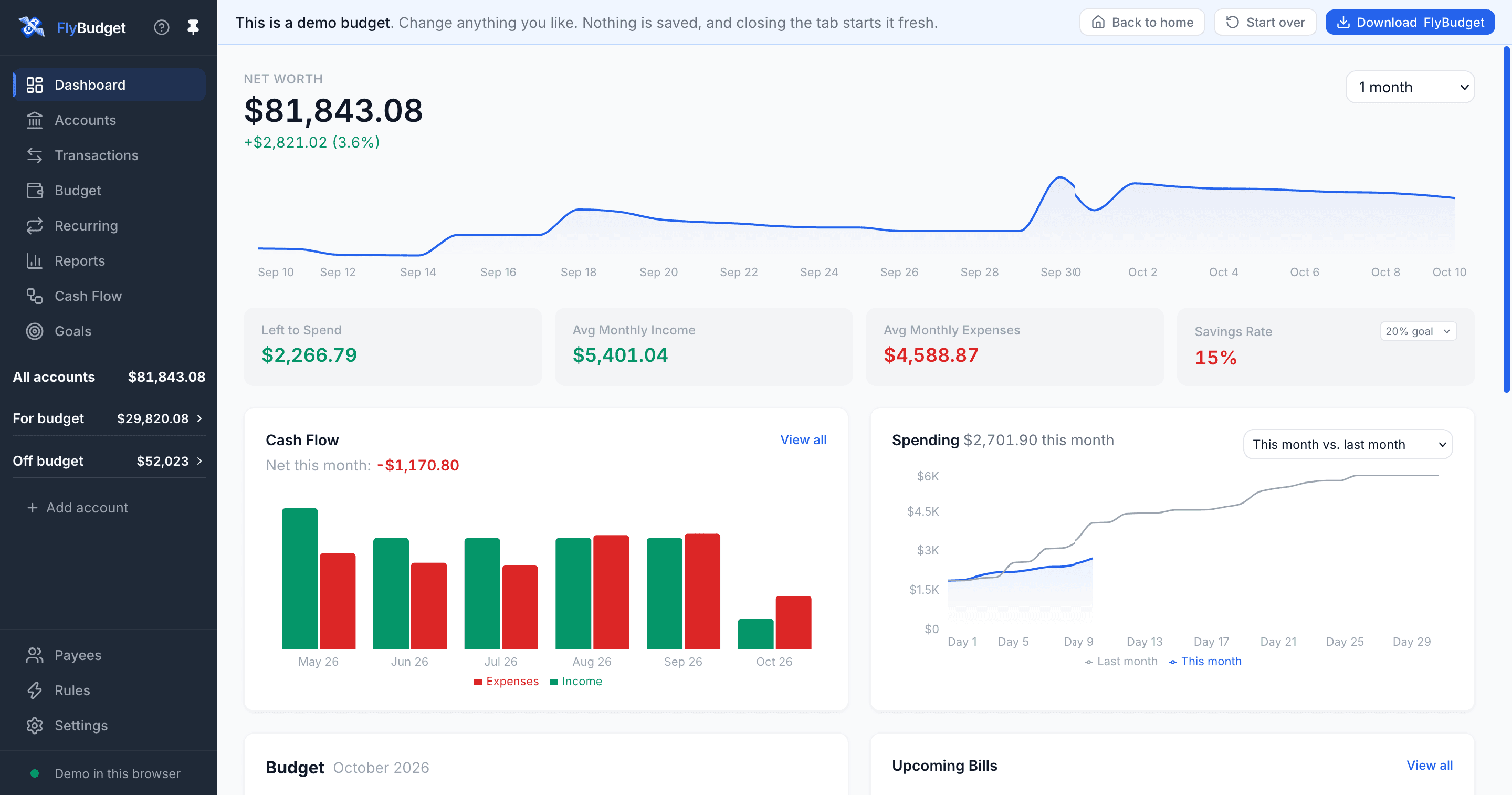
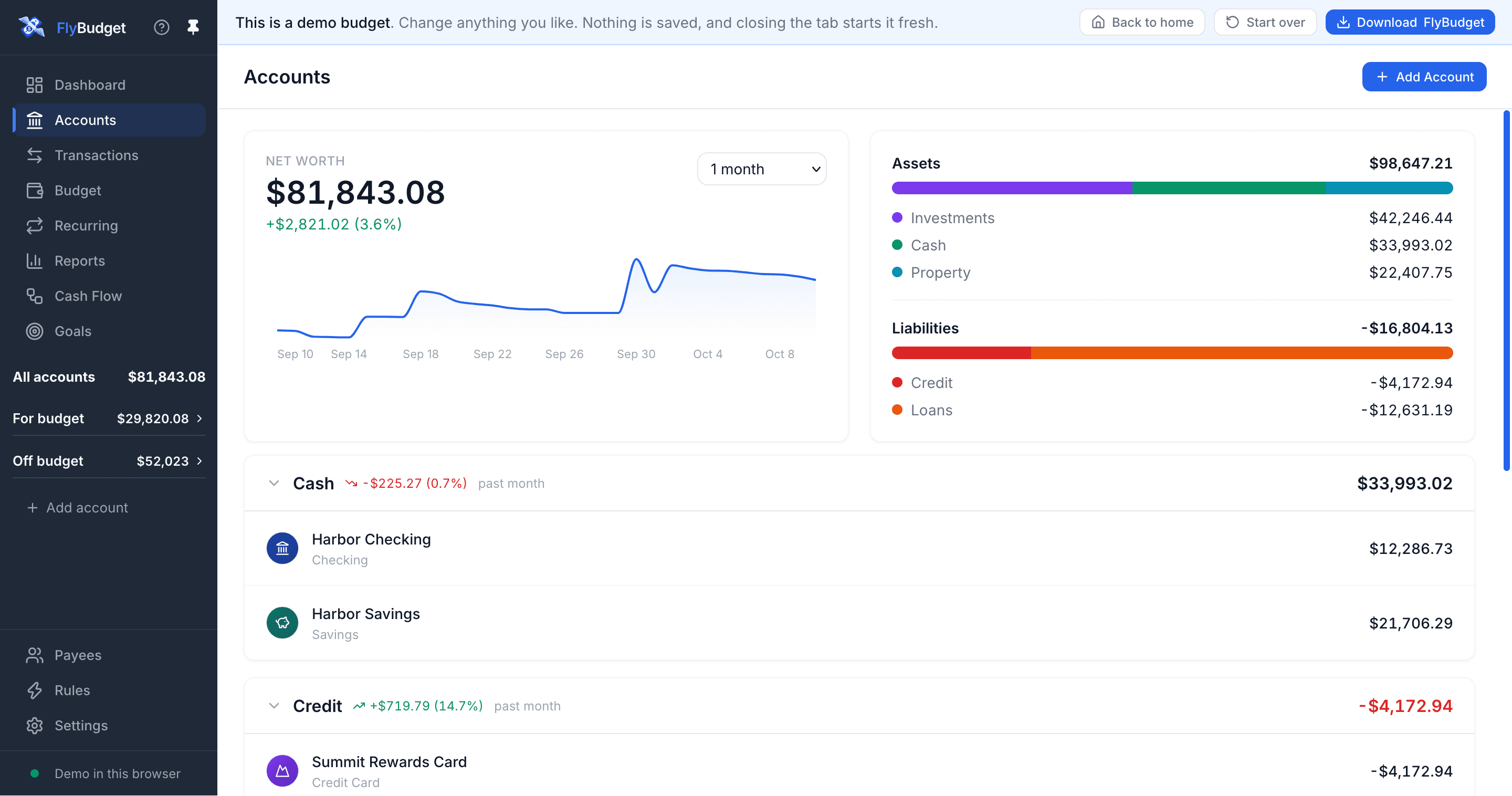
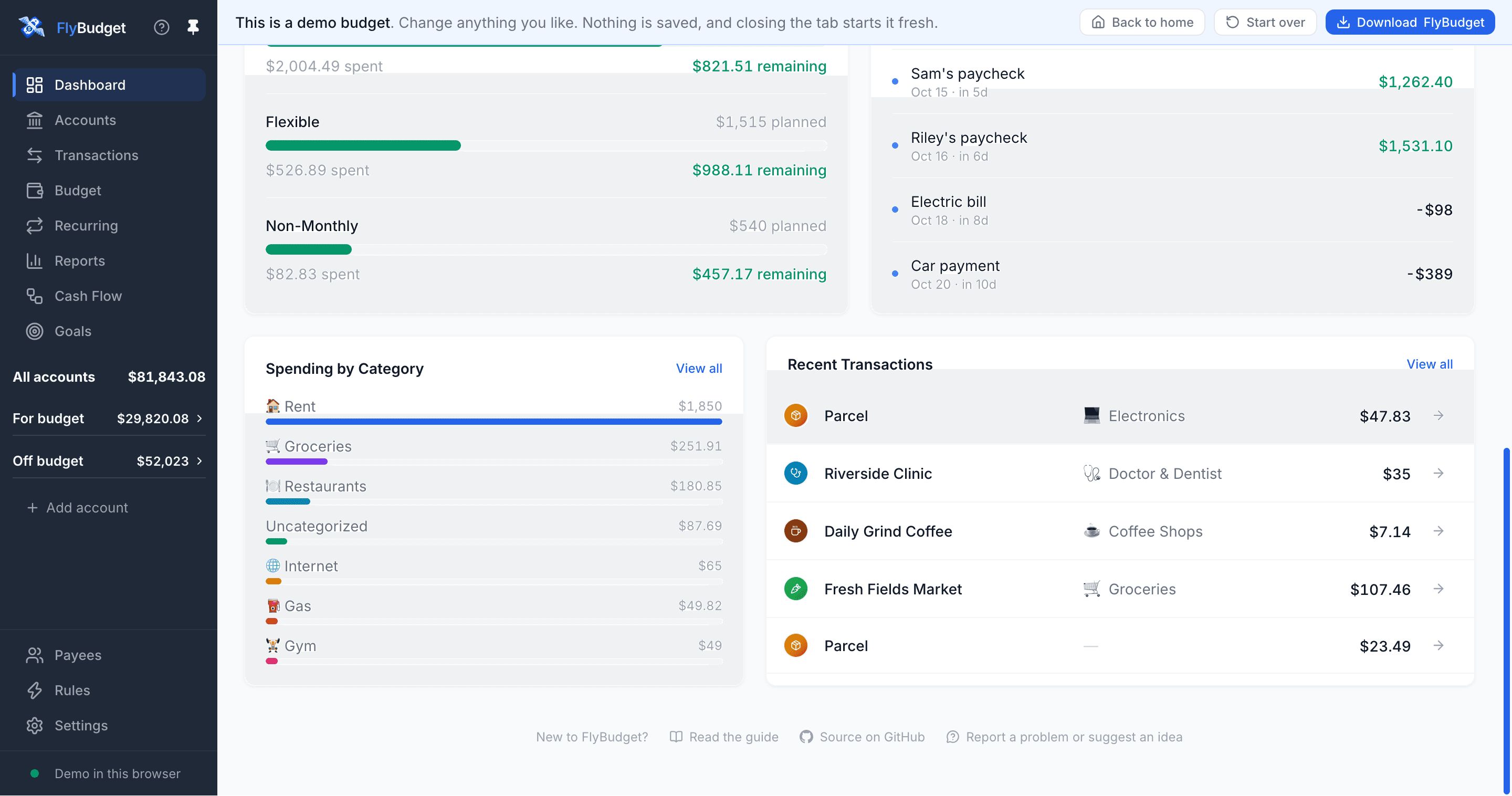
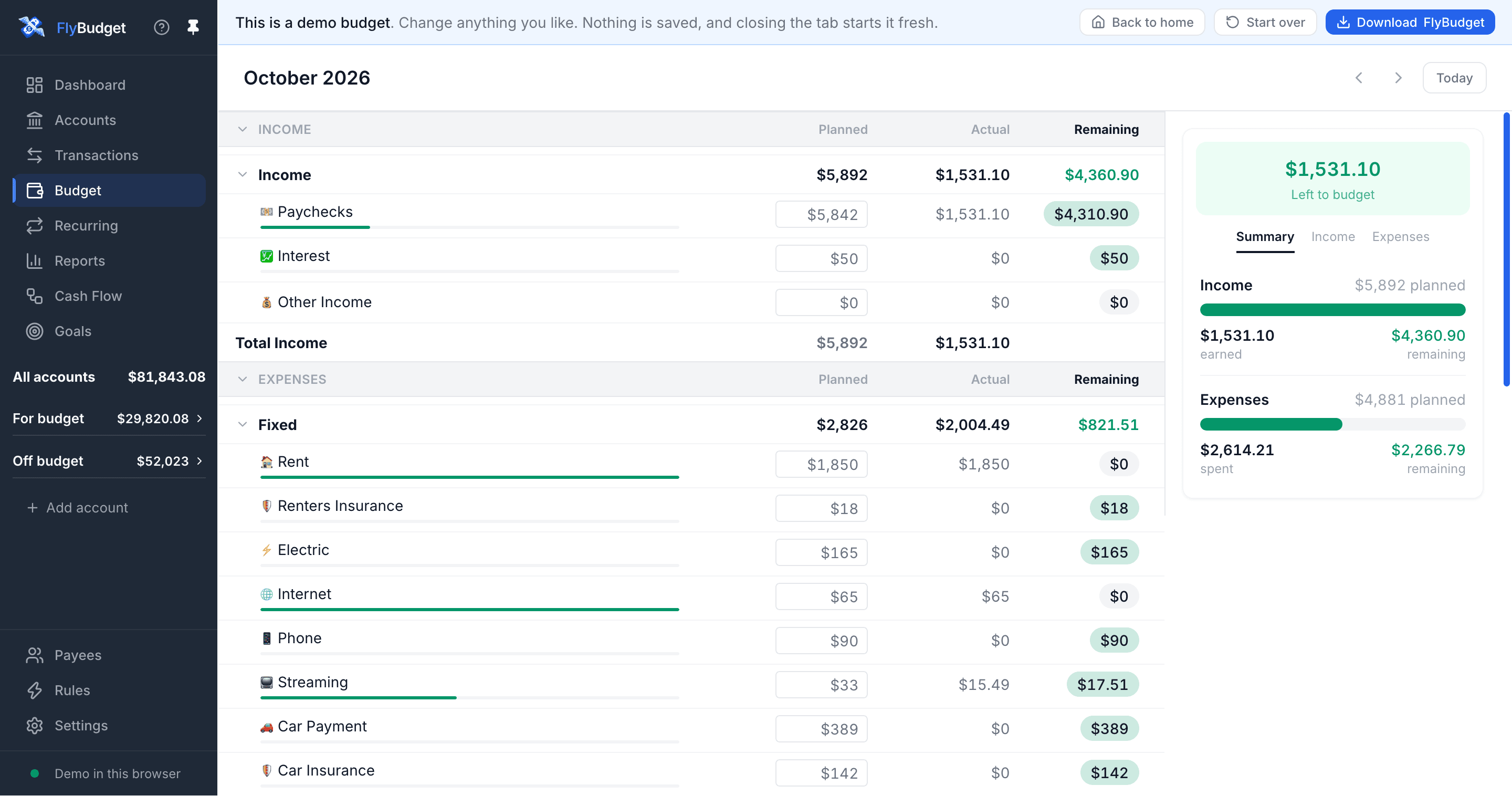
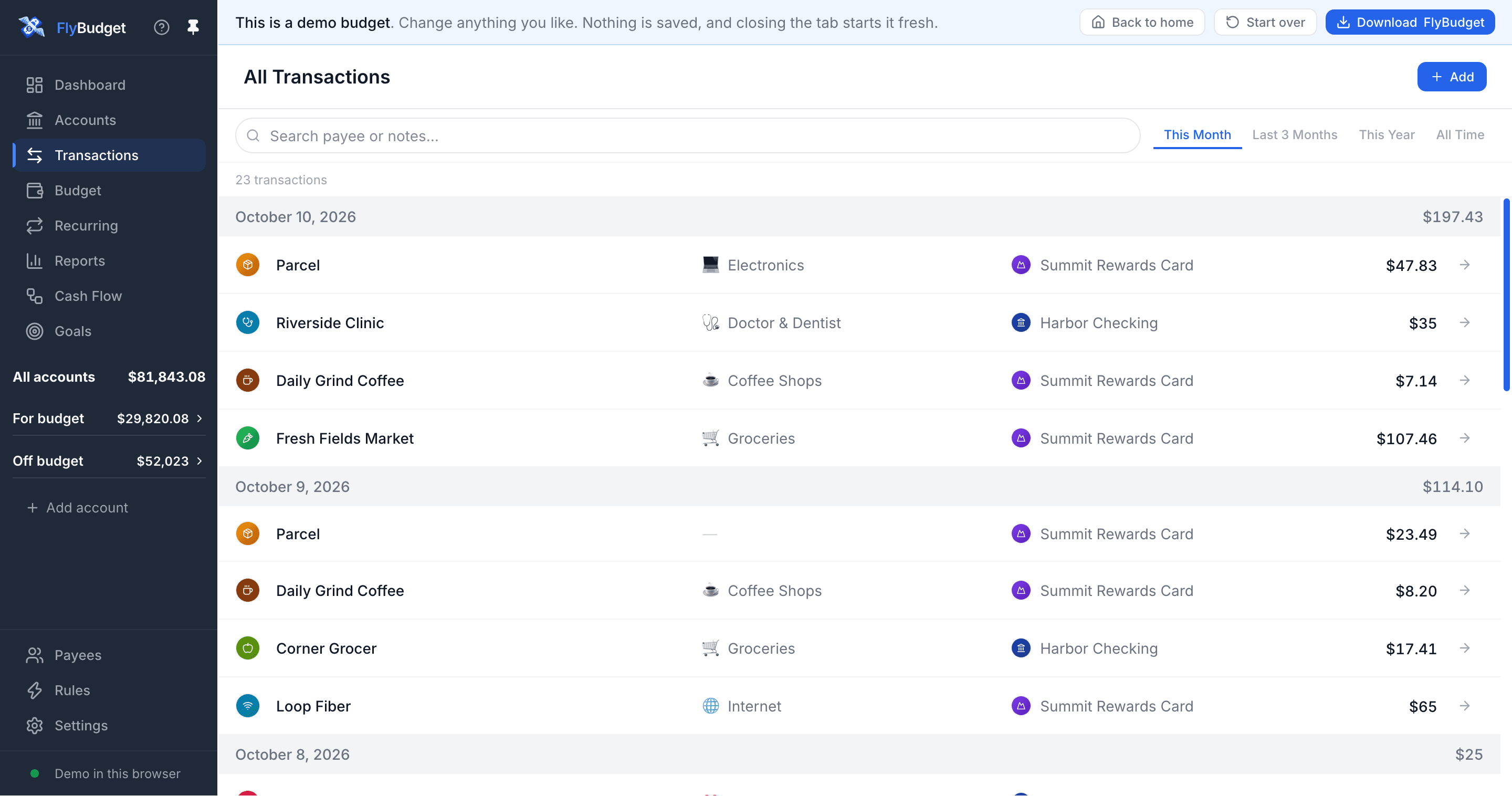
FlyBudget is a free and open-source budgeting app built around zero-based planning: every dollar gets a category, unplanned money carries into next month, and plain-word rules sort incoming transactions for you. It tracks 17 account types across cash, credit, investments, property, and loans, with net worth, reconciliation, recurring bills and paycheck detection, savings goals, and customizable report dashboards with cash-flow views.
Everything lives in one file on your own computer or server — there is no FlyBudget cloud, account, or telemetry. Bank credentials for automatic sync via SimpleFIN or Plaid are encrypted with AES-256-GCM under an OS-protected key, and CSV import with duplicate detection covers banks without a sync option. Desktop apps ship for Windows, macOS, and Linux, and a Docker image serves the same app to any browser with a phone-friendly layout and offline queueing.
Compared with paid tools like YNAB, Monarch Money, or Copilot Money, FlyBudget offers the same envelope-style planning and bank sync without a subscription, and unlike Mint or Rocket Money your data never leaves your control. It is earlier-stage than those products — multi-currency and a YNAB importer are still on the roadmap — but it is actively developed and fully usable today.
Categories:






Frequently Asked Questions
Which platforms does FlyBudget run on?
FlyBudget ships Electron desktop apps for Windows 10 and 11, macOS 12 and later (Apple silicon and Intel), and 64-bit Linux (.deb, AppImage, and ARM builds). The same app can be self-hosted with Docker and opened from any browser, with a layout adapted for phones. There is no separate native mobile app.
Can I import existing data into FlyBudget?
Yes. You can import CSV files from any bank with automatic duplicate detection, or sync transactions automatically through SimpleFIN or Plaid. A dedicated importer for YNAB and other budgeting apps is on the roadmap but not available yet.
How does FlyBudget protect my bank credentials?
Plaid and SimpleFIN secrets are encrypted with AES-256-GCM under a key held by your operating system: Windows DPAPI, macOS Keychain, or the Linux secret service. A copied database file alone gives no bank access, and your financial data only leaves your machine when bank sync runs.
Does FlyBudget work offline?
Yes. The desktop app is local-first, so your budget file lives on your computer. The self-hosted version keeps showing your budget if the server connection drops, queues new transactions, and reconnects on its own. Transactions added on a phone without a connection are saved as soon as it returns.
How do backups and data portability work in FlyBudget?
You can download a full backup of your budget at any time and restore it in one step, or export your data as CSV. Self-hosters get versioned images for amd64 and arm64, and the self-hosting guide covers HTTPS setup, backups, and updates.
OpenAltFinder Score
Project Details
Repository details
Updated 10/10/2026, 6:00:15 AM
View RepositoryCompare FlyBudget with
Similar open source alternatives

Securo
Open-source self-hosted personal finance manager with bank sync, multi-currency budgets, investments, splits, and an optional self-hosted AI assistant.
 Mint
MintBudget Board
Self-hosted budgeting app for tracking accounts, spending, and financial goals, with bank syncing via SimpleFIN and ML-powered auto-categorization.
Mint
Wealthfolio
A beautiful, private, local-first personal finance tracker for investments, net worth, spending, and simulations.
 Empower
BudgetBee
BudgetBee is a Docker-based, self-hosted personal finance manager. Track expenses, budgets, accounts, savings goals, and net worth with full data ownership and zero subscriptions.
Mint
Renewlet
Self-hosted subscription tracker with timezone-aware reminders, budgets, spending insights, and ten notification channels.
 Rocket Money
Wallos
Open-source, self-hosted subscription tracker for visualizing recurring expenses, managing budgets, and saving money.
Rocket Money